








Tap Tempo — Measure BPM By Tapping Along To Any Music
Tap the button in time with the music and the Tap Tempo tool tells you the BPM. No files to upload, no microphone access — just tap, read the number, and get back to making music.
Click the circle, tap it, or press the Space key. Stop tapping for 3 seconds to reset.
Key features
Discover what makes this tool powerful — and private.
Four-Tap Instant BPM
Tap four times and you already have a rolling BPM estimate. Keep tapping and the number locks in with every new interval — handy for quickly catching the tempo of a song playing in the room.

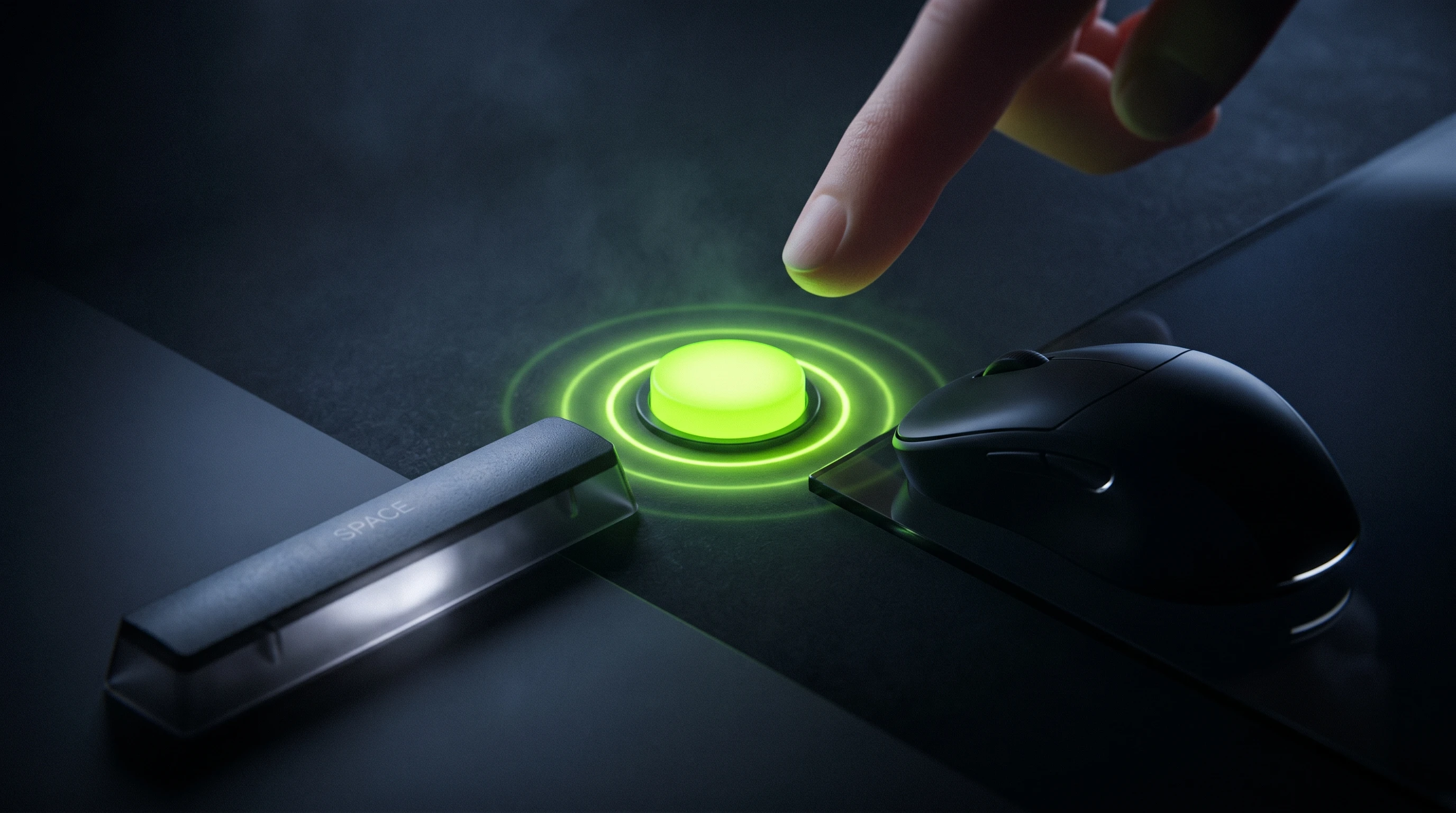
Keyboard, Mouse, Or Touch
Hit the big button with your mouse, tap it with your finger, or slam the spacebar — whichever is fastest. The tap detector uses high-resolution timestamps for sub-millisecond accuracy.
Rolling Average + Last-Interval Readout
See the average BPM across your tap window plus the instant BPM from your most recent tap pair. Long-press gaps auto-reset the counter so you can start fresh on the next chorus.

Zero-Latency, Zero-Setup
No file uploads, no mic permissions, no cloud processing. Open the page, start tapping. It's the fastest way to estimate BPM when you can't paste a file into a key/BPM finder.

Frequently asked questions
Everything you need to know about this tool.
Two taps is the absolute minimum (one interval), but four or more taps will give you a stable reading. Keep tapping for 8–16 beats for a rock-solid BPM value.
Yes — press the spacebar or tap the big button. Both are identical under the hood.
Anything from a sleepy 30 BPM ballad to 300+ BPM speedcore — the math is just 60 divided by your average inter-tap interval.
Yes. If there's a pause longer than about three seconds between taps the counter resets so you can start a new measurement on a new section.
Yes — free and unlimited.
Explore every music tool
Every tool here runs 100% in your browser.