








MP3 To MIDI — Convert MP3 Melody Lines Into MIDI Files
Drop an MP3 (or WAV / FLAC / M4A — we accept them all) and get a downloadable MIDI file of the main melodic line. The MP3 to MIDI tool uses YIN pitch tracking and runs entirely in your browser.
Drop an MP3 (or WAV / FLAC / M4A) to convert to MIDI
MP3 preferred — WAV, FLAC, OGG, M4A, WebM also supported.
Key features
Discover what makes this tool powerful — and private.
MP3 In, MIDI Out
Drop an MP3 and the MP3 to MIDI tool decodes it, tracks pitch frame-by-frame, segments the pitch stream into discrete notes, and packages the result as a downloadable Standard MIDI File.

Also Accepts WAV, FLAC, M4A, OGG, WebM
Despite the name, any browser-decodable audio format works — not just MP3. Use lossless sources whenever possible for the cleanest pitch tracking.
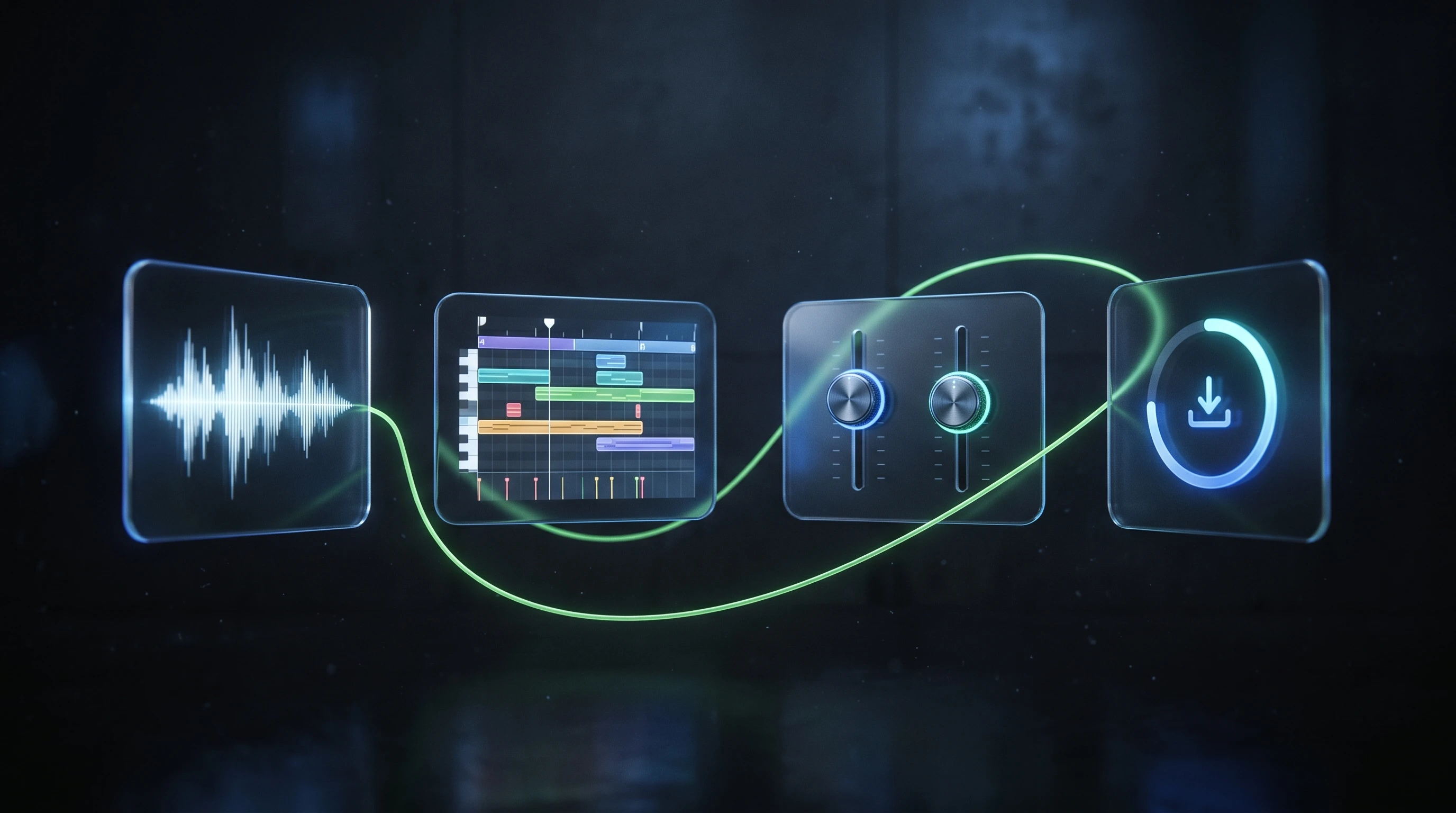
Browse, Preview, Tweak, Download
Before downloading you can preview the note-segmented transcription, change the minimum note length, adjust pitch tolerance, and pick a tempo to stamp into the MIDI file.
Private By Design
Your MP3 never leaves your computer. All decoding, analysis, and MIDI writing happens inside the browser tab, and the file is discarded the moment you close the page.
Frequently asked questions
Everything you need to know about this tool.
No — only the dominant melodic voice. Under the hood this is a monophonic pitch tracker; a full polyphonic transcription would require a heavy deep-learning model. For clean melody-only MP3s (vocals, solos, whistles) the results are very useful.
MP3 is the most common input format people ask about, but the tool actually accepts anything your browser can decode — WAV, FLAC, OGG, M4A / AAC, WebM. Use lossless if you have it.
A single MIDI track: tempo meta-event, 4/4 time signature, program change to Acoustic Grand Piano (change the instrument in your DAW), and the transcribed note events.
No. All analysis runs in your browser. The MP3 never leaves your device.
Yes — you're converting your own audio file, so the MIDI output belongs to you. Note: re-publishing MIDI derived from third-party copyrighted recordings may still be subject to the original master/composition rights.
Explore every music tool
Every tool here runs 100% in your browser.