








Audio To MIDI Converter — Turn Monophonic Audio Into MIDI Files
Drop a melody, vocal line, or solo and the Audio to MIDI Converter transcribes it into a downloadable MIDI file. YIN-based pitch tracking + note segmentation + Type-0 SMF export, all in-browser.
Drop an audio file to convert to MIDI
MP3, WAV, FLAC, OGG, M4A, WebM
Key features
Discover what makes this tool powerful — and private.
YIN Pitch Tracking + Note Segmentation
We run YIN pitch detection frame-by-frame, then segment the pitch stream into discrete notes using semitone-tolerance clustering and minimum-duration filtering. The result is a clean list of MIDI notes ready to render.
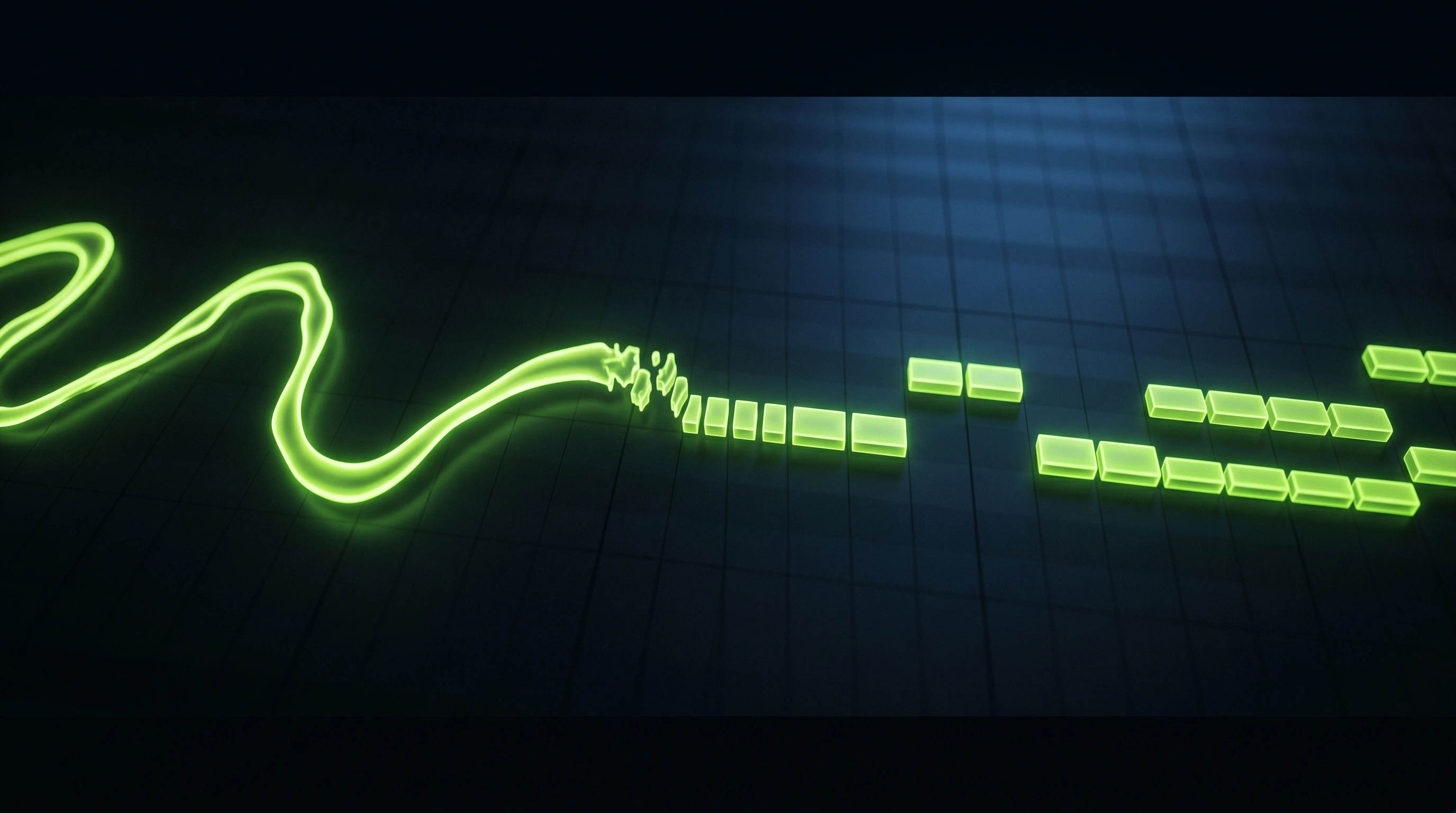
Download A Standard MIDI File
Export as a Type-0 Standard MIDI File — playable in every DAW, notation app, and hardware sequencer on the planet. Drop the .mid into Logic, Ableton, FL Studio, Reaper, or MuseScore.

Control The Clean-Up
Adjustable minimum-note length and pitch-tolerance sliders let you control how aggressively the converter merges short pitch jitters into single notes — from highly expressive (preserve every slide) to clean and quantised.
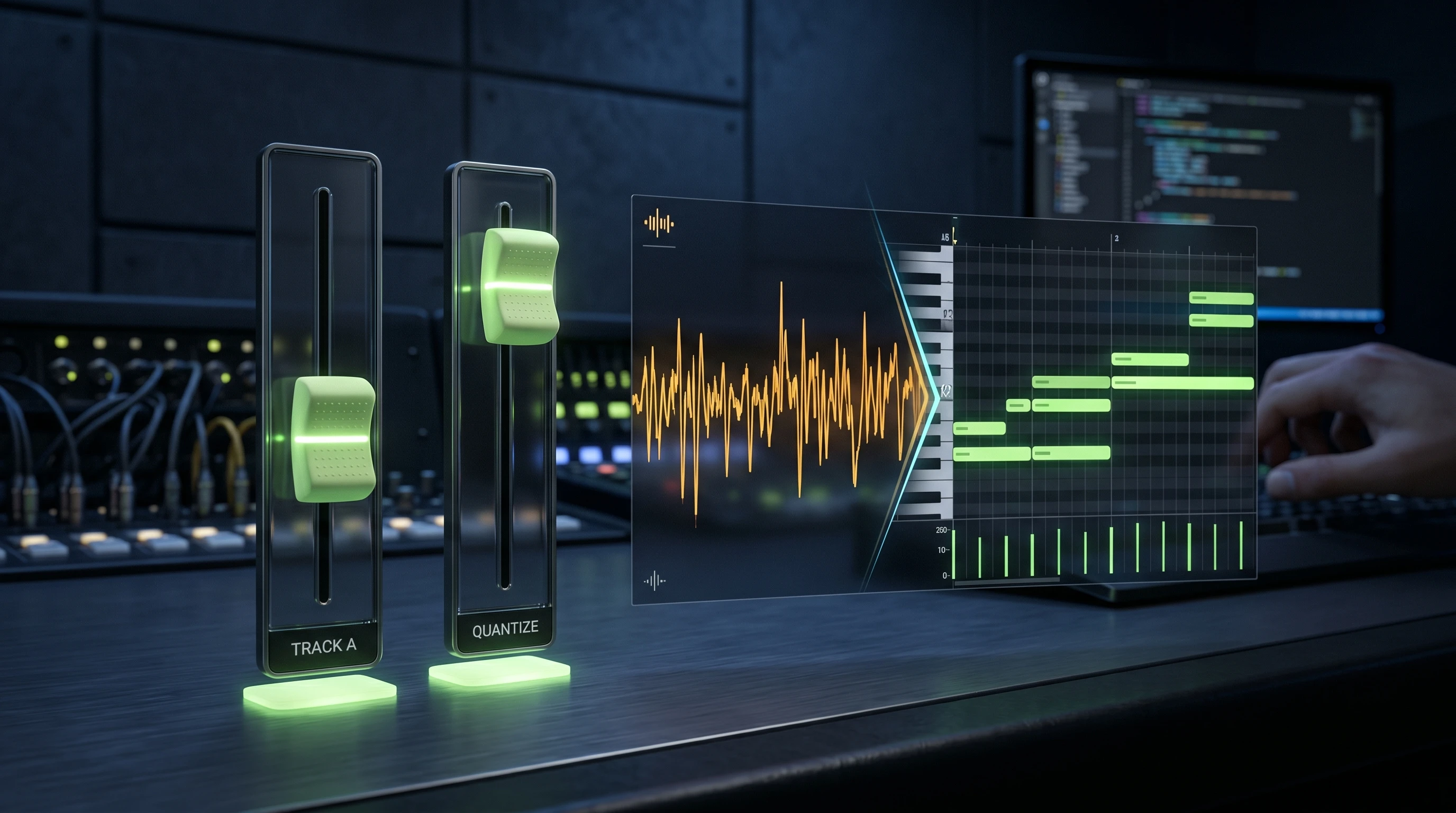
Works With Vocals, Whistles, And Solos
Monophonic sources work best: humming, whistling, vocal takes, solo flute / sax / violin, trumpet, and monophonic synth leads. Polyphonic recordings will fall back to whichever voice is loudest.

Frequently asked questions
Everything you need to know about this tool.
Not reliably. The Audio to MIDI Converter is a monophonic tool — it assumes one pitch at a time. For polyphonic transcription you need a much heavier deep-learning pipeline (and typically a paid cloud service).
Isolate a single voice (hum the melody into your mic, record the vocal line dry, or export a solo stem). Keep the recording clean and in-tune, and aim for a minimum of a few seconds of held notes for reliable segmentation.
One track with a tempo meta-event (we default to 120 BPM but you can override it), a 4/4 time-signature, a program-change to Acoustic Grand Piano (you can change the instrument in your DAW), and the transcribed note events.
No. All pitch tracking, note segmentation, and MIDI writing happens in your browser. Nothing is sent to Cuty.ai.
Yes. The converted MIDI is derived from your own recording — use it as a starting point for production, scoring, remixing, or any commercial project.
Explore every music tool
Every tool here runs 100% in your browser.