





Komiko
Komiko is an all-in-one AI platform for creating comics, manga, webtoons, and animations from text prompts. Click the input box below to use similar features on Cuty AI.
Key Features of Komiko
- Character-Consistent AI Generation: Save characters once and reuse them across panels, scenes, and chapters with a consistent look.
- AI Comic and Manga Generator: Turn a text prompt into multi-panel comic pages with character, background, and dialogue ready to edit.
- Infinite Canvas with Panel Layouts: A web-based comic editor with panels, speech bubbles, captions, and visual effects on a zoomable canvas.
- Line Art Colorization and Photo-to-Anime: Auto-color uncolored line art and convert real photos into manga or anime-style illustrations.
- AI In-Betweening for Animation: Provide 2-5 keyframes and Komiko generates the intermediate frames to produce smooth animation.
- Keyframe-to-Video with Veo, Kling, and Hailuo: Send keyframes to Veo, Kling, or Hailuo to generate finished video clips, then upscale them in-platform.
- Image Upscaler and Background Remover: Built-in upscaler and background remover for cleaning up panels and prepping art for print or web.
Character-Consistent AI Generation
Komiko's character database lets you register a character — appearance, outfit, key traits — and call it back into any panel or scene. The model preserves identity across angles, lighting, and expressions, which is the single hardest problem in AI comics work and the platform's main selling point. Multi-character pose control then lets you stage interactions between several saved characters in one shot.
AI Comic and Manga Generator
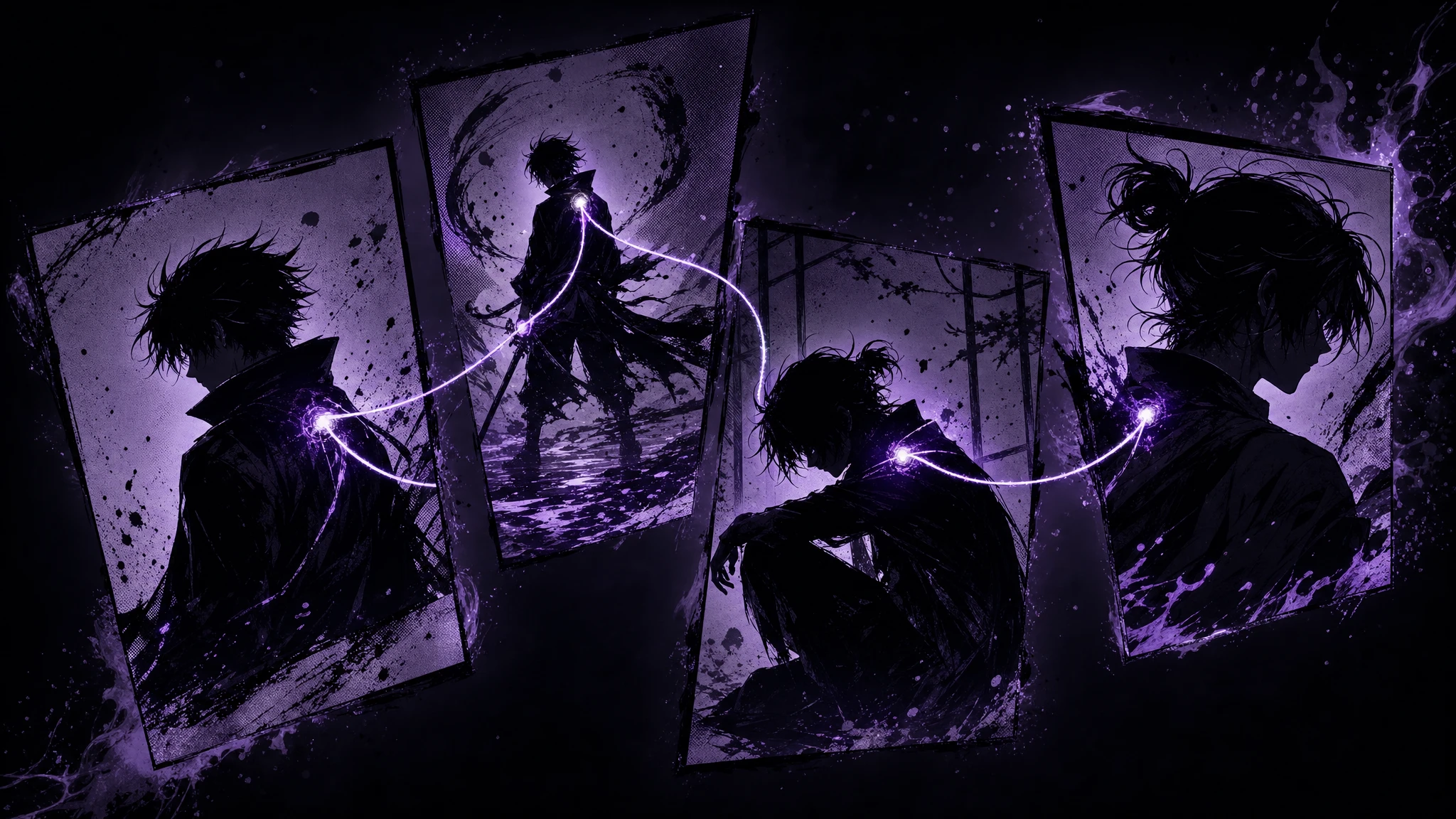
Type a scene description and Komiko returns rendered comic panels using your saved characters. The output drops straight onto an infinite canvas where you can rearrange panels, edit speech bubbles, and add sound effects. The same engine handles Western comic, manga, and webtoon styles.
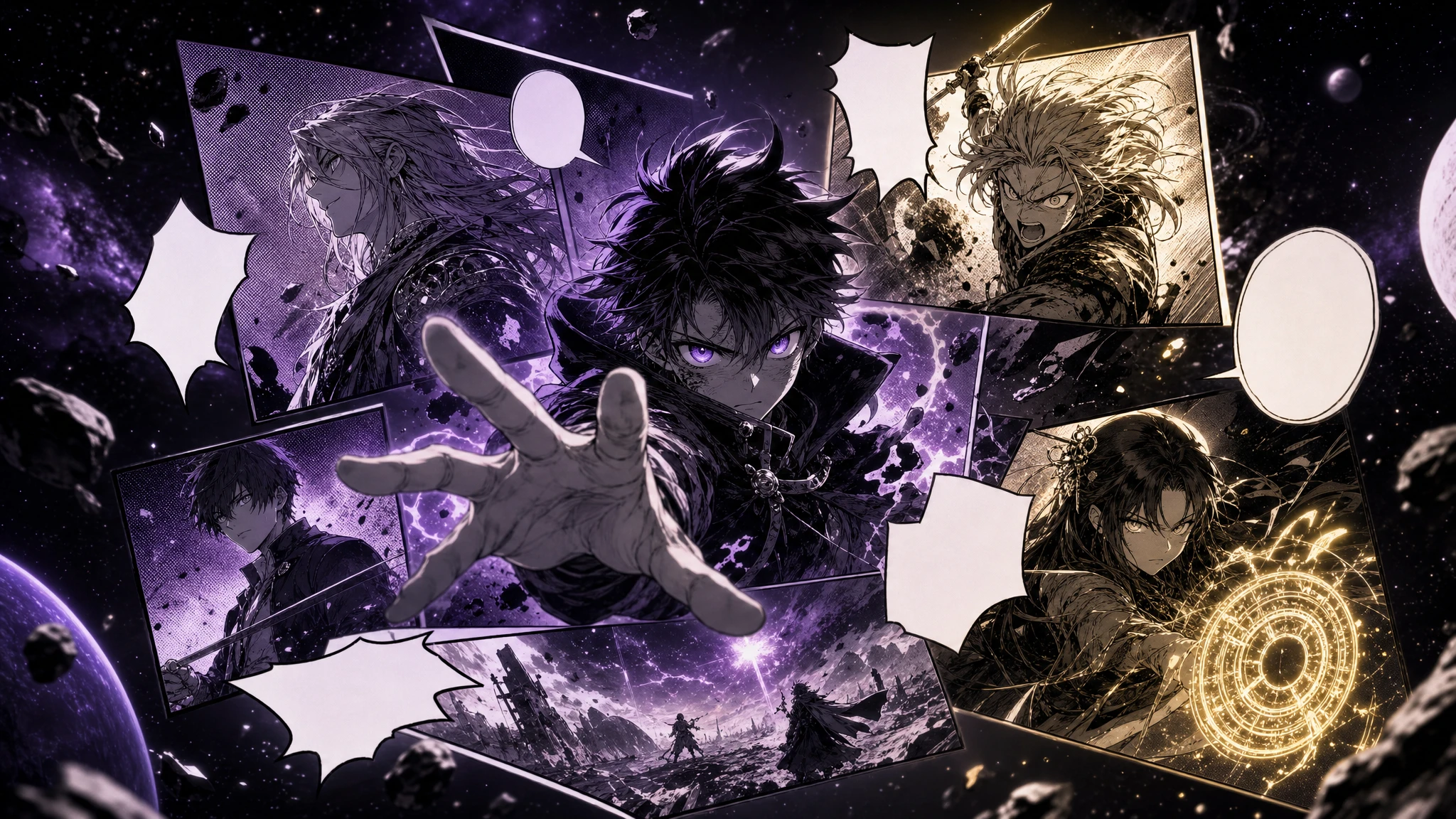
Infinite Canvas with Panel Layouts
The infinite canvas is the assembly surface for your pages. You place generated panels in any layout, drop in speech bubbles and captions, and apply manga-style effects. Because the canvas has no fixed page bounds, the same project supports printable pages, vertical webtoons, and storyboard-style layouts.
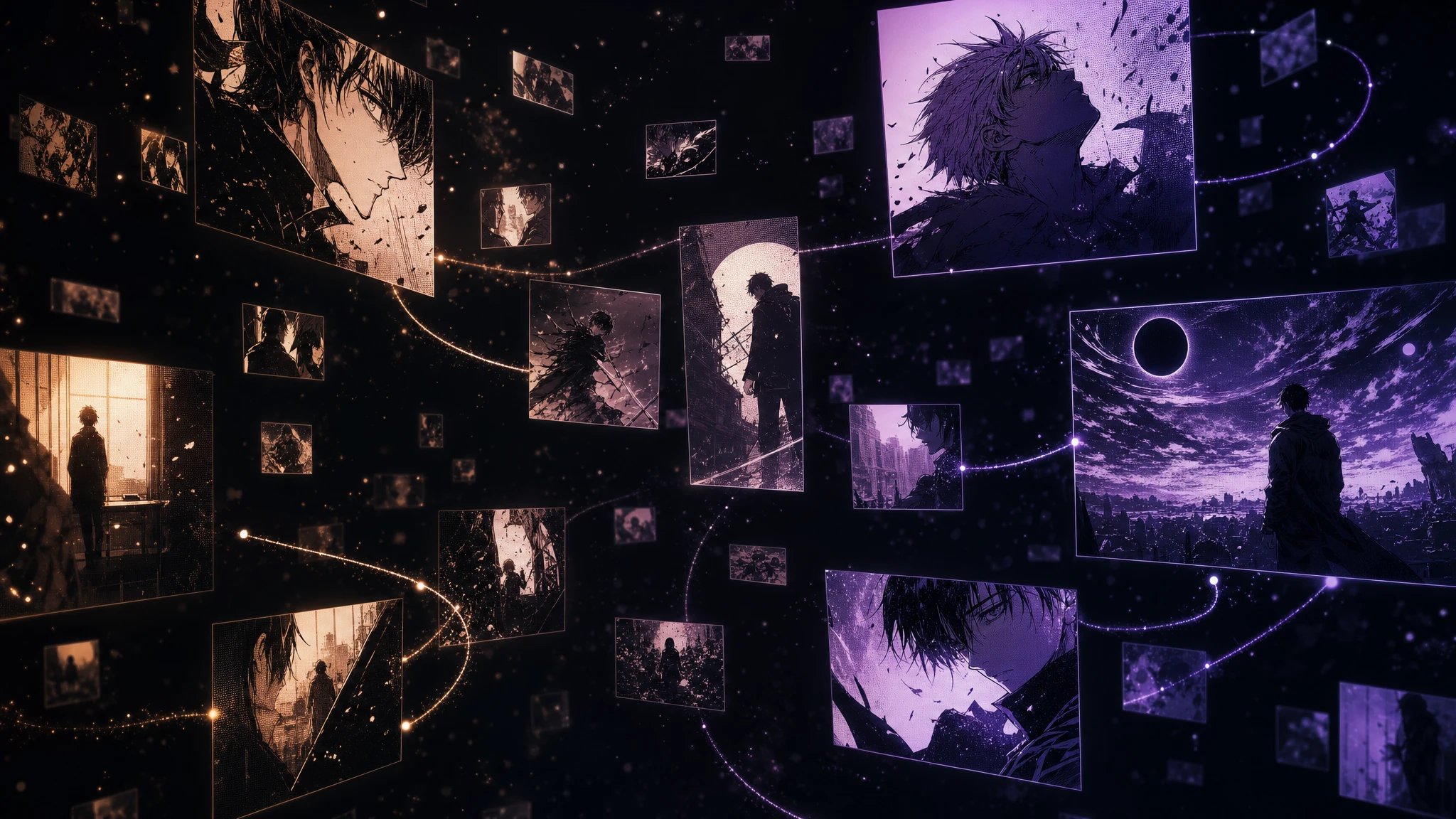
Line Art Colorization and Photo-to-Anime
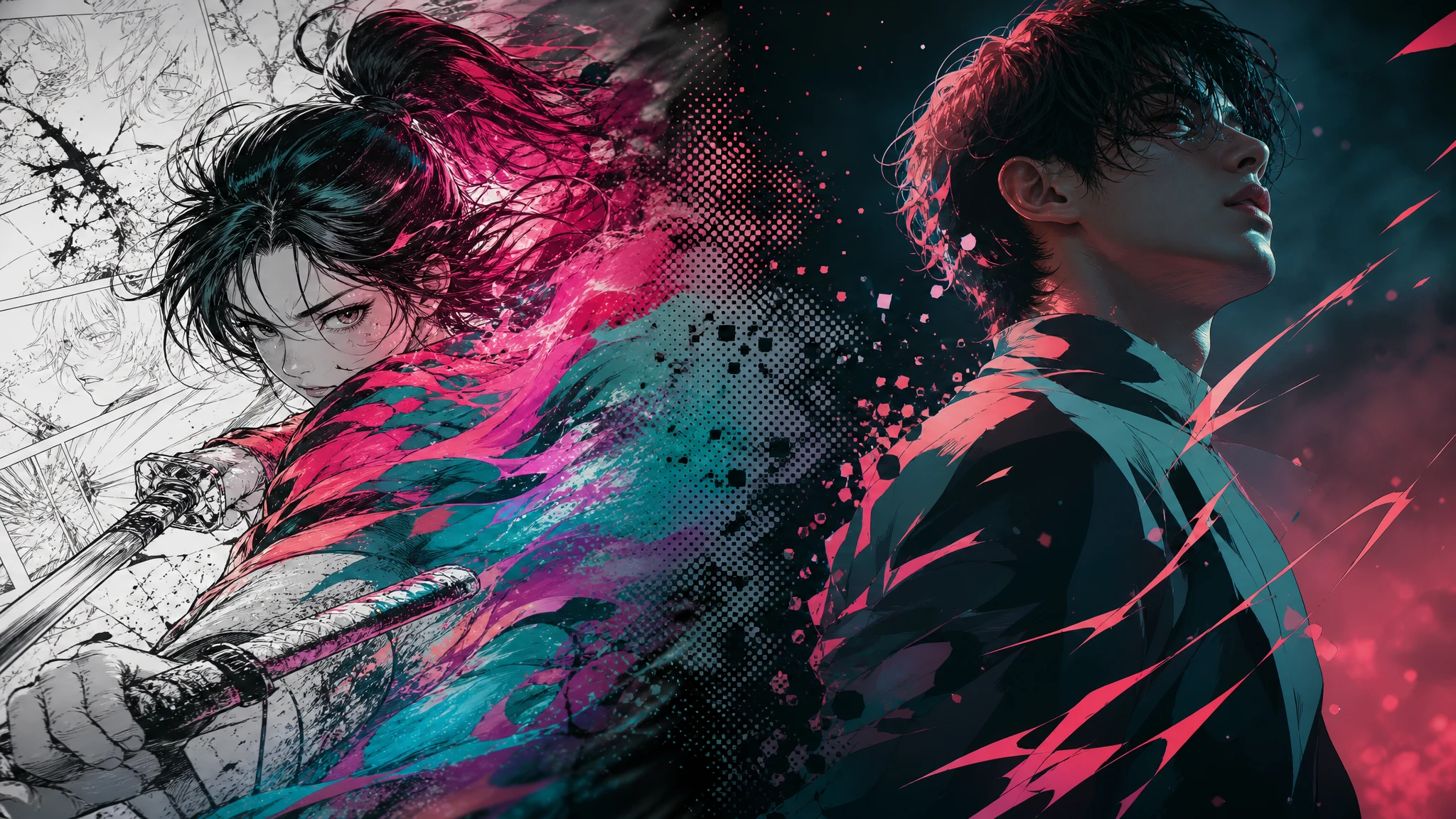
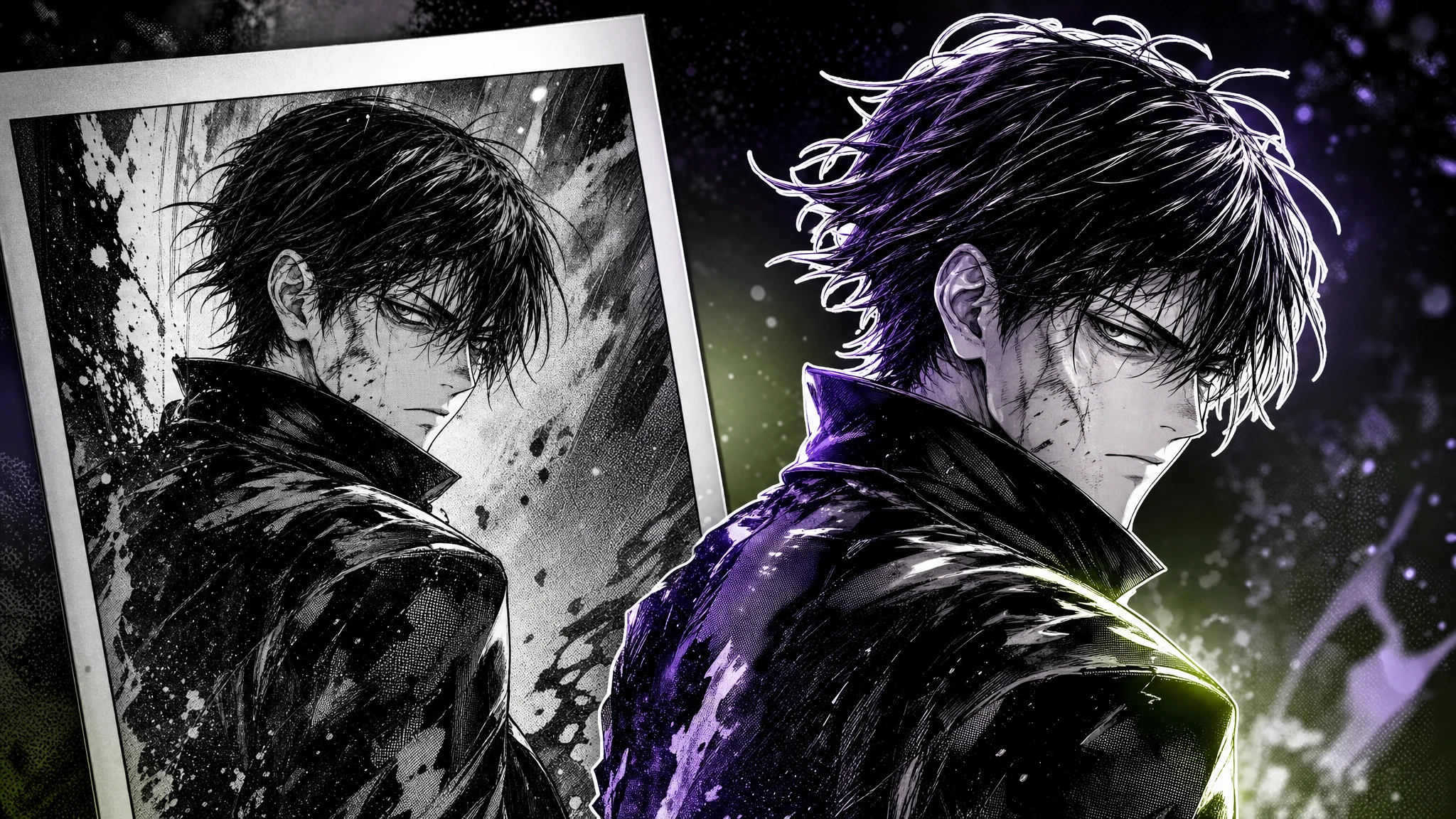
Komiko includes a manga colorization pass that takes uncolored line art and applies palette-coherent color, and a photo-to-anime tool that restyles a real photograph into manga or anime. Background relighting lets you change the lighting on an existing scene without redrawing it, which is useful for keeping a consistent setting across day and night panels.
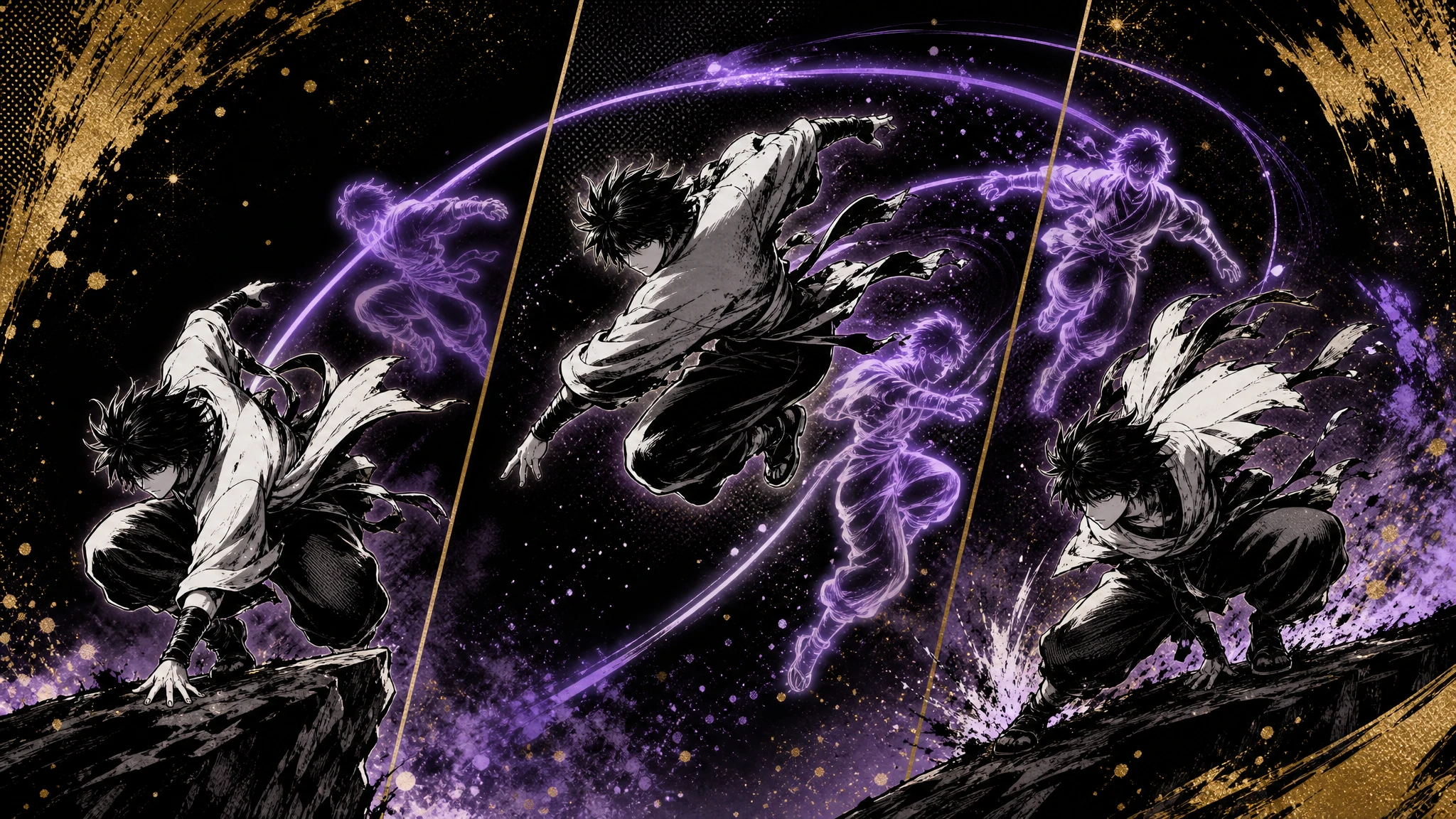
AI In-Betweening for Animation
Komiko's in-betweening tool accepts between two and five keyframes from your comic and generates the intermediate frames needed to animate the motion between them. This makes it possible to take static comic panels and turn specific moments into short animated sequences without drawing every frame by hand.
Keyframe-to-Video with Veo, Kling, and Hailuo
Beyond in-betweening, Komiko lets you route keyframes into external video models — Google Veo, Kling, or Hailuo — to generate longer animated clips. The platform then handles video upscaling so the final clip is delivered at a usable resolution for social posts or trailers. This bridges static comic creation and finished motion content in one workflow.
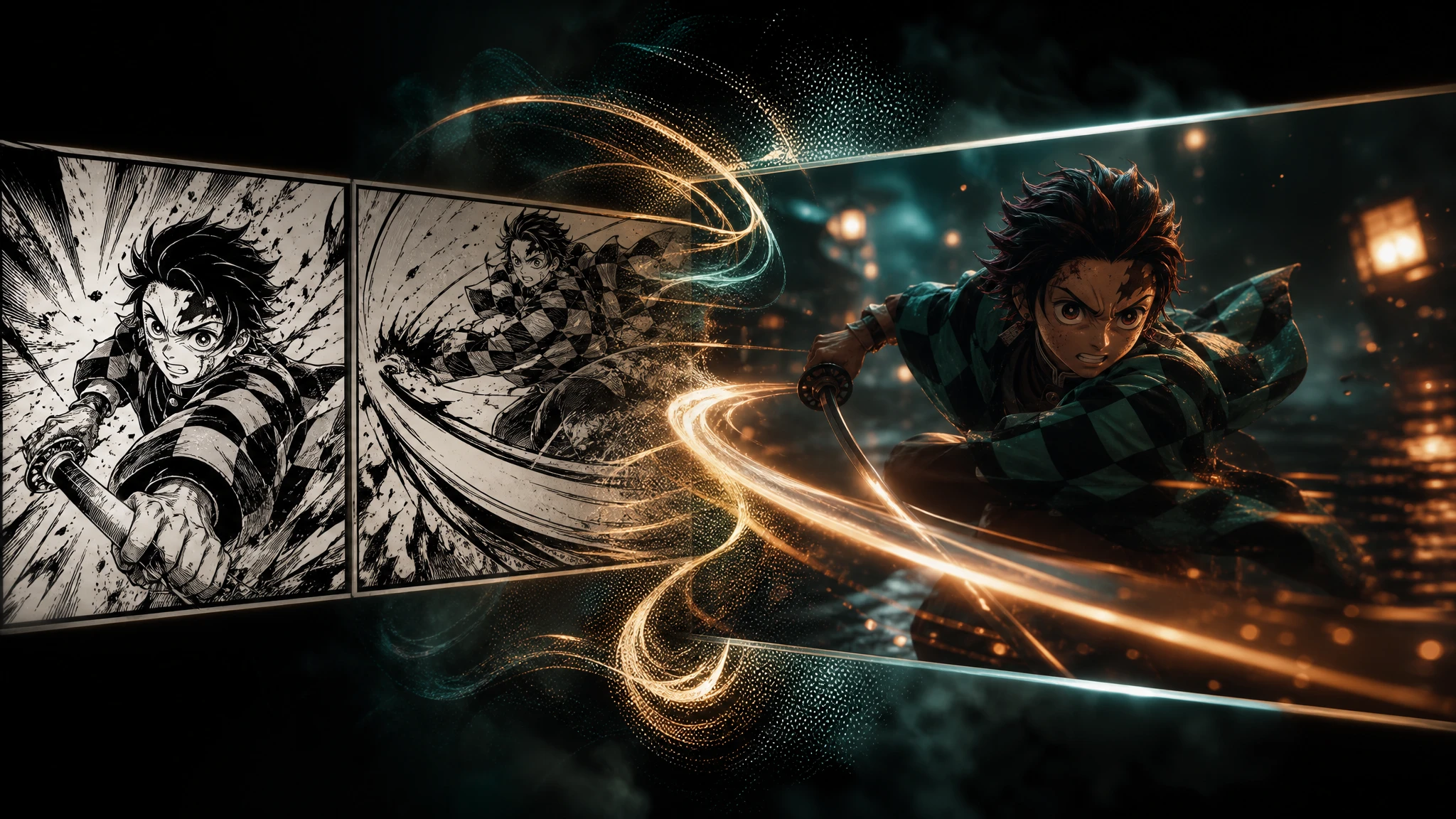
Image Upscaler and Background Remover
An image upscaler raises the resolution of generated panels for print or high-res web use, and a background remover isolates characters from generated scenes so they can be composited into other panels or marketing assets. Both run inside the same project, so you do not have to leave the editor to prep final art.
Frequently Asked Questions
Everything you need to know about komiko
Komiko is an AI platform for creating comics, manga, webtoons, and animations, built by Story Engine, Inc. It pairs character-consistent AI generation with an infinite canvas comic editor, line art colorization, photo-to-anime conversion, and AI in-betweening for animation, and is used by more than 100,000 creators.
Save your characters into the character database, write a scene prompt, and Komiko renders panels using those characters. Drop the panels onto the infinite canvas, add speech bubbles and effects, and iterate panel by panel until the page is finished. The same flow works for Western comics, manga, and vertical webtoons.
Komiko uses a credit system called "zaps." The free trial allows limited daily generations with watermarks. The Pro plan is $10/month and adds unlimited generations, no watermark, and HD downloads. A Creator plan is available with custom pricing for commercial rights and team access.
The free tier is for personal use and outputs are watermarked. Pro removes the watermark and allows HD downloads, and the Creator plan is the tier built around commercial rights and team workflows for studios and publishers shipping work to clients or to market.
Yes. Komiko's AI in-betweening accepts 2-5 keyframes and generates the frames in between to produce smooth animation. For longer clips, you can route keyframes through external video models such as Google Veo, Kling, or Hailuo, and upscale the resulting video inside the platform.
Komiko's main differentiator is character consistency across panels, scenes, and chapters using the saved character database, plus multi-character pose control for staging interactions. Generic image generators typically lose character identity between prompts; Komiko is built specifically for the comic and manga workflow where the same character has to look the same in every panel.