








 Claude
 ChatGPT
 Claude Code
Generate images & videosWith your agent & Cuty CLI
Copy and send this to your agent
npm i -g @cuty-ai/cli.
2. Authenticate: run cuty auth login. I’ll complete sign-in and approve access in the browser it opens.
3. Install the companion skill: run npx skills add https://www.cuty.ai/skills.
Once that’s done, let me know when it’s ready.Creative examples
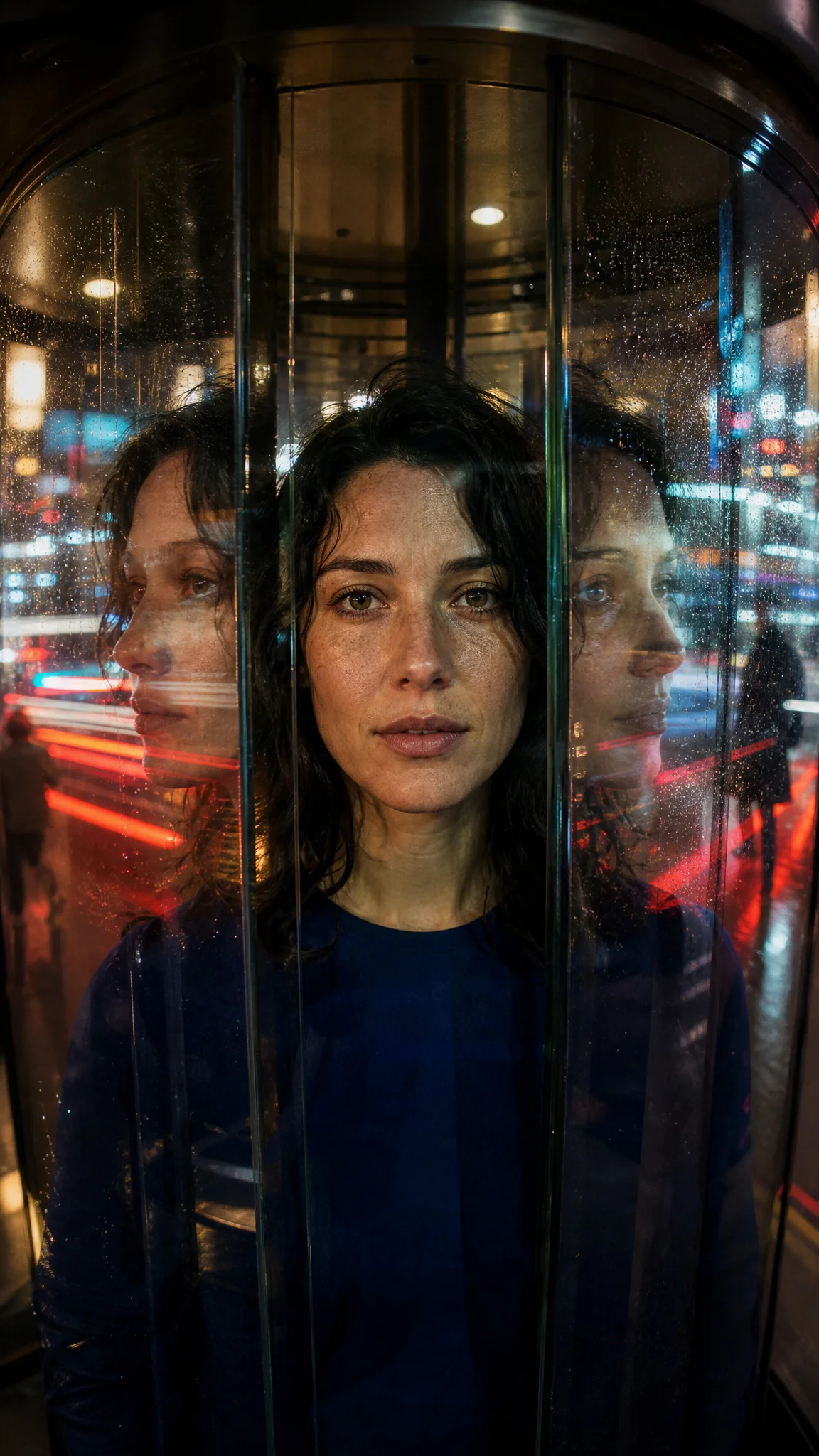





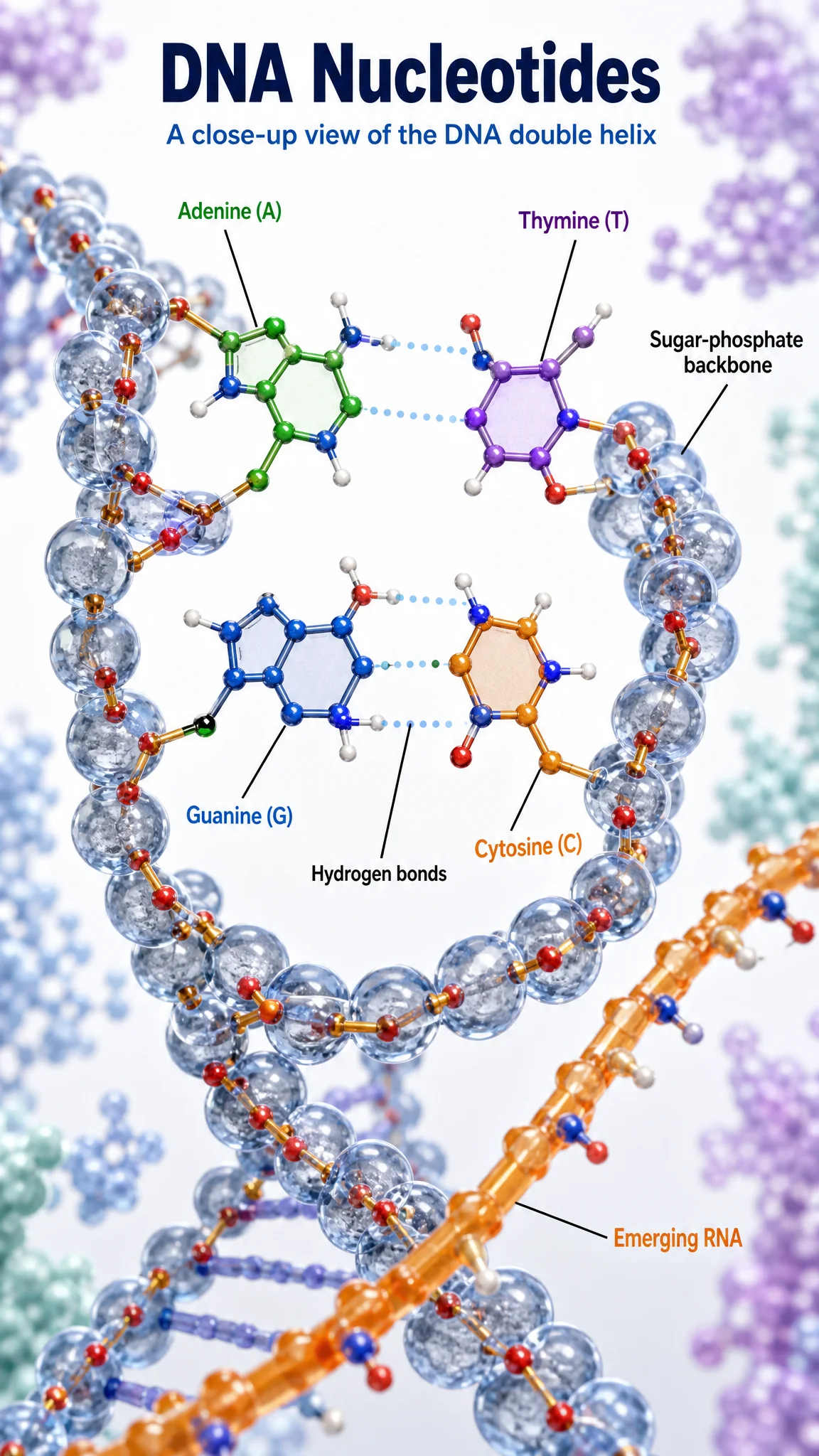

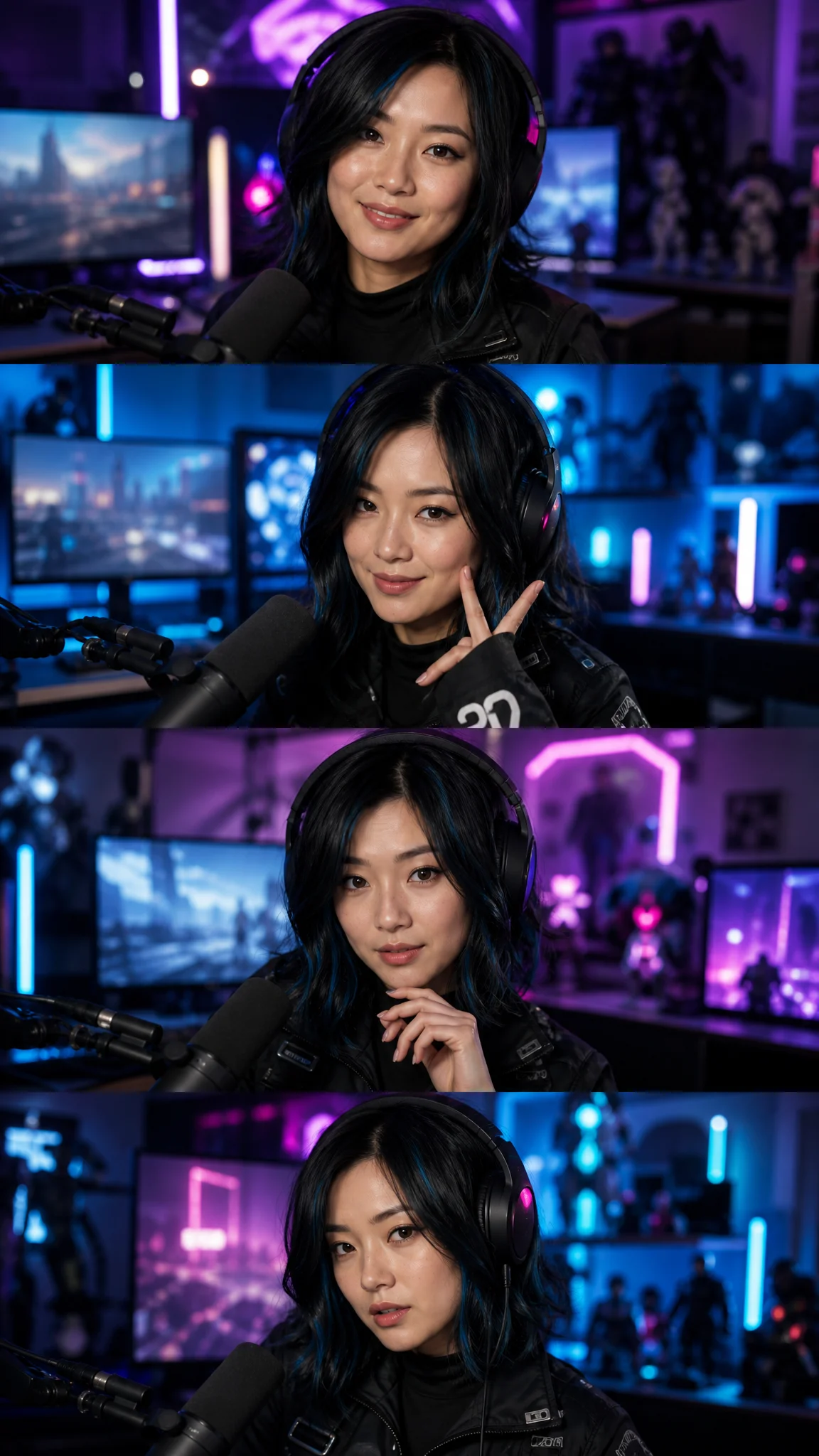

A few things to know
What do I need to get started?
Requires Node.js 22.12 or later and an invited Cuty account. Install the official @cuty-ai/cli npm package, authorize in your browser, and add the companion skill from the Cuty website. Ask your agent to check the live model catalog for available image and video models.
Can I use my Cuty account and credits?
Generations use this Cuty account’s existing credits and eligible benefits. This does not create an OpenAPI account or a separate balance.
Resume the same request
A successful create command means the task was accepted. If a request times out, keep its task ID and idempotency key. Use tasks get or requests resume to recover the original operation. Starting a new request can incur a new charge.
Where are my credentials and requests stored?
The CLI stores credentials and request receipts in a private local directory. Receipts may contain your prompts; use requests forget to remove a local receipt when it is no longer needed. Server tasks and billing records remain unchanged.
Your Cuty account.A new way to create.
Give your agent the setup instructions. Bring your next idea to life with Cuty.
Install Cuty CLI