








LiveAvatar
LiveAvatar is HeyGen's real-time avatar streaming API, designed for developers building interactive digital humans into their applications. Click the input box below to use similar features on Cuty AI.
Avatar*

Speech*
Key Features of LiveAvatar
- Real-Time WebRTC Avatar Streaming: Lifelike avatars streamed over WebRTC with synchronized lip-sync, expressions, and gestures.
- Two-Way Voice, Video, and Text Conversation: Live two-way conversation with the avatar across voice, video, and text inputs.
- Sub-Second Latency Infrastructure: Streaming infrastructure tuned for sub-second response time between user input and avatar reply.
- FULL Mode End-to-End Pipeline: HeyGen handles ASR, LLM, TTS, and avatar streaming in a single configured pipeline.
- LITE Mode for Bring-Your-Own LLM and Voice: Use HeyGen only for the avatar streaming layer and bring your own LLM, TTS, and ASR.
- Voice Cloning and Custom Avatars: Clone an avatar voice from video footage and pair it with custom or stock 1080p avatars.
- REST API and Documented SDK: Documented REST API for session tokens, sessions, and public or custom avatar listings.
Real-Time WebRTC Avatar Streaming
LiveAvatar streams a live, lip-synced video of a human-like character over WebRTC. Each session renders the avatar in real time, with natural eye contact, facial expressions, and head movement, so a conversational agent can appear on screen as a presenter rather than just a text or voice bot.

Two-Way Voice, Video, and Text Conversation
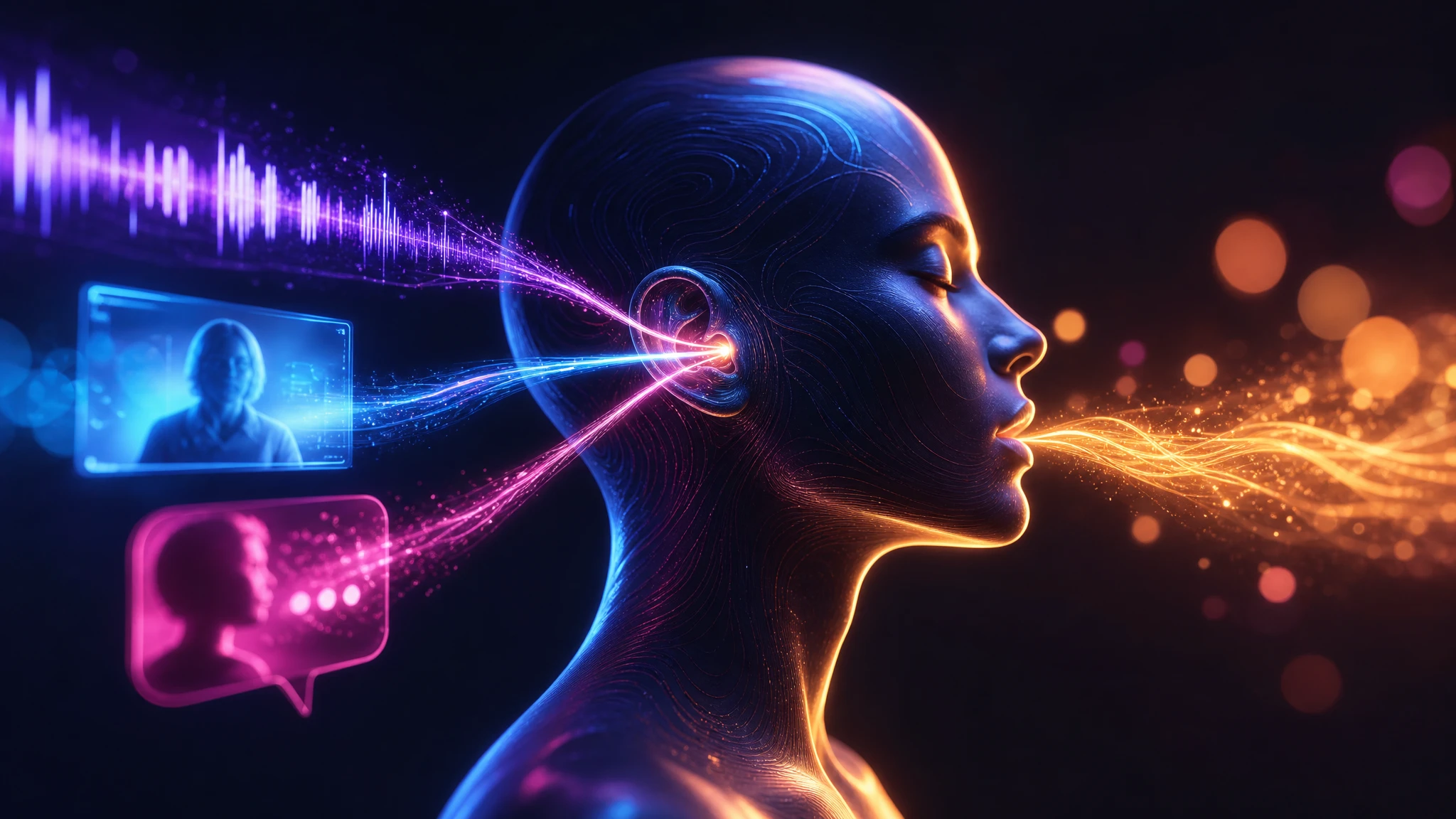
LiveAvatar sessions are designed for two-way interaction. A user can talk to the avatar with their voice, type into a chat box, or share video — the avatar listens, runs the input through the configured language model, and responds with speech and synchronized motion. That makes it suitable for sales reps, support agents, tutors, and interactive hosts.
Sub-Second Latency Infrastructure
The LiveAvatar backend is optimized for sub-second latency between user input and avatar response. The Session object orchestrates streaming input, model responses, and synchronized speech and video rendering as a single pipeline, which keeps live demos, support calls, and tutoring sessions feeling like a real conversation rather than a delayed exchange.

FULL Mode End-to-End Pipeline
FULL Mode is the turnkey path. HeyGen provides the full real-time AI stack — Voice Activity Detection, automatic speech recognition (Deepgram or AssemblyAI), a default LLM (OpenAI 4o-mini), text-to-speech via ElevenLabs, and the avatar streaming layer. You configure the avatar, voice, and knowledge context, then point your application at the session.

LITE Mode for Bring-Your-Own LLM and Voice
LITE Mode is built for teams that already run their own conversational stack. HeyGen handles only the avatar streaming, leaving the LLM, ASR, and TTS choices to you. That keeps your existing model, voice provider, and knowledge integrations in place while LiveAvatar handles the live face on top.

Voice Cloning and Custom Avatars
LiveAvatar's stock library includes 1080p preset avatars, and you can also register custom avatars trained for your brand. Voice cloning runs automatically from supplied video footage, so a custom avatar speaks in its source presenter's voice rather than a generic TTS voice. Custom TTS providers and voice libraries are also supported.
REST API and Documented SDK
The LiveAvatar REST API exposes core endpoints such as POST /v1/sessions/token, POST /v1/sessions/start with LiveKit credentials, GET /v1/sessions, GET /v1/avatars/public, and GET /v1/avatars/custom. You sign up at app.liveavatar.com, pull an API key from the developers page, and create an embed with POST /v2/embeddings to drop a live avatar into your app.

Frequently Asked Questions
Everything you need to know about liveavatar
LiveAvatar is HeyGen's real-time avatar streaming API. It lets developers embed lifelike, interactive digital humans into their applications over WebRTC, with sub-second latency, two-way conversation across voice, video, and text, and two integration modes — FULL and LITE.
You sign up at app.liveavatar.com, pull an API key from the developers page, and call POST /v1/sessions/token to create an authenticated session, followed by POST /v1/sessions/start with LiveKit credentials. The Session object then handles streaming user input, model responses, and synchronized speech and video over WebRTC.
Yes. Alongside the 1080p stock library, LiveAvatar supports custom avatars trained for your brand and listed via GET /v1/avatars/custom. Voice cloning runs from supplied video footage, so a custom avatar speaks in the source presenter's voice rather than a generic TTS voice.
FULL Mode is the turnkey pipeline — HeyGen provides ASR (Deepgram or AssemblyAI), LLM (OpenAI 4o-mini), TTS via ElevenLabs, and avatar streaming. LITE Mode is leaner — HeyGen only streams the avatar and you bring your own LLM, TTS, and ASR, which keeps existing model and voice integrations in place.
LiveAvatar is built for interactive use cases: real-time product demos, virtual sales assistants, AI-powered support or training agents, and interactive hosts, tutors, or characters. Because it streams a live face over WebRTC, it suits anything where text or voice alone is not enough.
Yes. Documentation is published at docs.liveavatar.com and covers the LiveAvatar Session model, FULL and LITE mode setup, embeds via POST /v2/embeddings, avatar and voice management, and HeyGen-to-LiveAvatar migration. The X-API-KEY header is used to authenticate requests.