Top 10 Alternatives To Segmind Worth Considering
AIGC
Tutorial
Recently, I've been incorporating Segmind into my AI creation workflow, and it has made a significant difference. However, the pricing can be quite expensive. Recently, I've been exploring alternative solutions, and I'm happy to share the ones that have impressed me the most.
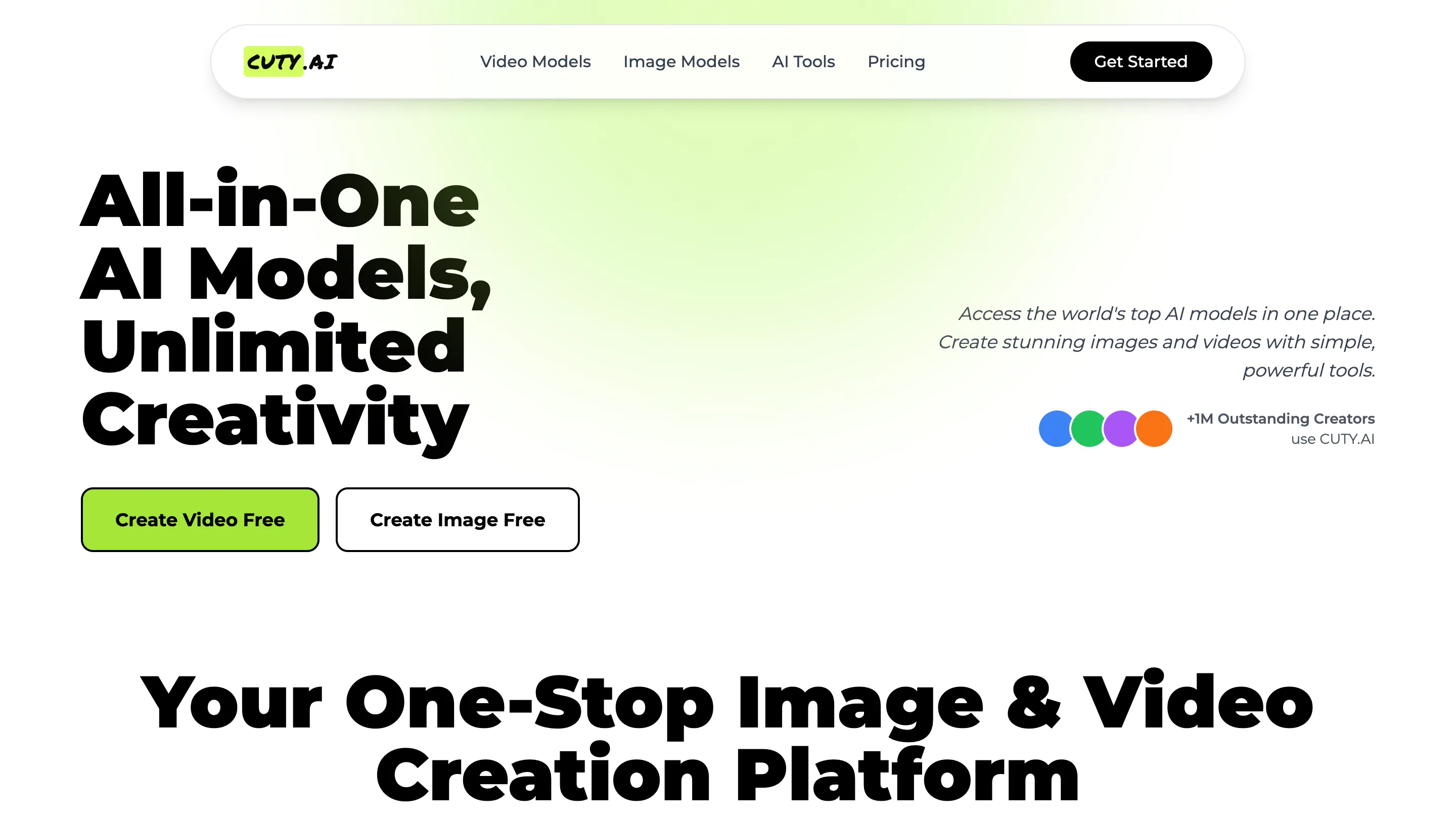
- Cuty AI - An One-Stop Image & Video Creation Platform.
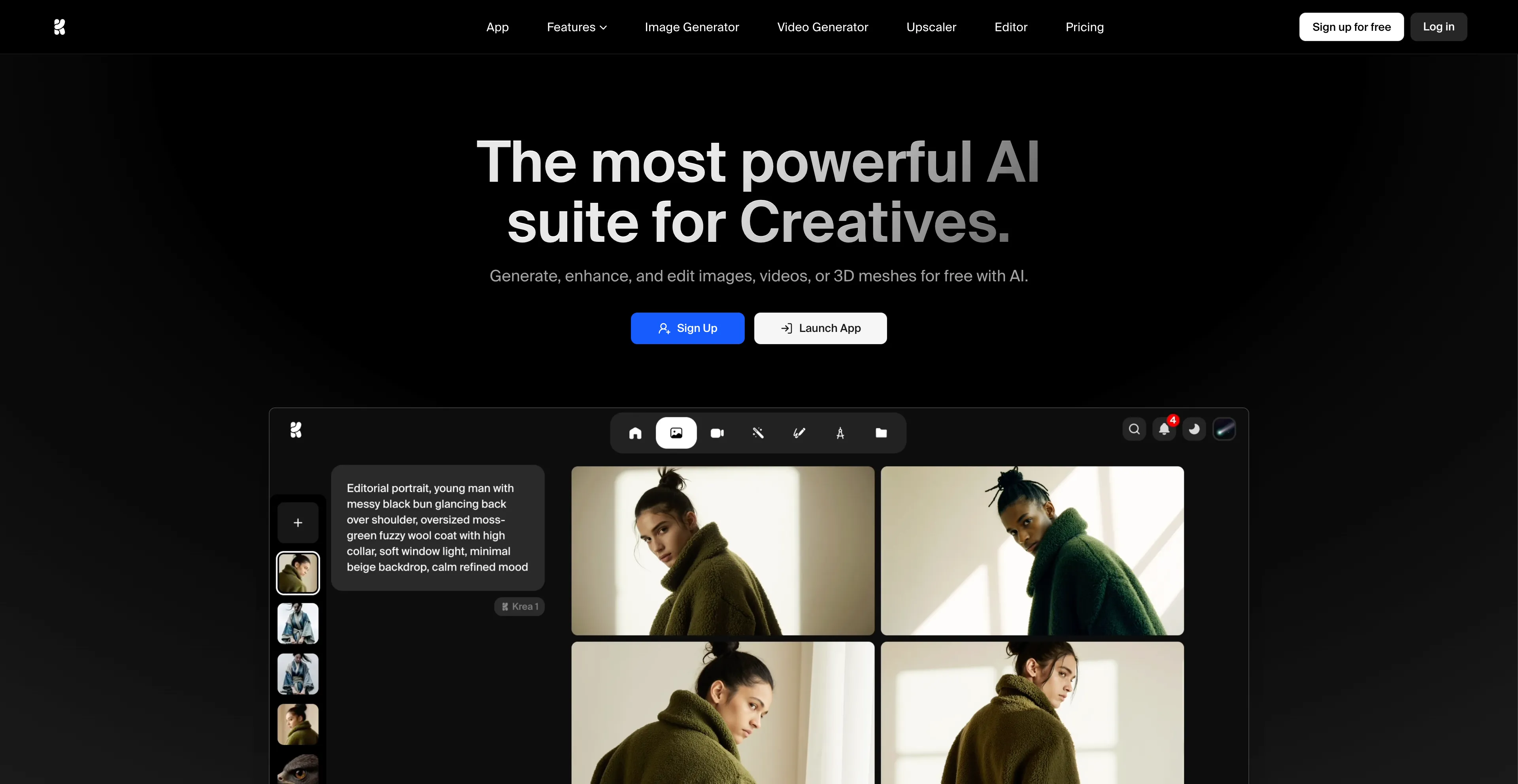
- Krea AI - A comprehensive AI design platform that creates, enhances, and edits.
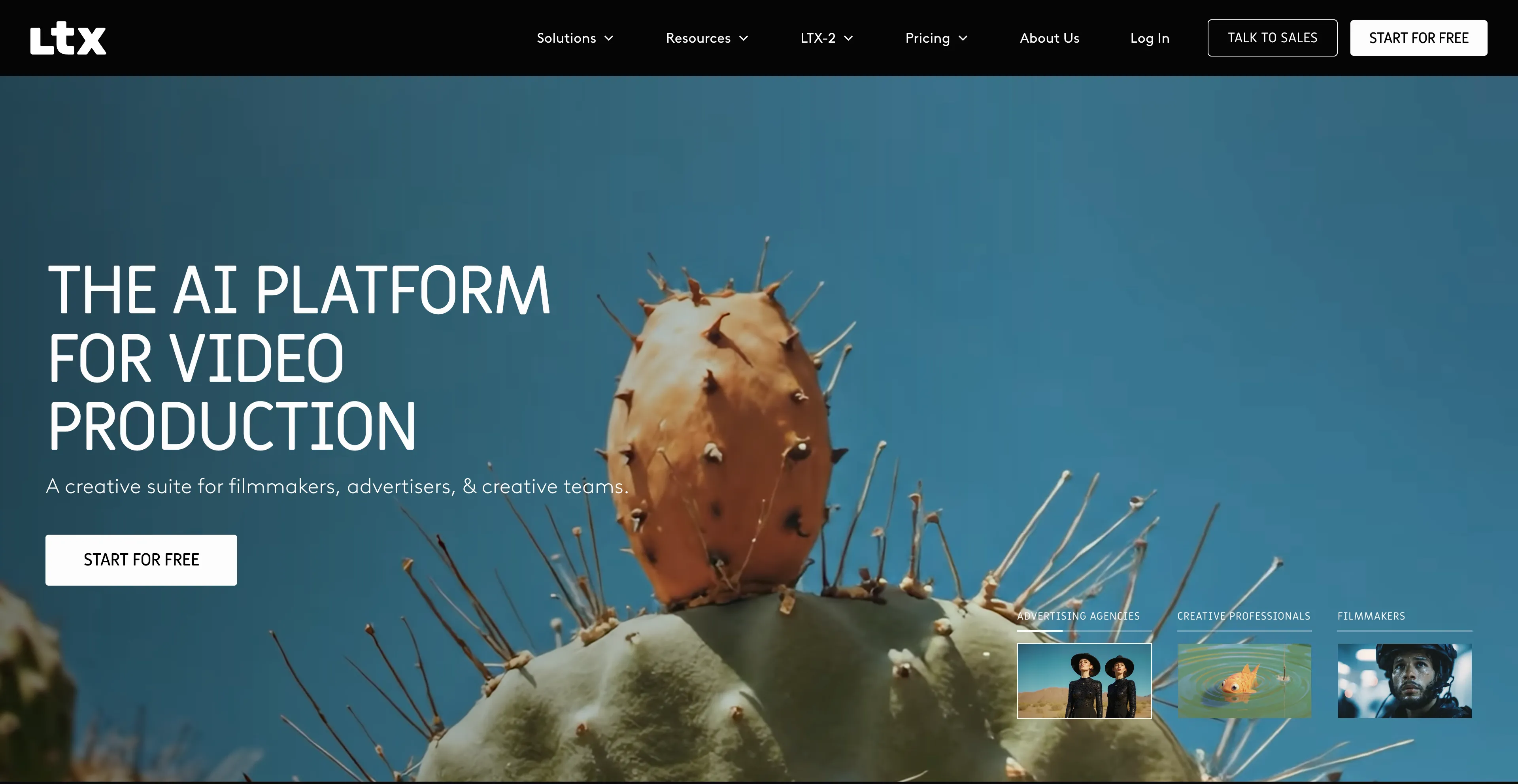
- LTX - An AI-powered video production tool.
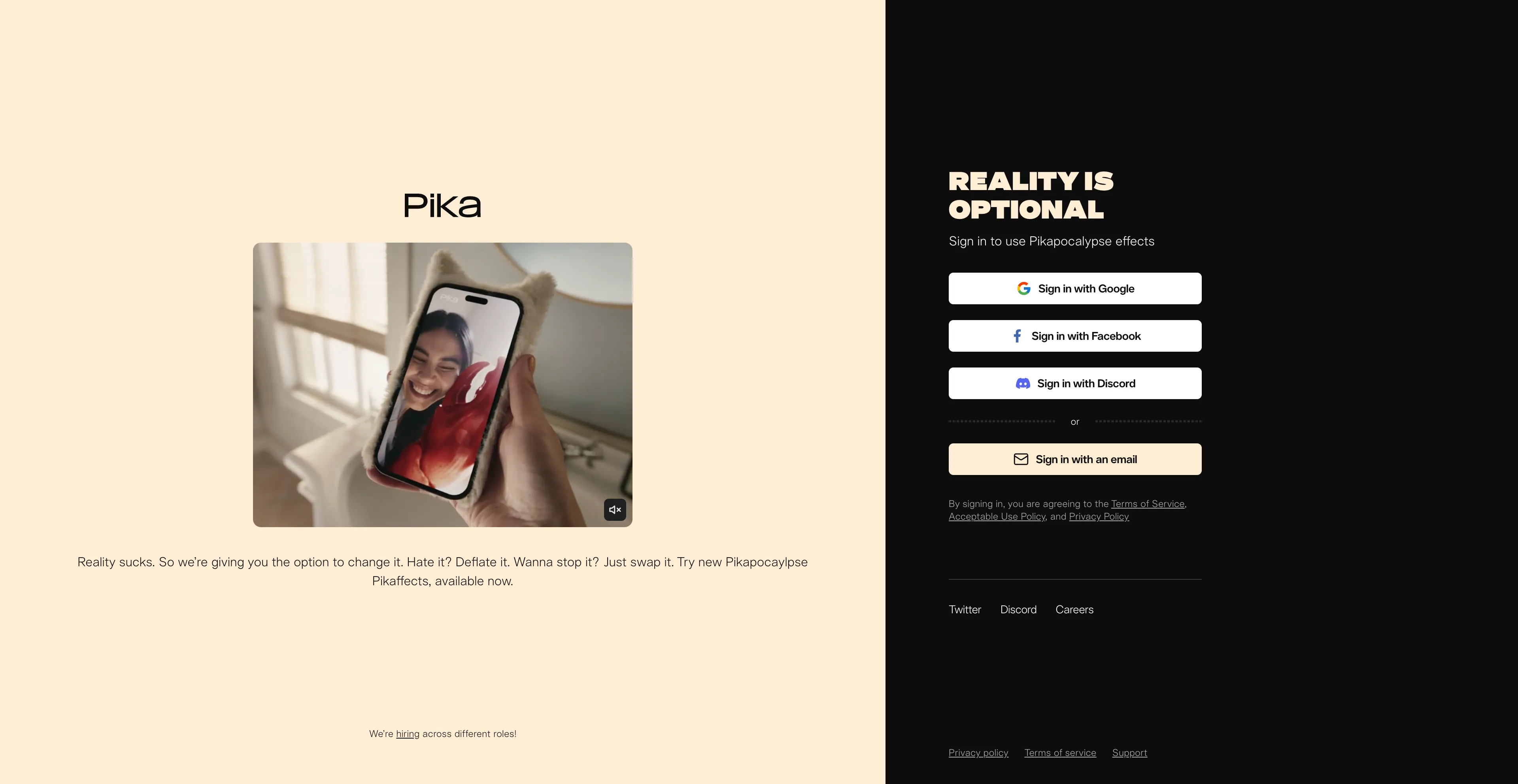
- Pika - An AI-powered video generator that creates videos from text.
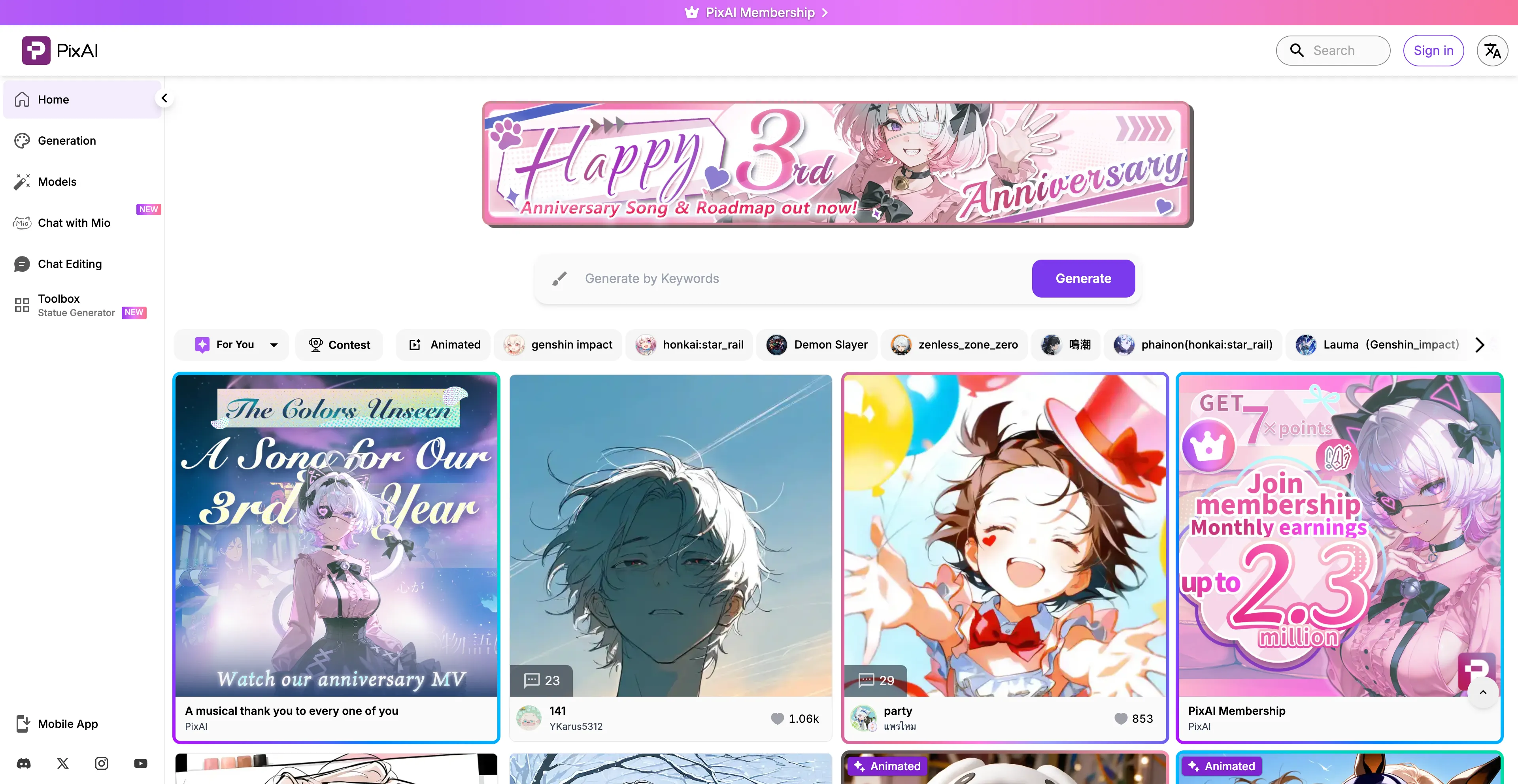
- PixAI - A free, AI-powered art generator that specializes in creating anime-style.
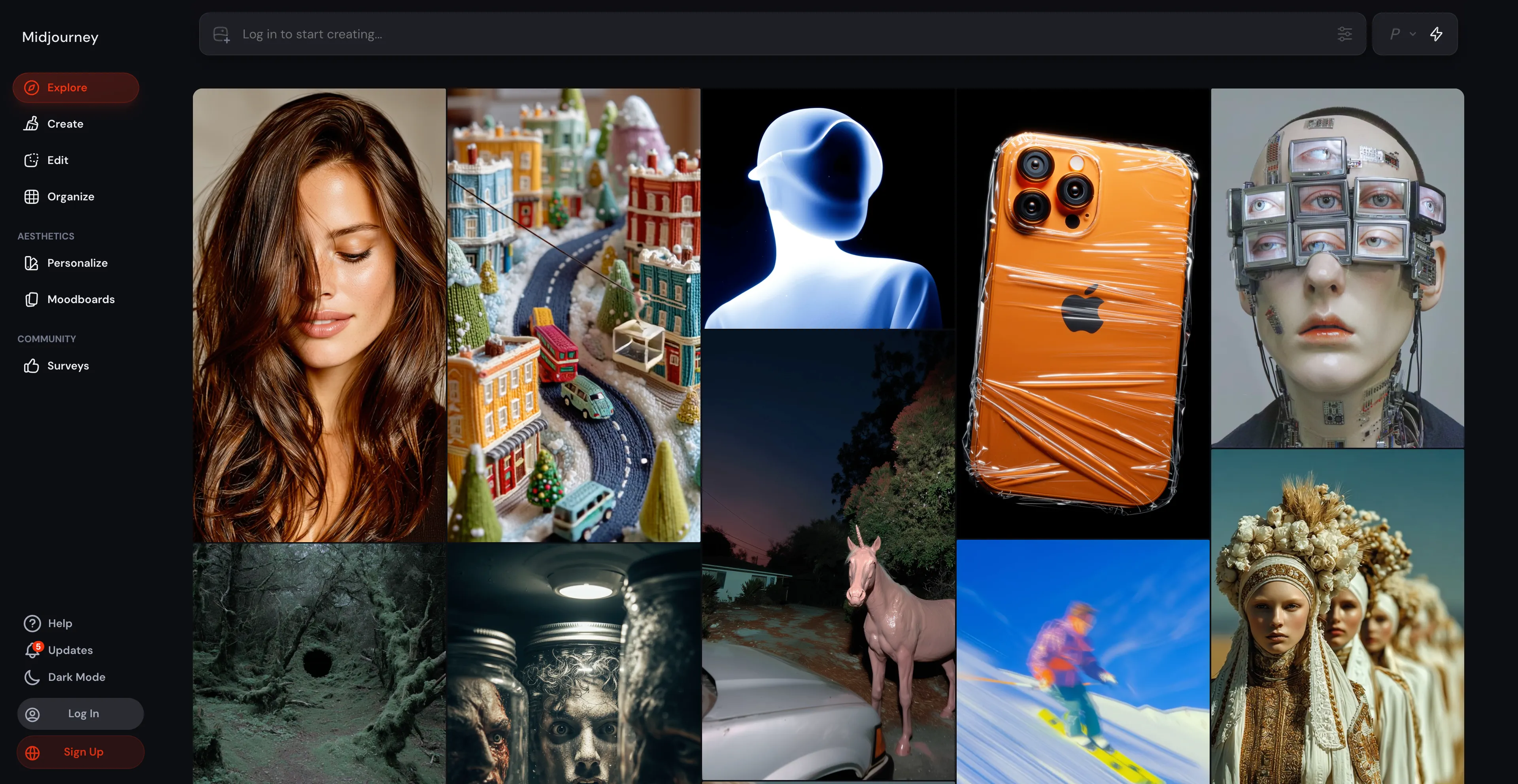
- Midjourney - An AI program that generates images from text descriptions.
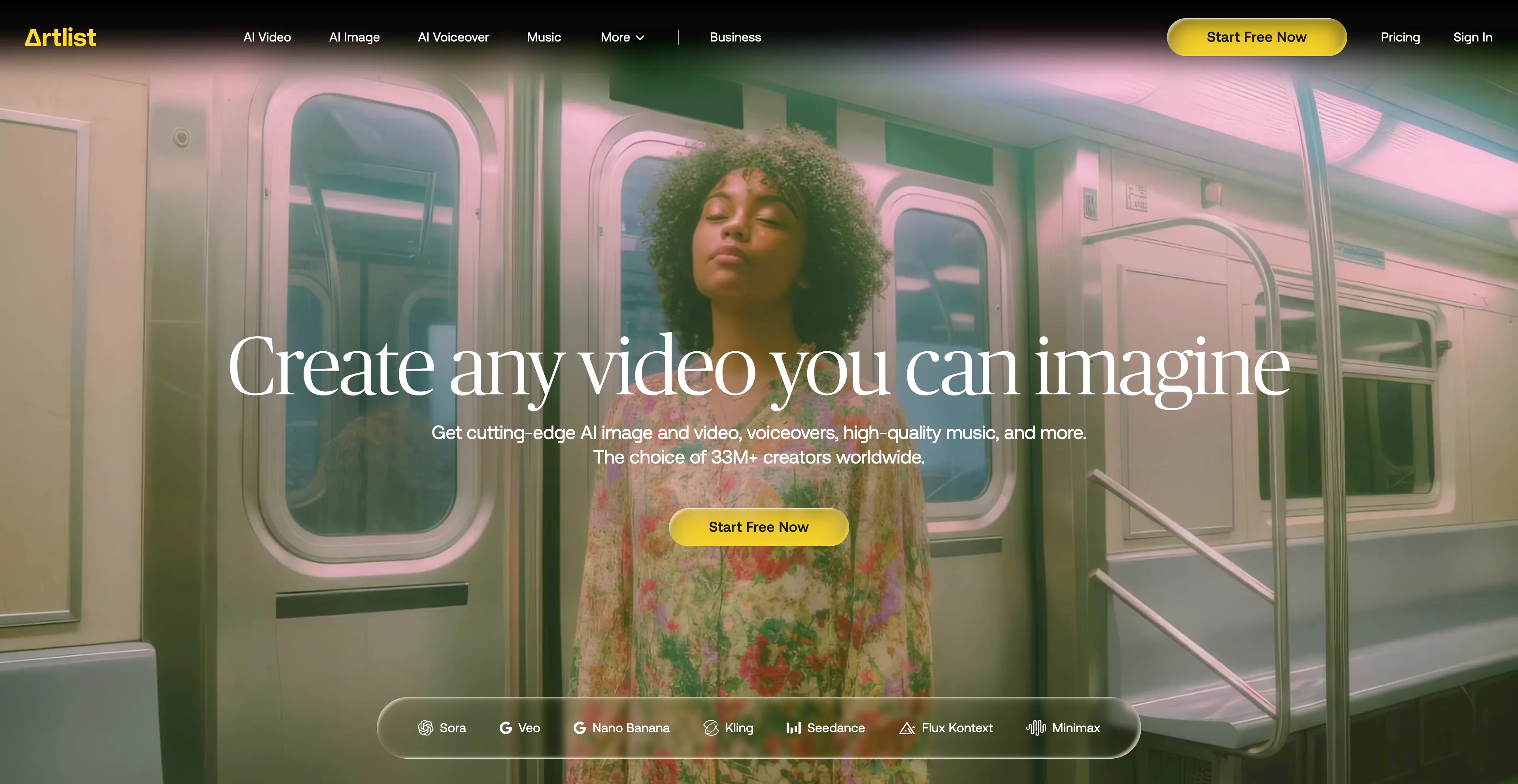
- Artlist - An all-in-one platform for content creators.
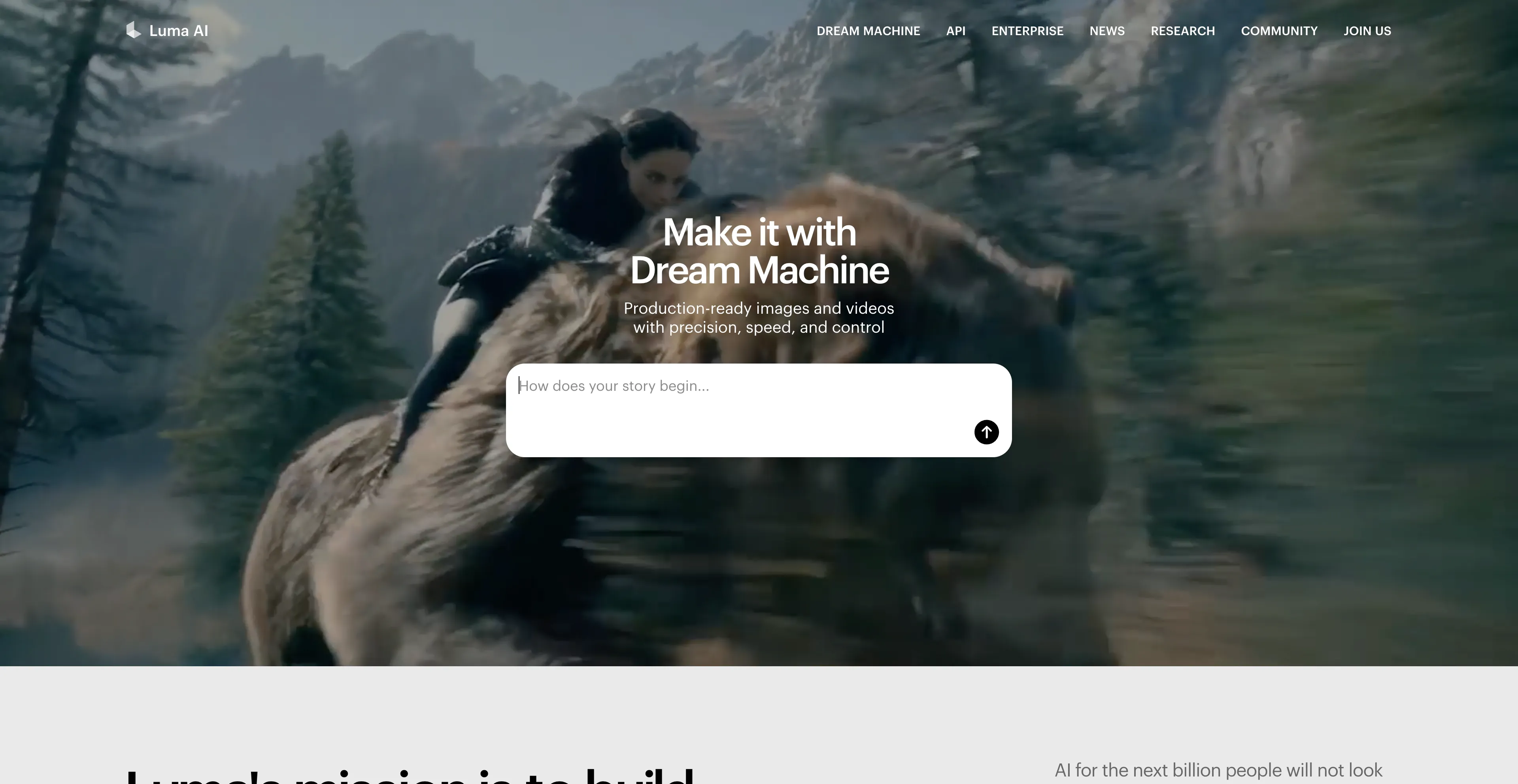
- Luma AI - A company that develops advanced AI models for generating photorealistic.
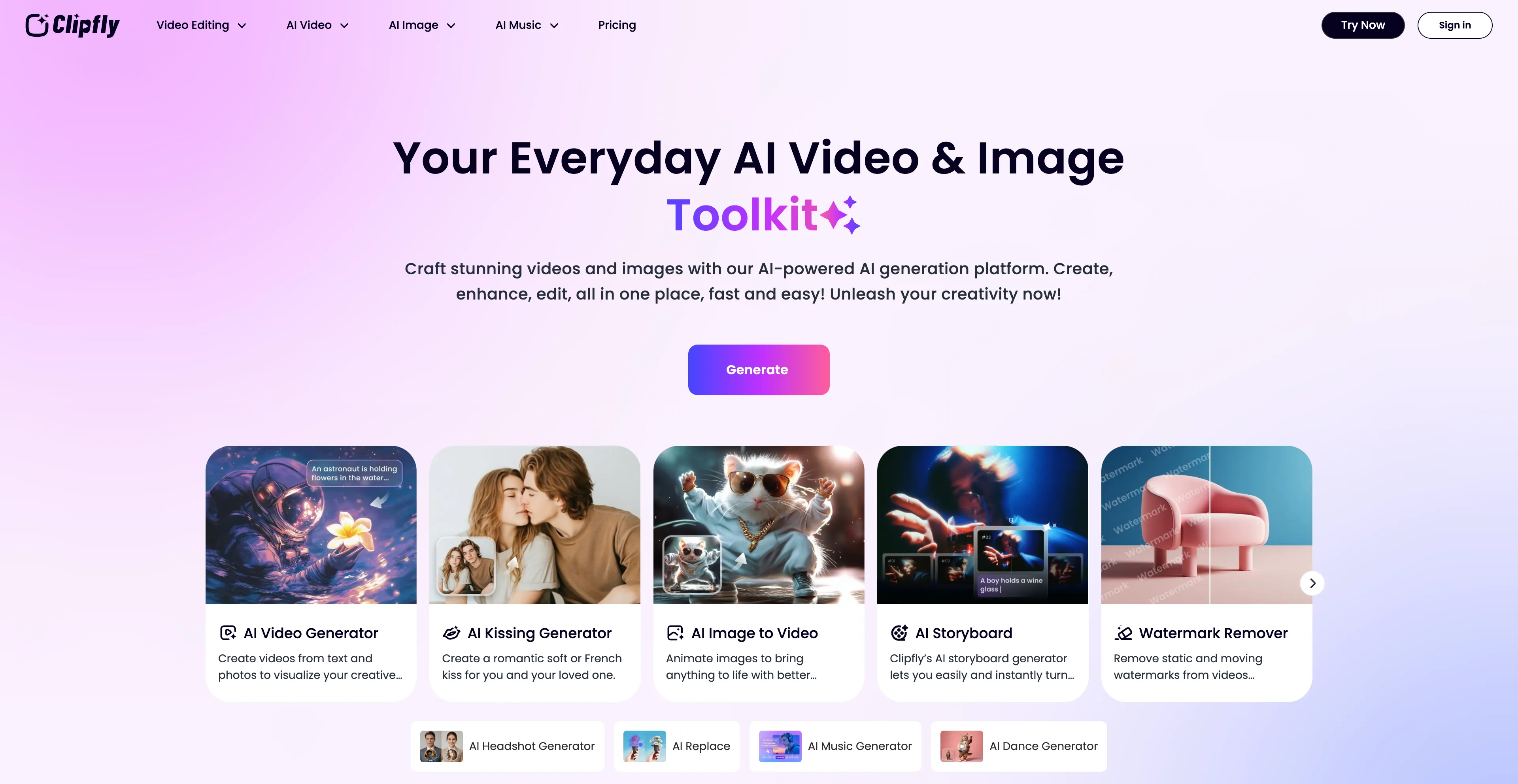
- Clipfly - Cloud-based, so that you can create a professional-looking video.
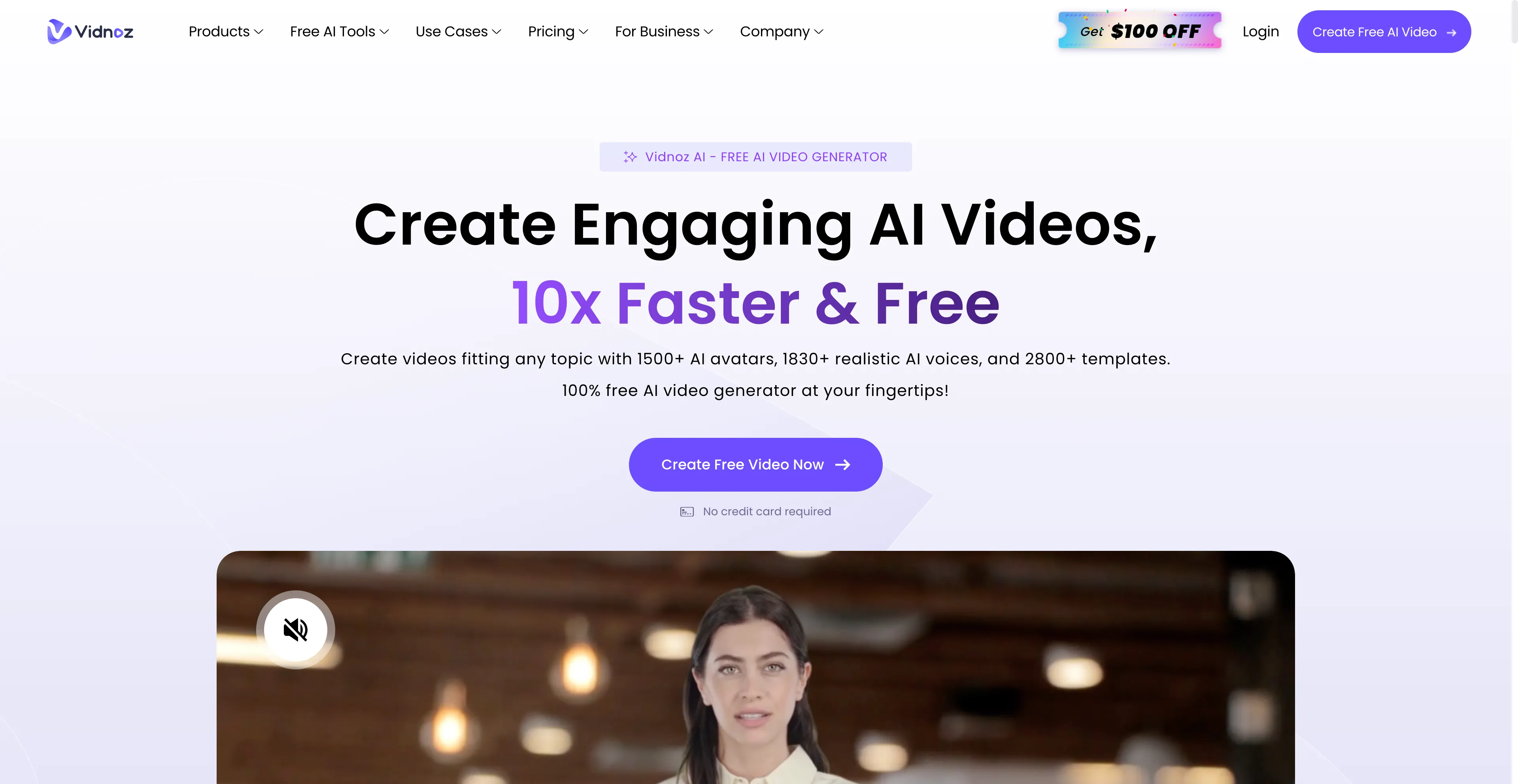
- Vidnoz AI - An online platform that uses artificial intelligence to help users.
1. Cuty AI
Cuty AI stands out as a comprehensive one-stop platform for both image and video creation, making it an excellent alternative to Segmind for creators who need versatile AI tools. What makes Cuty AI particularly appealing is its unified approach to creative generation—you can access world-class AI models all in one place without jumping between different services. The platform excels at transforming ideas into stunning visuals through its text-to-image feature, which can produce everything from photorealistic images to artistic styles in just seconds. The image-to-image transformation capabilities are equally impressive, allowing you to remix and enhance photos while maintaining consistent details and unlocking endless creative possibilities. When it comes to video creation, Cuty AI truly shines. Its text-to-video feature converts written prompts into engaging video content that's perfect for marketing campaigns and social media posts. The image-to-video animation tool is particularly useful for bringing static images to life, whether you're working with portraits, avatars, or artwork. The platform offers a free plan that lets you explore its features and create images or videos at no cost, which is great for testing before committing. For users who need more generation credits and advanced capabilities, there are upgrade options available. The seamless integration of multiple AI models means you can handle your entire creative workflow without switching platforms, which significantly streamlines the content creation process.
2. Krea AI
Krea AI is a comprehensive AI design platform that creates, enhances, and edits visual content like images and videos. It offers tools for real-time image generation, which allows users to draw or upload elements on a canvas and see an AI-generated preview develop instantly. Krea AI also includes features for image upscaling and enhancement, video generation, and 3D object creation. Users can interact with a canvas, drawing or uploading images, and the AI generates a corresponding image in real-time based on a text prompt and the canvas elements. The "AI strength" slider controls how much the canvas influences the final image. The platform offers generative editing tools to add or remove objects, change expressions, or merge images. It also has video generation capabilities using integrated models. The platform can improve the quality of low-resolution images, increasing resolution, sharpness, and clarity. Users can create 3D models from images or text prompts, and Krea AI allows users to train their own custom models by uploading images, which can then be used for generating new visuals. The platform provides access to a variety of different AI models for both image and video generation, including some of the latest models from external providers. Krea AI is designed for a wide range of users, from beginners to experienced designers. Its intuitive interface makes it accessible, but mastering its full capabilities may require practice. The free version has restricted access to advanced tools, and while easy to use, advanced features may take some time to master.
3. LTX
LTX Studio is an AI-powered video production tool for creating high-definition video content from scripts. The platform uses artificial intelligence to streamline the video creation process, making it easier for users to produce professional-quality videos without extensive technical skills. The AI-powered approach allows for faster content creation and can help users visualize their ideas more quickly than traditional video production methods. The platform is designed to be accessible to both beginners and professionals, offering tools that simplify complex video production tasks. However, there are several drawbacks to consider. Users note the inaccuracies and limitations of AI in LTX, affecting detail accuracy and realism in videos. There are animation issues that can result in unnatural movements, which might be problematic for professional projects. The platform has a learning curve that can be challenging for new users, and some users report difficulty in mastering all the features. There are also concerns about poor design quality and performance issues that can impact the overall user experience. Despite these limitations, LTX Studio remains an option for users who need AI-powered video production tools, though it may require patience and practice to achieve desired results.
4. Pika
Pika AI is an AI-powered video generator that creates videos from text or image prompts. It is designed to be user-friendly, allowing users to generate videos in various styles like 3D, anime, and cinematic, or to animate images and edit existing videos. The platform uses AI to produce full-motion content and offers features like text-to-video, image-to-video, and the ability to modify existing videos with new elements. Users can generate videos from detailed text prompts that describe the desired style, action, and scene, or animate still images by providing them as a prompt. The platform allows users to modify existing videos by adding new elements or changing the scene. PikaFrames creates smooth video transformations by defining a start and end image, with the AI filling in the frames in between. PikaScenes creates a new scene based on multiple reference images and a text prompt, while Pika Edits adds new objects or elements into a pre-existing video, such as adding a person into a scene. Users can fine-tune aspects like camera behavior and aspect ratio. The platform uses models trained on vast amounts of motion data to produce dynamic video content with a small amount of user input. However, there's a major concern about the potential for misuse and abuse. With its ability to generate highly realistic videos from mere text prompts, it's not hard to imagine bad actors using the platform for nefarious purposes, which raises ethical concerns.
5. PixAI
PixAI is a free, AI-powered art generator that specializes in creating anime-style images from text prompts. It is designed for users of all skill levels, allowing them to generate, customize, and download anime characters and scenes without needing traditional artistic skills. The platform also offers additional features like image editing, a community to share creations, and options to train custom AI models. The platform creates anime-style artwork based on user-provided text descriptions, specializing in generating anime characters and scenes. Users can adjust style, color, and details, and the platform provides editing tools to refine generated artwork. PixAI is available for free, with paid options for priority modes. Users can share their creations on the platform, and the platform allows users to train their own AI models (LoRAs) using their own data. It also offers features like an image-to-video function for members. To use PixAI, users sign up on the website, provide a detailed text prompt describing the character or scene they want to create, click "Generate" and wait for the AI to create the artwork, use the editing tools to refine the image, and download the final result. However, users cannot fine-tune details or adjust specific artistic elements directly within the tool, which limits artistic control. The platform also requires a stable internet connection to access and use, limiting offline usability.
6. Midjourney
Midjourney is an AI program that generates images from text descriptions called "prompts," and it's a popular tool for artists, designers, and anyone interested in AI-generated art. The platform is available as a bot on the Discord platform, where users can type a description and the AI will create a unique image, which can then be refined through features like creating variations, upscaling, or restyling. Users provide text prompts, which can be highly detailed to specify things like subject, style, and color. The AI then generates a grid of four images based on that prompt. The process is iterative, allowing users to generate variations of an image, upscale a selected image for higher resolution, or completely regenerate the images based on the original prompt. Midjourney is primarily accessible through the Discord app, where users interact with the bot in a community-based environment. The platform requires a paid subscription for full access, though free trials may be available. It can be used for brainstorming, creating concept art, or simply for creative exploration. However, images can sometimes be inaccurate, and the AI model has recently faced lawsuits from companies like Disney and Warner Bros. over alleged copyright infringement. Midjourney may misinterpret the context or fail to capture the nuances of the description, sometimes producing results that don't match the intended meaning.
7. Artlist
Artlist has established itself as an all-in-one platform for content creators, offering a comprehensive suite of digital assets and AI tools through a subscription model. The platform provides unlimited access to a library of high-quality content that's updated daily, including royalty-free music, sound effects, stock footage, video templates, and LUTs for color grading. What makes Artlist particularly valuable is its recent integration of powerful AI tools, including an AI video generator that creates dynamic animations from static images, AI voiceovers that generate high-quality narration, and an AI image generator for creating visuals from text prompts. The platform offers various subscription plans to fit different needs, with "Social" plans for personal use and "Pro" plans for client work. The "Artlist Max" bundle includes all assets and AI tools, making it a comprehensive solution. There's also a separate "Artlist Business" license for companies and agencies. The platform simplifies copyright issues by allowing you to clear videos for social media channels directly through your account page. However, some genres may lack depth in the music library, and there's limited availability of track stems. The library, while substantial, is smaller compared to some competitors. Despite these limitations, Artlist remains a solid choice for creators who need both assets and AI tools in one place.
8. Luma AI
Luma AI is a company that develops advanced AI models for generating photorealistic 3D assets and videos from simple text descriptions or images. It offers tools for creators and businesses to produce content for marketing, gaming, and media, such as the Dream Machine video generator and an API for developers. The technology is designed to simplify video creation, allowing users to generate, edit, and stylize videos without needing extensive technical skills. The platform can transform text prompts into detailed 3D models or cinematic videos, and it allows users to change the visual style of existing footage while preserving its motion and structure. Luma AI can create videos with motion and effects from static images, and it enables users to edit existing videos with text prompts or by applying a new style from a single frame. The platform offers customizable rendering to fine-tune motion effects, speed, and transitions, and it provides a developer API to integrate its video and image generation capabilities into other applications. However, despite its advantages, Luma AI isn't without its drawbacks. High scalability costs and steep learning curves may deter potential customers. While Luma AI might be cost-effective for small businesses, as companies grow, the pricing may prove prohibitive. The learning curve can be challenging for users who are new to AI video generation.
9. Clipfly
Clipfly is a video generator that works with AI and is cloud-based, so that you can create a professional-looking video based on text or an image in a few minutes. It was made with the needs of marketers, educators, and content creators in mind. The platform is designed to be accessible and user-friendly, allowing users to quickly create videos without extensive technical skills. The cloud-based approach means you don't need to download or install any software, making it convenient for users who want to create videos on the go. The platform's focus on speed and simplicity makes it appealing for users who need to create videos quickly for social media, marketing, or educational purposes. However, Clipfly's AI isn't the best at following complex prompts and generating intricate designs. The platform may struggle with more sophisticated video requirements, which could be limiting for users who need advanced features. There are also performance issues that some users have reported, which might affect the overall user experience. Despite these limitations, Clipfly remains a useful tool for simple video creation tasks.
10. Vidnoz AI
Vidnoz AI is an online platform that uses artificial intelligence to help users create videos quickly and easily, making it accessible to those without professional editing skills. The platform offers tools like AI-generated avatars, pre-designed templates, and text-to-speech technology, allowing users to create content for marketing, education, and other purposes. Users can select from a library of realistic AI avatars or create their own, which act as virtual presenters in videos. The text-to-video feature generates videos from text, creating a spoken presentation with an avatar based on the input text. The platform provides a large library of pre-designed video templates for various uses, such as sales, tutorials, and social media, to make creation faster. Users can type in text for the avatar to speak and choose from a wide selection of realistic AI voices and languages. In addition to AI features, Vidnoz AI includes a comprehensive editor for adding elements like music, effects, and text overlays. The platform also includes other AI-powered features, such as an AI photo combiner, talking photo creator, and video translator. It can convert PDF and PowerPoint files into video courses with an AI avatar, making it particularly useful for e-learning. However, while Vidnoz AI strives to be user-friendly, mastering all its features may take some time and patience. For users with specific design preferences, the customization options may feel somewhat restrictive.