10 Best Remove Object from Image Tools in 2026
We've all had that perfect photo ruined by a random stranger in the background or an ugly power line cutting across the sky. I went searching for the best AI tools to magically erase unwanted objects from images, and I was surprised by how many options are out there now. After testing them all with the same tricky photos, here are the 10 that did the cleanest job of removing objects while keeping the rest of the image looking natural.
- Cuty AI — Remove Object from Image
- ReliableSoft — AI Object Remover
- Banana AI — Object Remover
- Magic Eraser — Object Remover
- Cloudinary — Remove Object from Photo
- GenShot — Object Removal
- Fotor — Object Remover
- PicWish — Object Remover
- Inpaint — Object Remover
- Picsart — Object Remover
1. Cuty AI — Remove Object from Image
Cuty AI's object removal tool uses AI to erase unwanted objects, people, text, and watermarks from your photos with impressive precision. What really stood out to me is how well the AI reconstructs the background after removing something, even on complex or gradient backgrounds where other tools tend to leave obvious patches. It works directly in your browser, including on mobile, so there is nothing to install. You don't need any editing skills at all, just brush over the area you want gone and the AI handles the rest. It is especially great for e-commerce product shots and lifestyle photos where you need a clean, professional result.

2. ReliableSoft — AI Object Remover
ReliableSoft's AI Object Remover gives you multiple ways to select what you want removed, including a magic brush, text prompts, and automatic AI detection. It supports JPG, PNG, and WebP files and handles a wide range of removal tasks from photobombers to watermarks to product imperfections. The tool has earned a strong 4.9-star rating from over 200 reviews, which speaks to its reliability. I found the text prompt option especially interesting since you can describe what you want removed instead of manually brushing. It is part of a broader AI image editing suite, so you can jump between tools if you need to do more than just remove objects.

3. Banana AI — Object Remover
Banana AI uses advanced AI to detect and erase unwanted objects while intelligently reconstructing the background with matching colors, lighting, and textures. The results are genuinely seamless, which is something that cheaper tools often struggle with. It runs entirely in your browser with no downloads required, making it very accessible. You can remove people, text, watermarks, logos, and date stamps, and the clean-up happens in just a few seconds. I found it particularly effective for travel photos where you want to remove random strangers from the background without ruining the scenery.

4. Magic Eraser — Object Remover
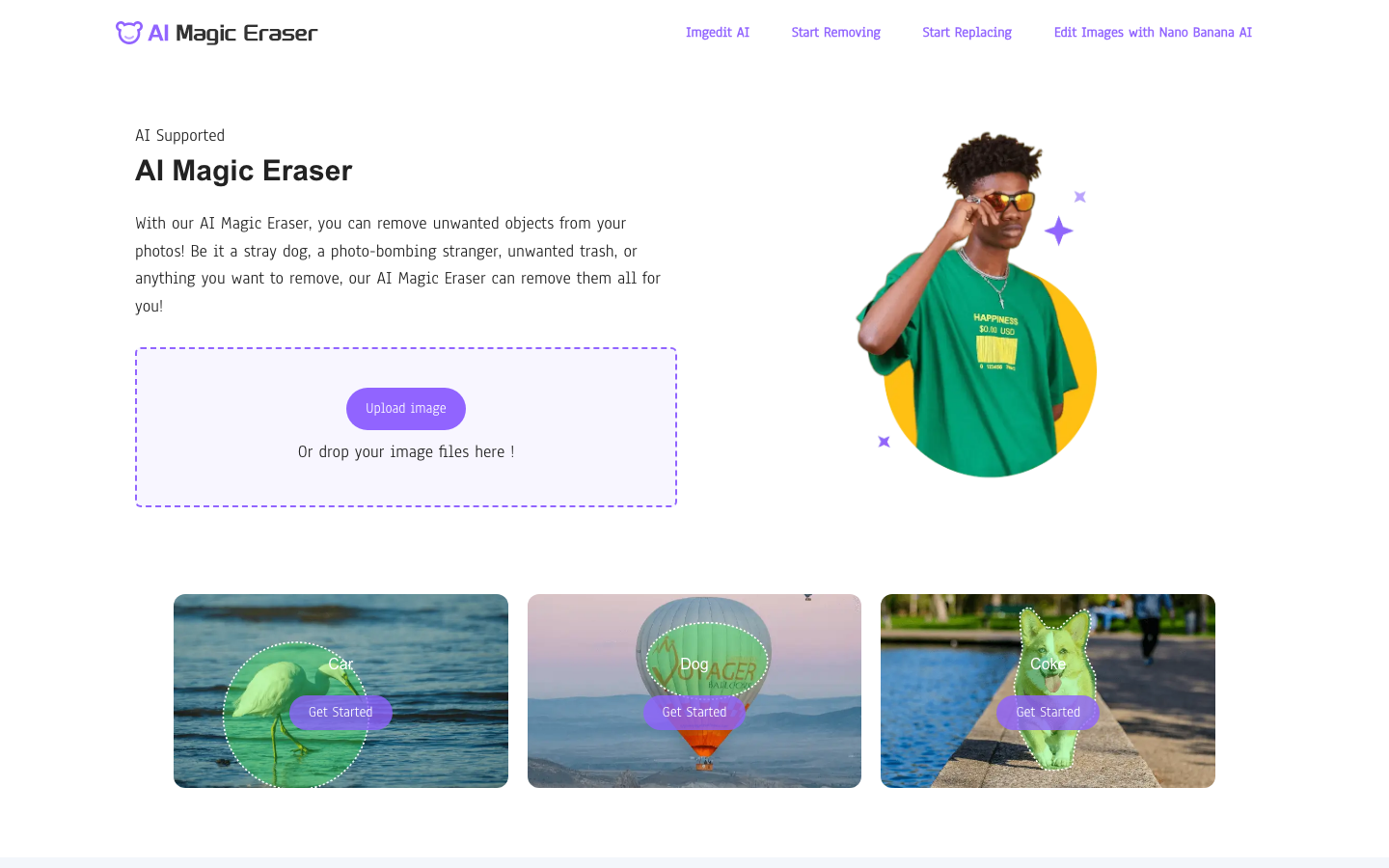
Magic Eraser keeps things refreshingly simple. You upload your image, paint over whatever you want gone with a brush tool, and the AI automatically erases and fills the area with content that matches the surroundings. There is no sign-up required, which I appreciate for quick one-off edits. It supports multiple formats including JPG, PNG, WEBP, and AVIF with no resolution limits, and you can even batch edit up to 50 pictures at once. The tool can also automatically suggest distractions to remove, like people or power lines, which saves you the effort of manually selecting everything.
5. Cloudinary — Remove Object from Photo
Cloudinary's object removal tool is a solid choice that has earned a 4.7-star rating. It is particularly notable because it offers both a free web interface for casual users and an API-based solution for developers and businesses that need to process images at scale. The AI uses generative inpainting to fill removed areas with realistic surroundings, and it handles shadows and reflections well. It supports multiple output formats and quality settings, so you have good control over your final result. If you are a developer or work in e-commerce and need to integrate object removal into your workflow, Cloudinary is hard to beat.

6. GenShot — Object Removal
GenShot impressed me with its speed. It processes object removals in under 10 seconds, which makes it one of the fastest tools I tested. You can select objects using either a brush tool or text descriptions, and the AI handles everything from removing people and poles to erasing text and watermarks. It has earned a 4.9-star rating, and the free daily credits are generous enough for regular casual use. The web-based interface works on any device, and the neural network does a good job of reconstructing natural-looking backgrounds. For everyday quick clean-ups, GenShot is one of the best options out there.

7. Fotor — Object Remover
Fotor's object remover is a free tool that keeps things simple and accessible. You upload your image, brush over the unwanted object, and Fotor automatically erases it within seconds. Downloads are available in high resolution, which is important if you are working with images for print or professional use. The tool can handle people, text, watermarks, date stamps, and general background clutter. It is part of Fotor's comprehensive photo editing suite, so if you need to do additional touch-ups after removing an object, you can stay in the same platform without switching tools.

8. PicWish — Object Remover
PicWish stands out by offering both auto and manual removal modes. The auto mode works especially well for text watermarks and logos, detecting and removing them with a single click. The manual mode gives you brush, rectangle, and lasso tools for more precise control over what gets removed. It supports a wide range of file formats including PNG, JPG, JPEG, WEBP, BMP, JFIF, and HEIC, and processes images in about three seconds. I found the dual-mode approach really practical because sometimes you need quick auto removal and other times you want precise manual control.

9. Inpaint — Object Remover
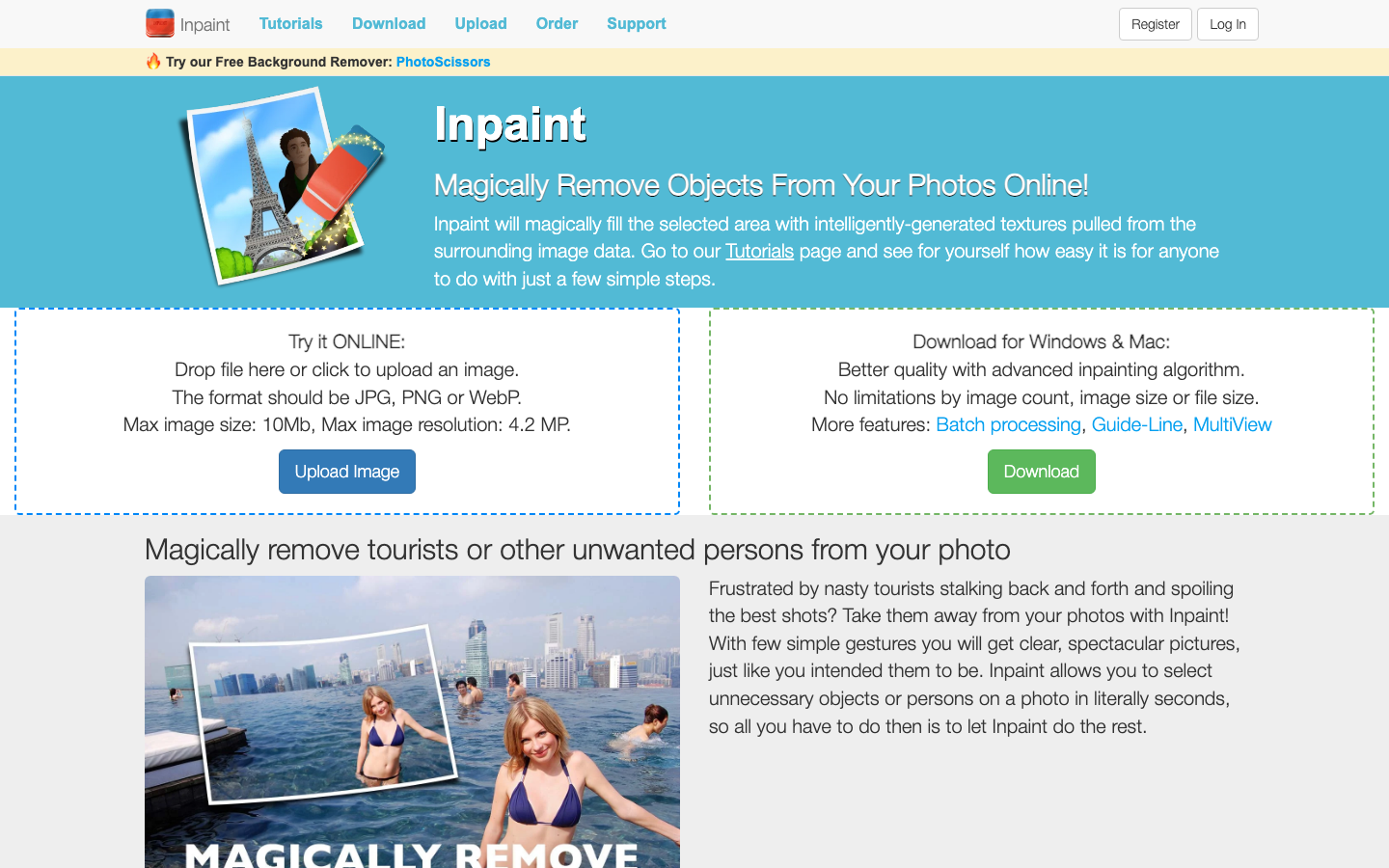
Inpaint has been around for a while and remains a reliable choice for object removal. It fills selected areas with intelligently generated textures pulled from the surrounding image data, which tends to produce very natural-looking results. Beyond removing objects, it can also repair old photos by fixing scratches, spots, and tears, which makes it a useful tool for photo restoration projects. It is available both as an online tool and as downloadable software for Windows and Mac, with the desktop version offering batch processing and no file size limitations. If you work with old or damaged photos regularly, Inpaint is worth having in your toolkit.
10. Picsart — Object Remover
Picsart's object removal tool gives you a wide range of selection methods including rectangle, lasso, auto-detect, and brush tools, so you can pick the approach that works best for each situation. The AI intelligently fills removed spaces with matching textures, colors, and patterns, and the edge detection handles tricky cases like hair and transparent objects surprisingly well. It is available on mobile apps for iOS and Android as well as the web, and it is part of a massive creative platform with over 150 million monthly active users. The tool works best on simpler backgrounds but can handle more complex scenes if you remove objects in stages and refine as you go. For a versatile all-in-one editing platform that includes solid object removal, Picsart is a strong pick.