10 Best Blur Background Tools in 2026
A blurred background can instantly make any photo look more professional, but not every tool does it well. I tested a wide range of background blur platforms to see which ones nail the subject detection and produce that smooth, natural bokeh effect without making the edges look weird. From quick one-click solutions to more advanced editors, these are the 10 tools that gave me the best results.
- Cuty AI — Blur Background
- Photoroom — Blur Background
- Fotor — Blur Background
- LightX Editor — Blur Image Background
- Kapwing — Blur Video Background
- PicWish — AI Blur Background
- Canva — Photo Blur
- Picsart — Blur Background
- BeFunky — Blur Background
- Artguru — AI Blur Background
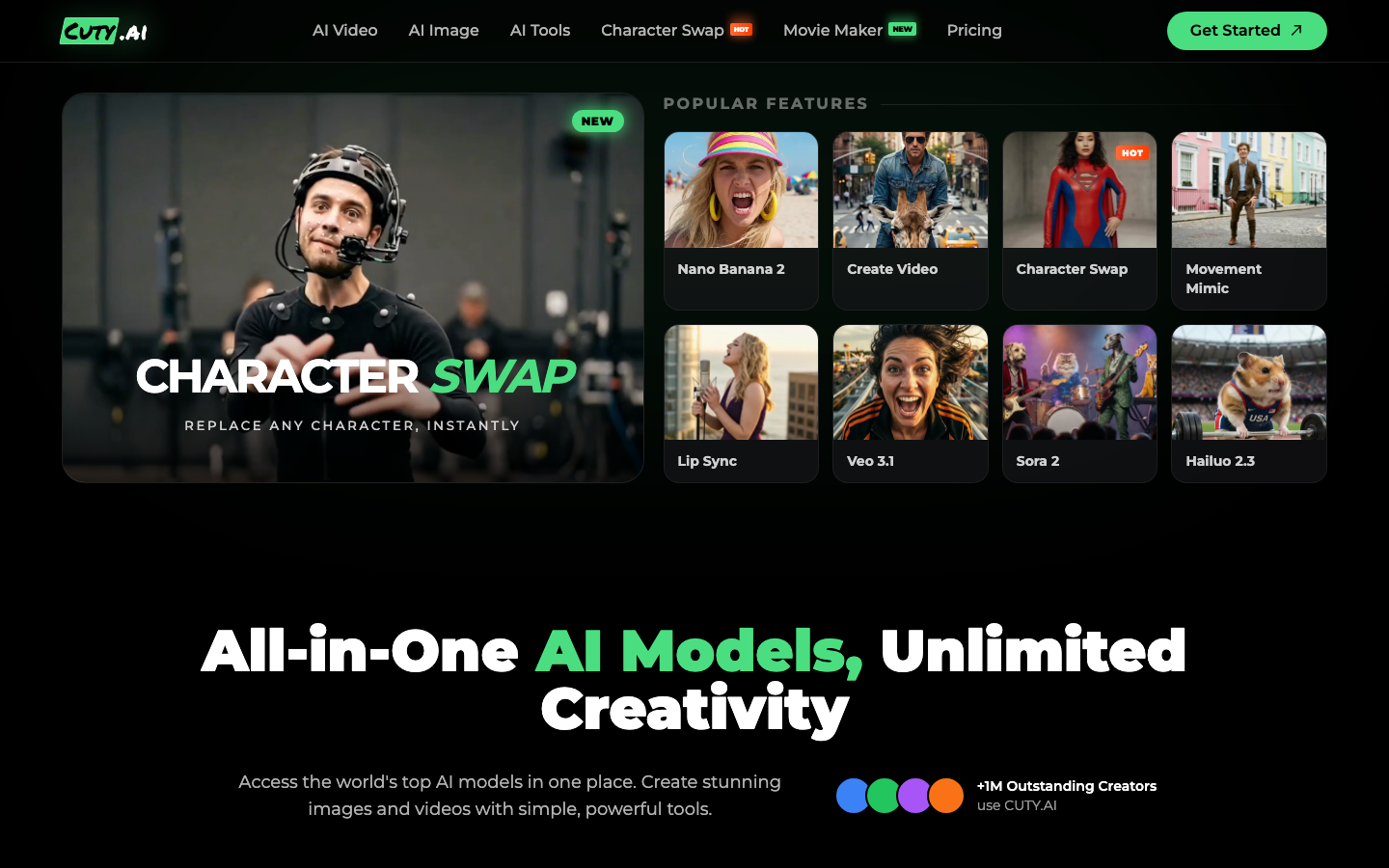
1. Cuty AI — Blur Background
Cuty AI's blur background tool automatically detects the subject in your photo and blurs the background with adjustable intensity, creating a professional depth-of-field bokeh effect. What impressed me most is how cleanly it separates the subject from the background, even with complex edges like hair or irregular shapes. It supports JPEG and PNG formats, works entirely in the browser, and produces polished results in just a few seconds. You don't need any editing experience to use it, and the results genuinely look like they came from a high-end camera lens. It is a great go-to tool for quick professional-looking edits.
2. Photoroom — Blur Background
Photoroom's blur background tool is impressively fast, processing your image in about two seconds. It uses AI to automatically identify the background layer and apply a blur effect, with adjustable blur strength so you can dial in exactly the look you want. Results download as PNG files, and the platform also lets you remove or replace backgrounds entirely if you decide you want to go further than just blurring. It is especially popular among e-commerce sellers and social media creators who need consistent, professional-looking product images. The Pro version adds batch processing, which is a lifesaver if you are working through a large catalog of photos.

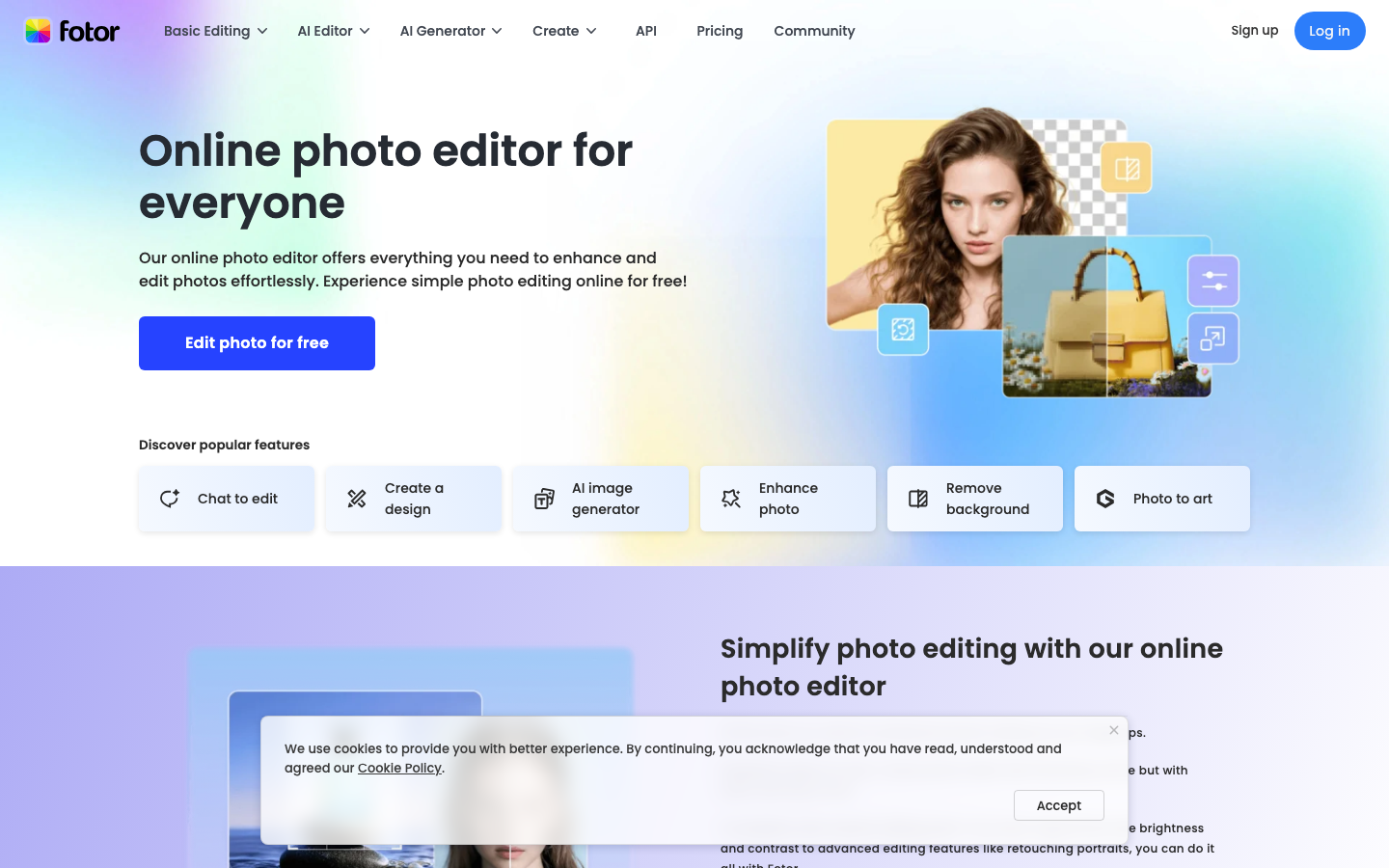
3. Fotor — Blur Background
Fotor provides a one-click AI background blur that automatically detects your photo's subject and applies a natural-looking blur effect. What I like about Fotor is that you can adjust the blur intensity and even change the focus point using a brush tool, which gives you more creative control than most one-click tools. Downloads are available in high resolution, and the tool is part of Fotor's comprehensive photo editing suite. So if you want to combine background blur with other edits like cropping, filters, or text overlays, you can do it all without leaving the platform. It aims for a realistic DSLR-style depth-of-field effect that looks convincing in most situations.
4. LightX Editor — Blur Image Background
LightX Editor features an AI blur tool that offers both automatic and manual modes for blurring backgrounds. The automatic mode uses smart subject detection to isolate and blur backgrounds instantly, while the manual mode lets you precisely paint blur on specific areas. It supports multiple blur styles including Gaussian blur for clean looks, bokeh for dreamy effects, and motion blur for action shots. The edge transitions are smooth with no halos or jagged outlines, which is something cheaper tools often get wrong. It works in the browser with no download required and supports both JPG and PNG formats. I found it to be a really well-rounded option with more creative blur options than most competitors.

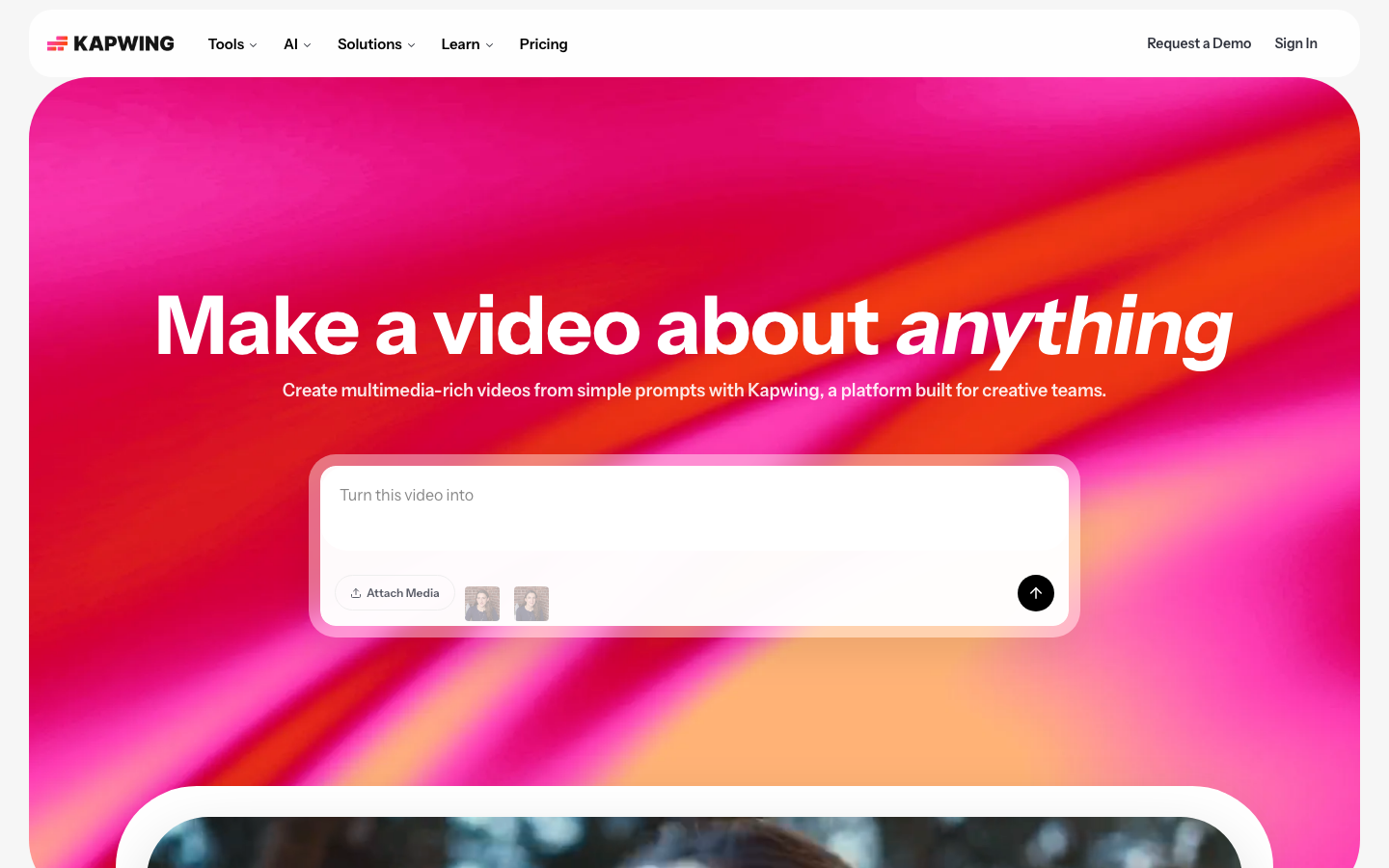
5. Kapwing — Blur Video Background
Kapwing stands out because it focuses on video background blur rather than just static images. It automatically detects subjects in your video and blurs the surrounding background with adjustable intensity. The tool supports multiple blur zones using keyframes, so you can blur faces and moving objects as they travel through the frame. It is entirely browser-based and designed for content creators, remote workers, and professionals who need clean talking-head videos or product demos. The tool integrates with Kapwing's broader video editing features, making it easy to add blur as just one step in a larger editing workflow. If video is your primary medium, Kapwing is the blur tool to reach for.
6. PicWish — AI Blur Background
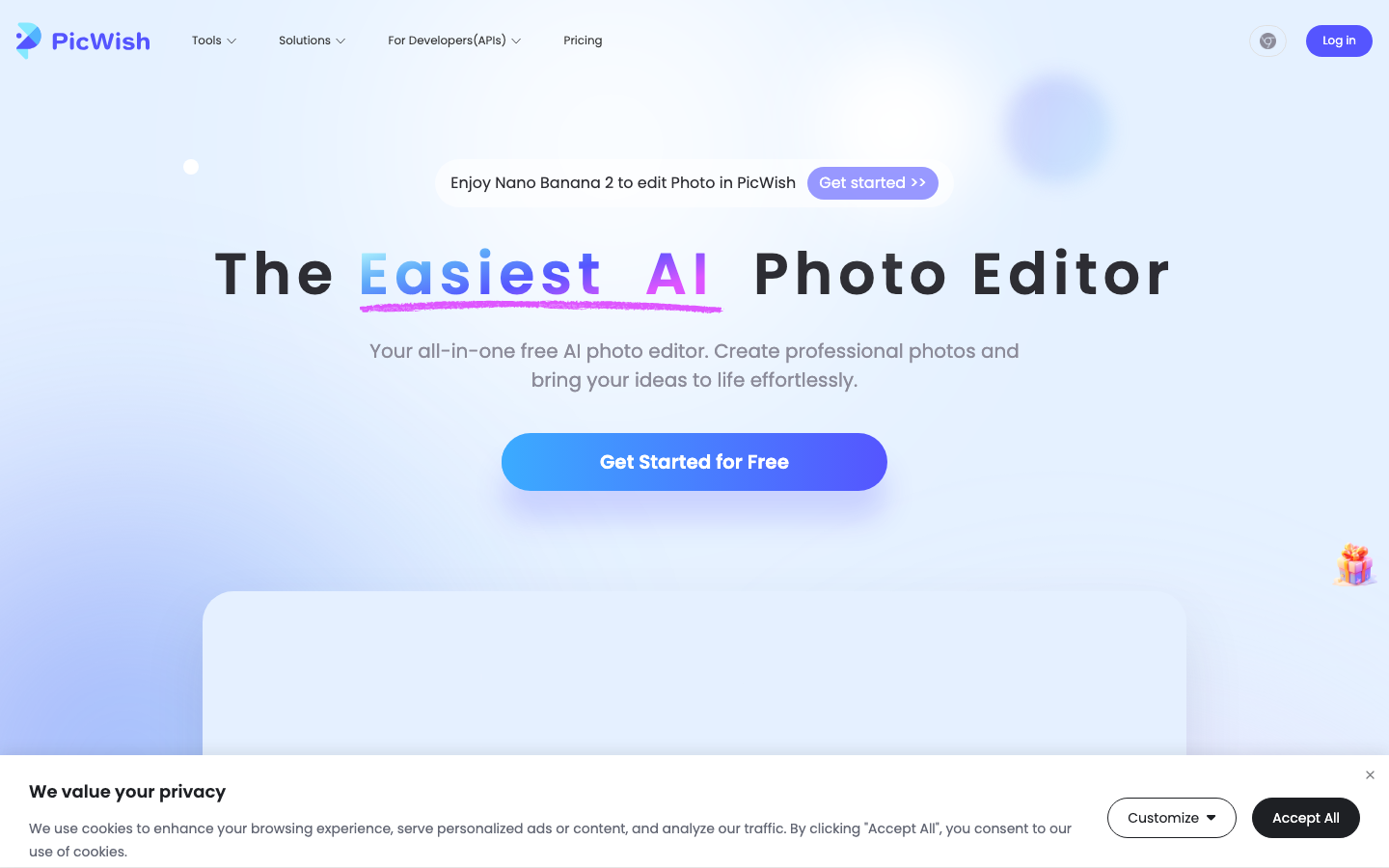
PicWish offers an AI-powered blur background tool that automatically identifies the subject and blurs the background with a single click. It is designed for both portrait and product photography, and I found the results to be clean and natural-looking. The adjustable blur intensity lets you go from a subtle softening to a heavy bokeh effect depending on what you need. It works on mobile devices as well as desktop browsers, which is handy for quick edits on the go. PicWish also includes complementary tools like background removal and photo sharpening, so you can handle multiple editing tasks in one place without switching platforms.
7. Canva — Photo Blur
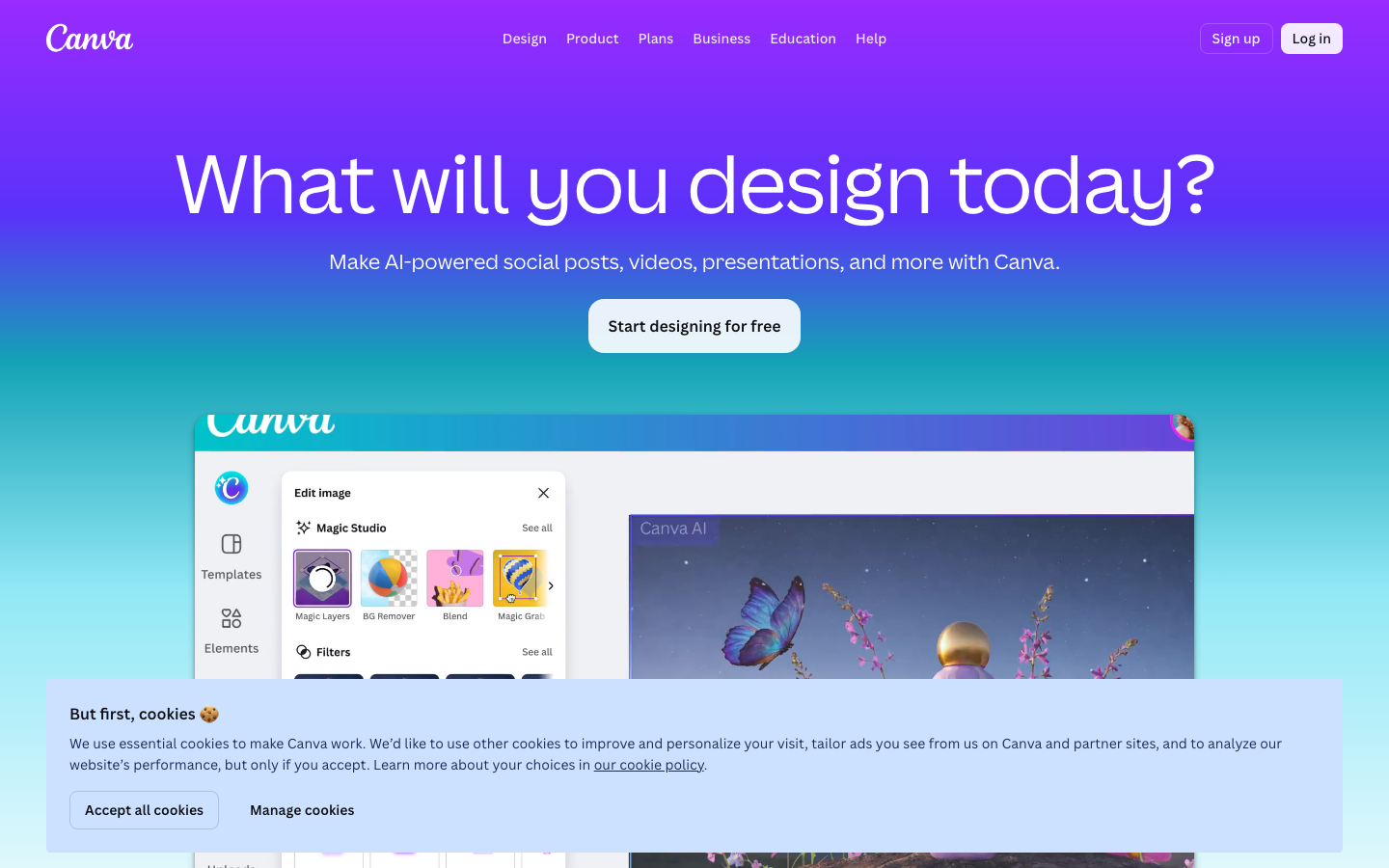
Canva's photo blur feature is more of a manual tool than a one-click AI solution, but it is incredibly versatile. You can blur the entire image uniformly, selectively blur just the background, or use the autofocus feature to keep one area sharp while blurring everything else. The blur slider gives you fine control over intensity, and you can move it in reverse to sharpen images instead. What makes Canva especially useful is that blur is just one feature within a massive design platform, so you can blur your background and then immediately add text, graphics, frames, or other design elements. It is a solid choice for anyone already using Canva for their creative projects.
8. Picsart — Blur Background
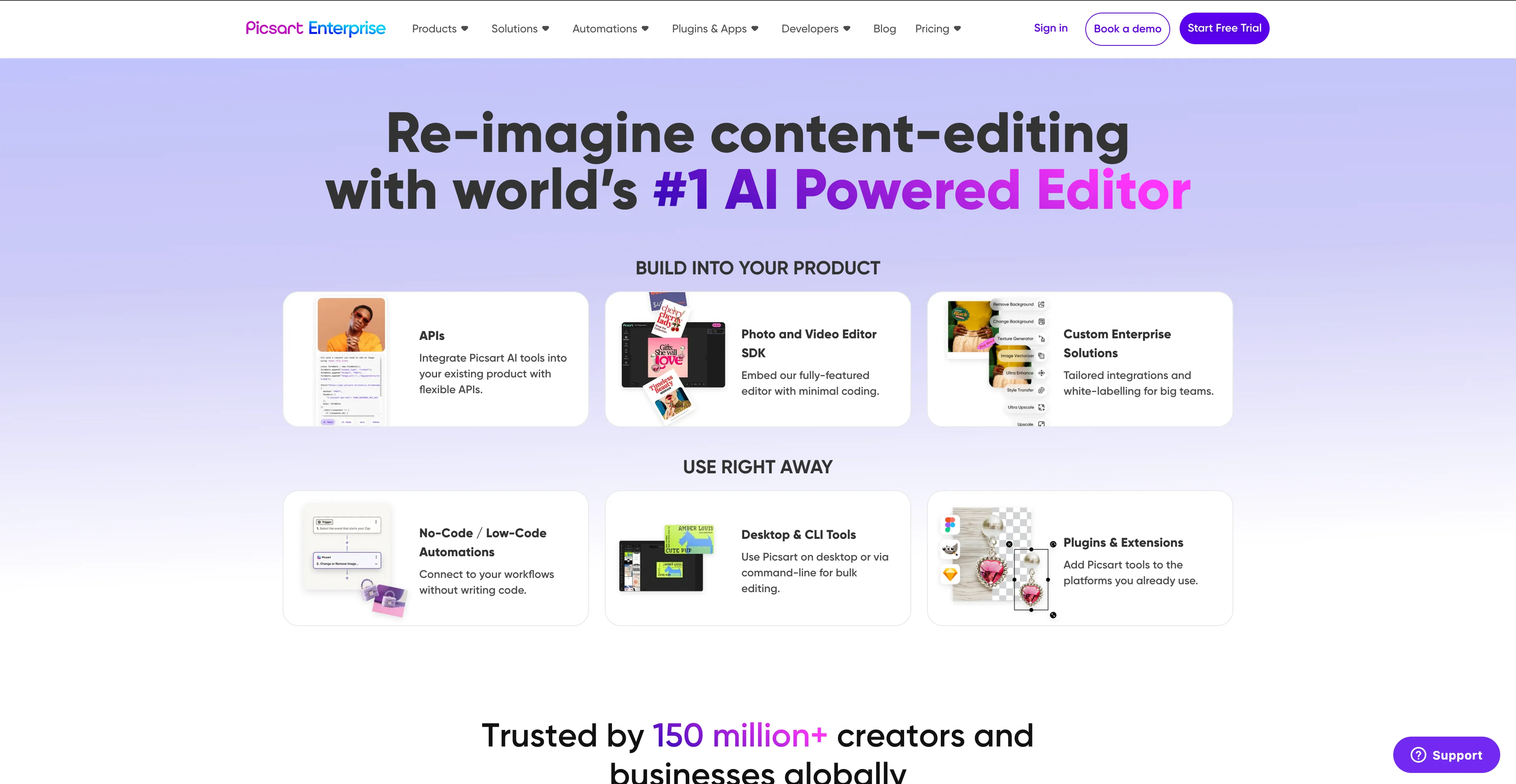
Picsart's blur background tool uses AI to identify and isolate the foreground subject with impressive precision, maintaining details like hair and fine edges while applying blur to the background. You get manual control over blur levels, from a slight softening to full bokeh effects, which gives you flexibility for different types of projects. The AI processing takes about five to fifteen seconds depending on image complexity, and it supports high-resolution output. It is available as a mobile app on iOS and Android as well as through the web editor, making it accessible from basically anywhere. For e-commerce product photography, headshots, and marketing content, Picsart delivers consistently professional results.
9. BeFunky — Blur Background
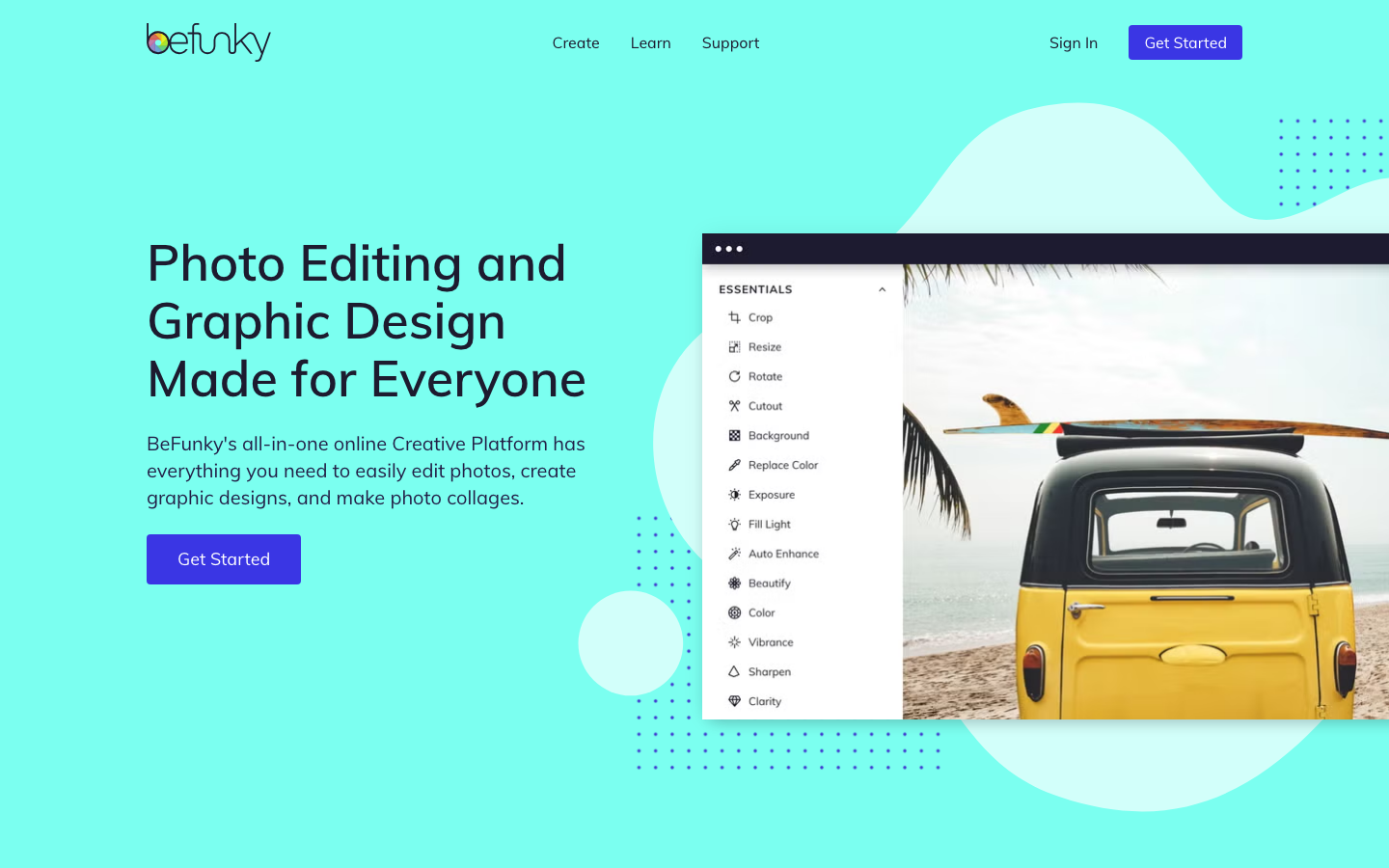
BeFunky is a free online photo editor that has been around since 2007, processing over 350,000 photos daily, and its blur background capabilities are solid. It offers multiple blur tools including a classic blur with intensity control, lens blur for bokeh effects, funky focus for highlighting specific areas, and motion blur for creative effects. The AI-powered background blur can automatically detect and isolate subjects with one click, keeping them sharp while blurring the surroundings. Beyond blur, BeFunky includes portrait enhancement, creative effects, text editing, and other AI tools, so it works well as a comprehensive photo editor. I appreciate the variety of blur styles available since most tools only offer one type of blur.
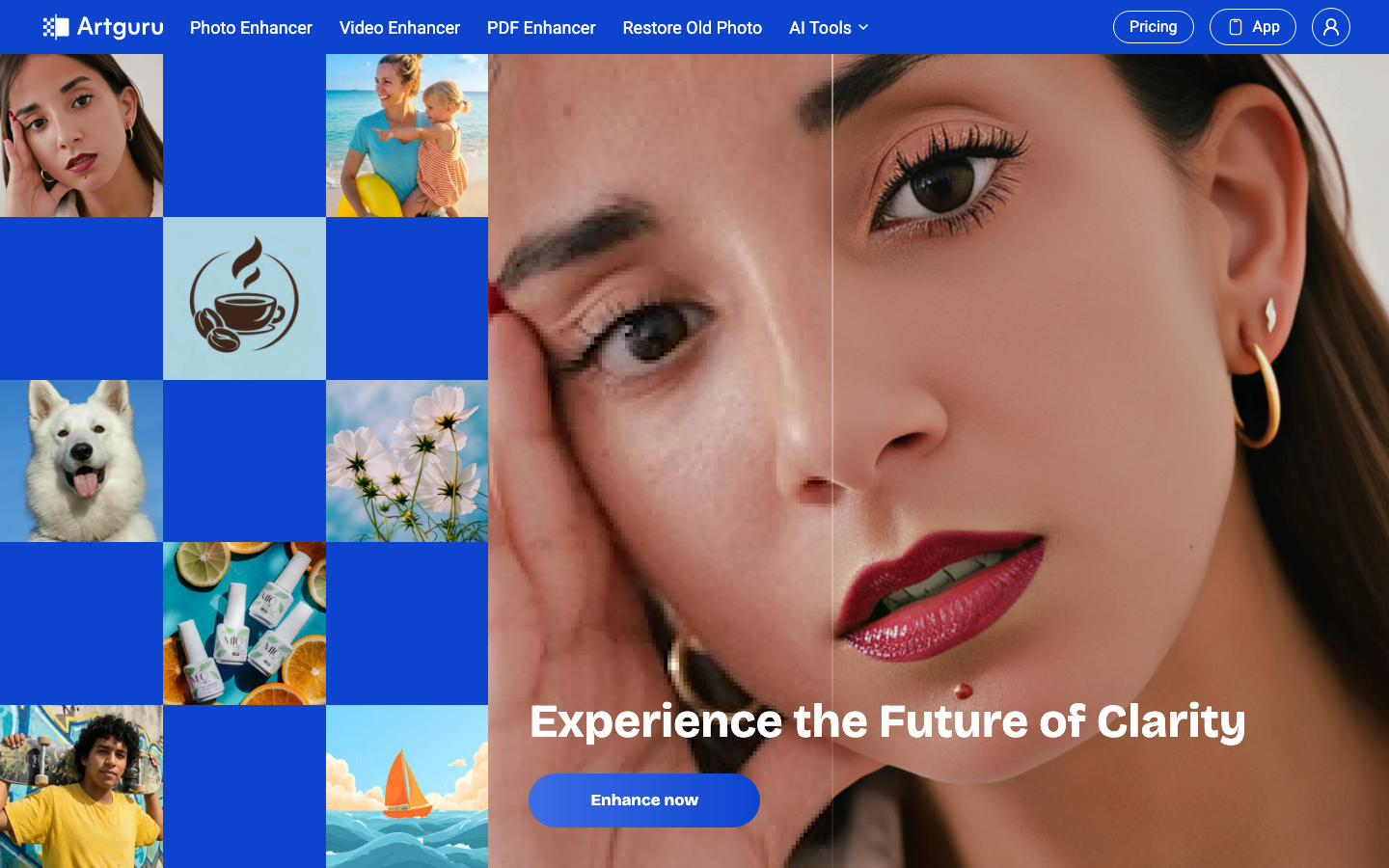
10. Artguru — AI Blur Background
Artguru is an all-in-one AI enhancement platform that offers background blur functionality alongside image upscaling, video enhancement, and photo enhancement tools. It is available as a web app plus iOS and Android applications, so you can work from practically any device. The tool is designed for users of all skill levels with a simple three-step workflow of upload, process, and download. It supports batch processing on paid plans, which is great if you have a large number of images that need the same treatment. While it may not have the most advanced blur-specific controls, its strength is in being a versatile platform where you can blur backgrounds, enhance quality, and upscale images all in one place.