






Key Features
Cuty AI enables you to seamlessly add any face to a video with high accuracy using AI-powered face swap technology, preserving natural expressions and movements.
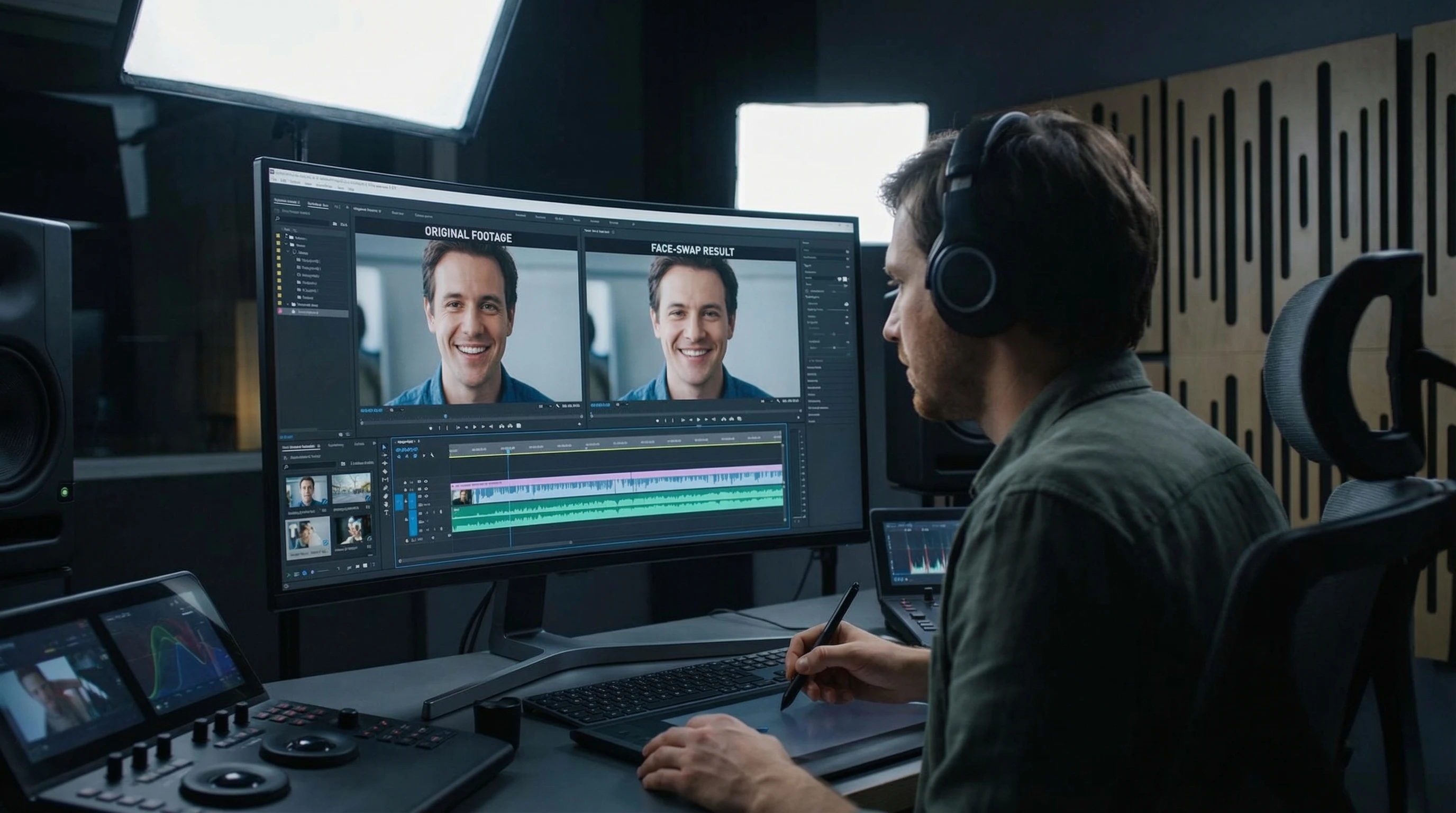
Our platform supports browser-based video editing, so you can add faces to your videos instantly without downloading software or needing advanced skills.

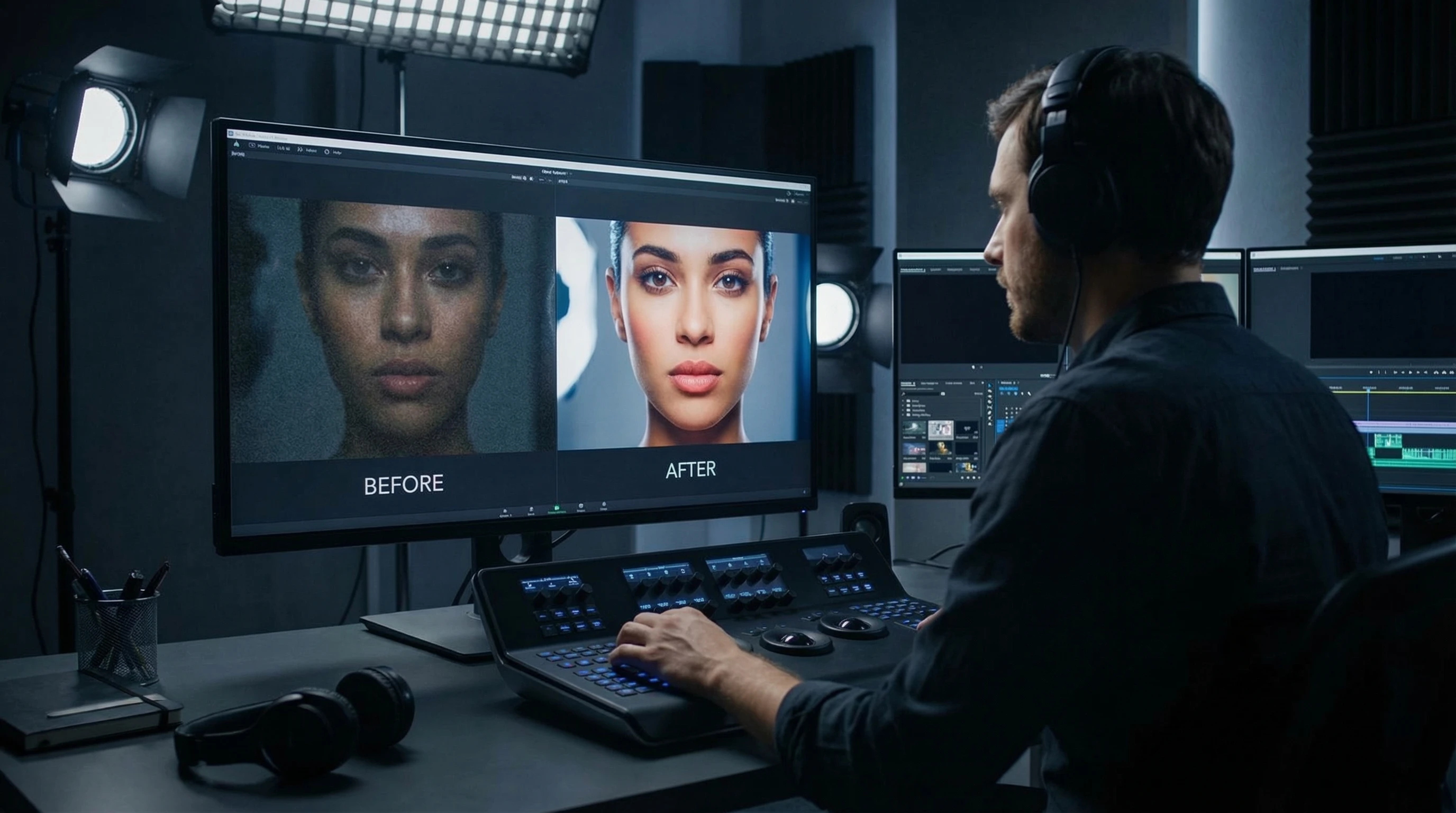
The AI animation feature enhances your swapped faces by adding lifelike motion, making your videos more engaging and realistic.


Frequently Asked Questions
Simply upload your video and the photo of the face you want to add, then use the face swap tool to apply it. The AI will automatically map the face onto the video frames.
No, Cuty AI is designed to be user-friendly and requires no technical or video editing experience. The process is automated and intuitive.
Yes, you can upload any clear photo of a face. For best results, use a front-facing, high-quality image with good lighting.
While there may be some practical limits based on your account type, Cuty AI supports a range of video lengths suitable for most common uses.