Top 10 Alternatives To Artlist I've Personally Used
AIGC
Tutorial
I've been using Artlist frequently in my AI creation work recently, and it has been incredibly helpful. However, it does have some limitations. Recently, I've been trying out some other alternatives, and I'd like to share the ones that have worked well for me.
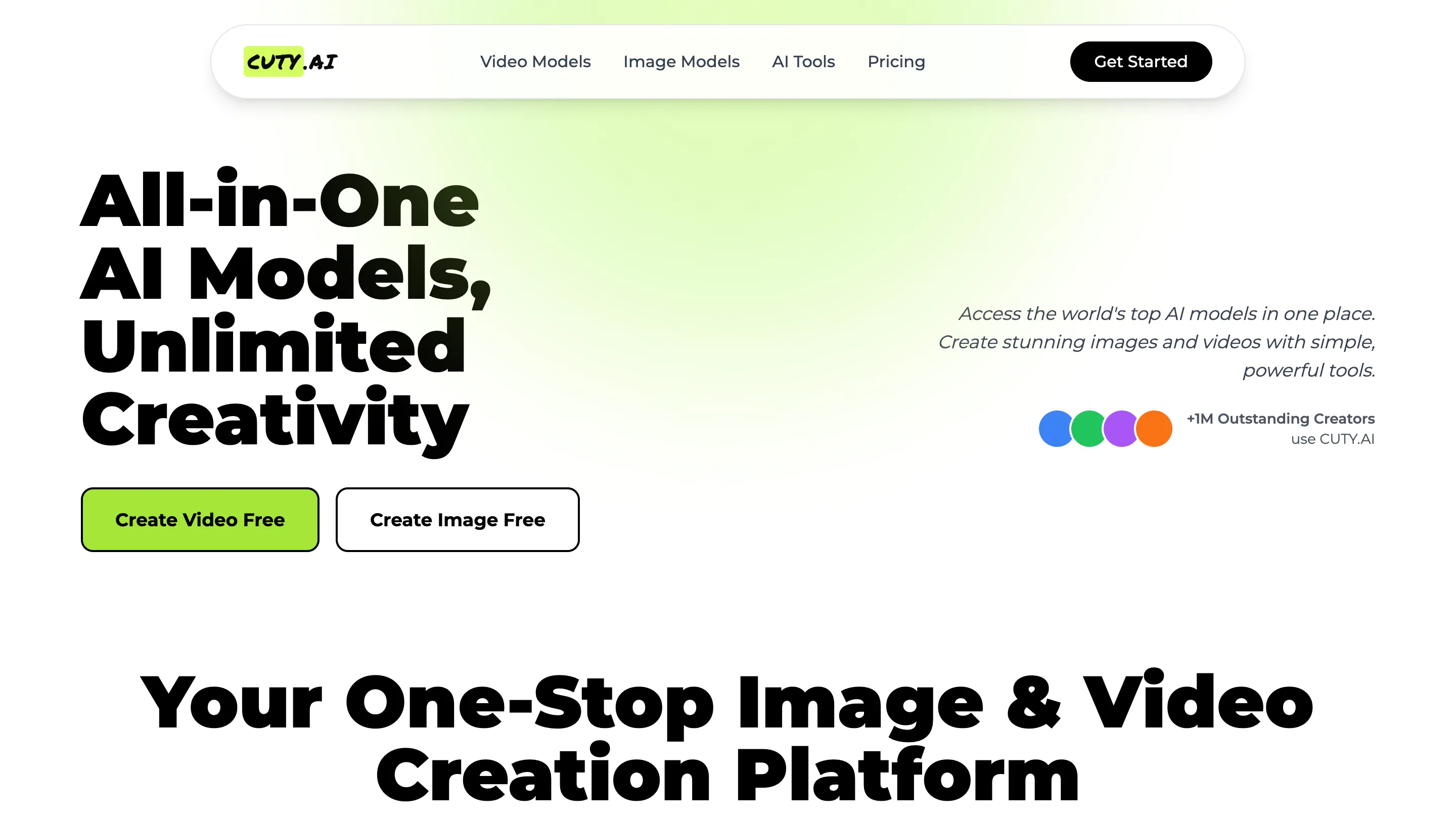
- Cuty AI - An One-Stop Image & Video Creation Platform.
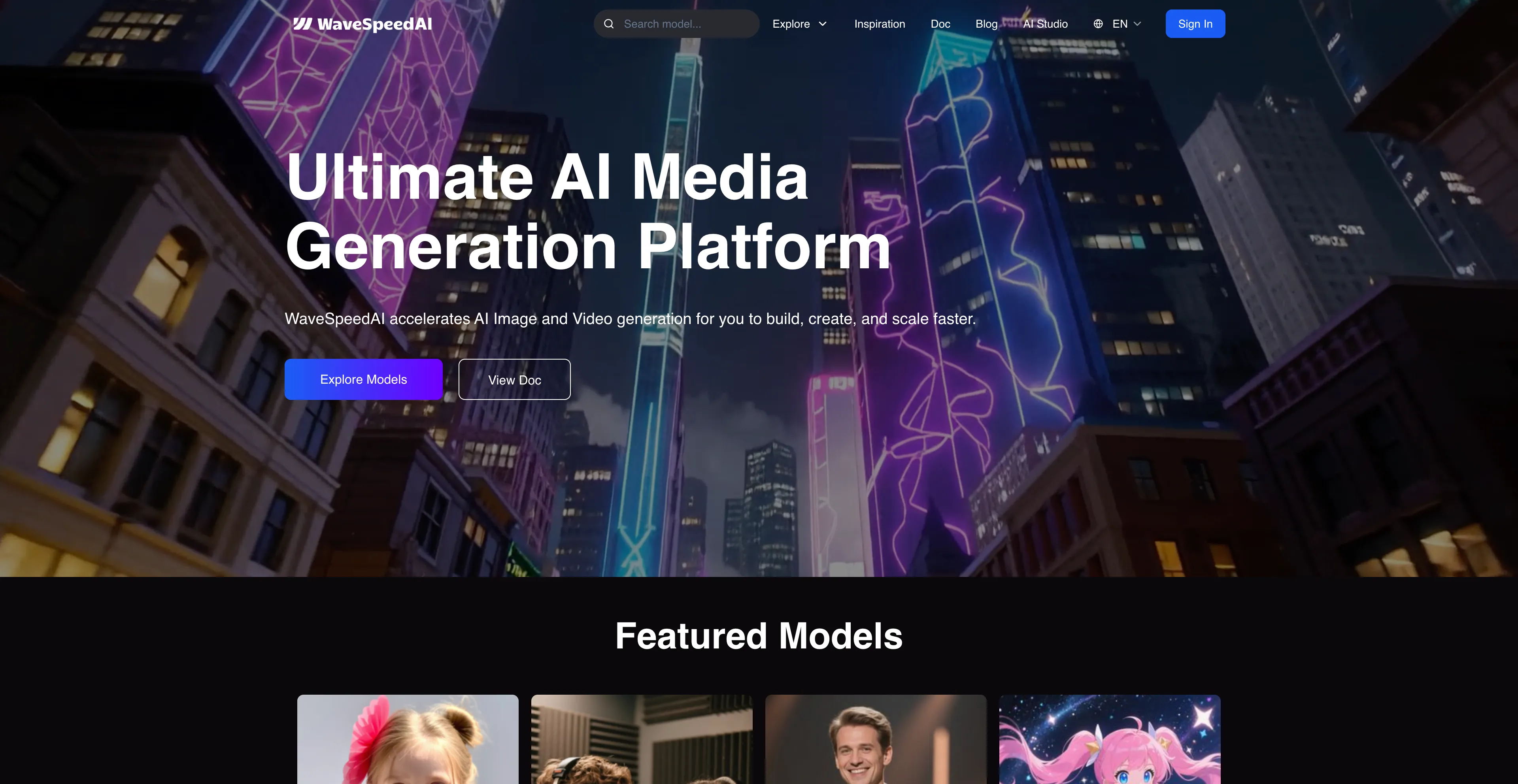
- WaveSpeed AI - A platform for developers and creators.
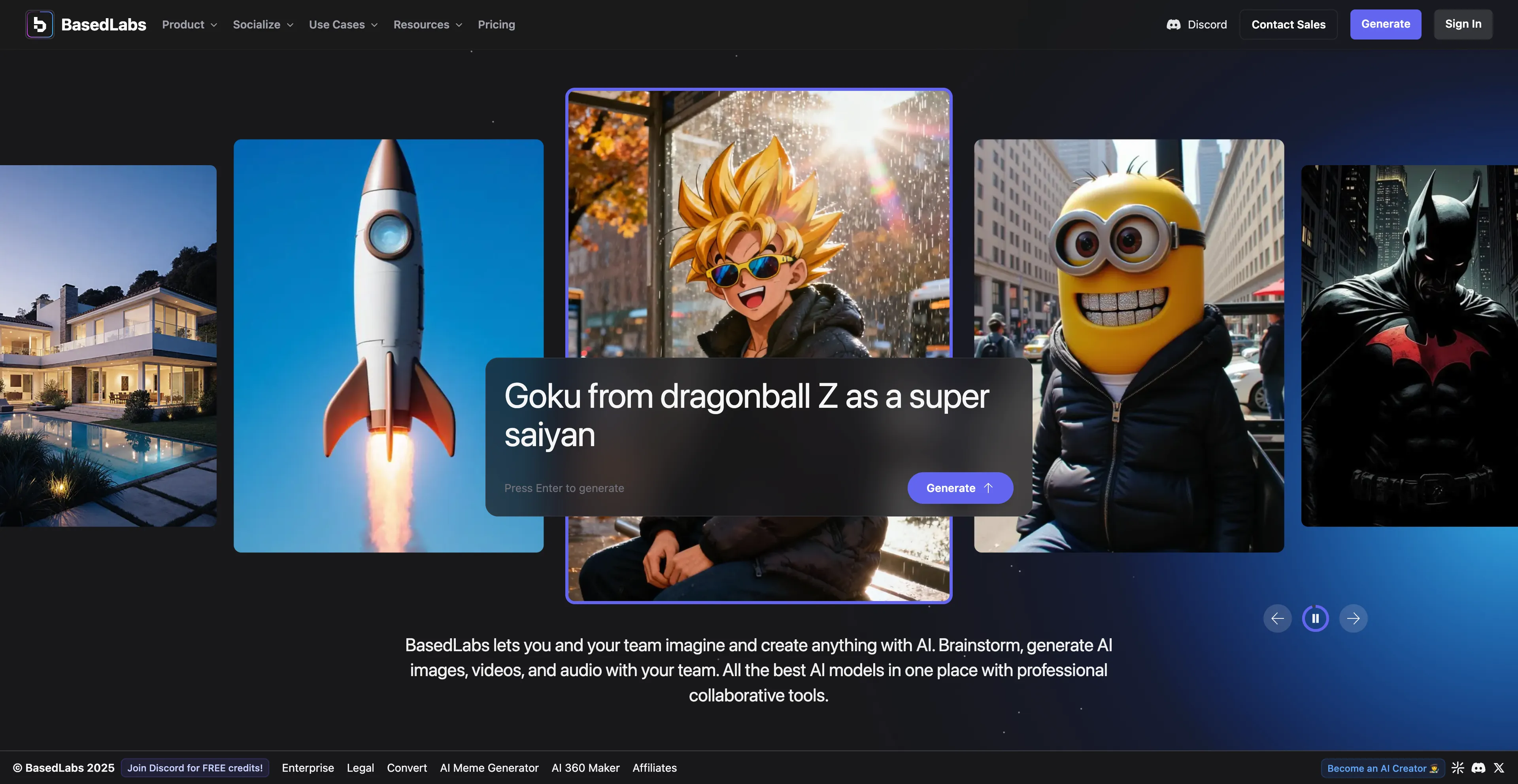
- BasedLabs AI - Designed to be user-friendly for both beginners and professionals.
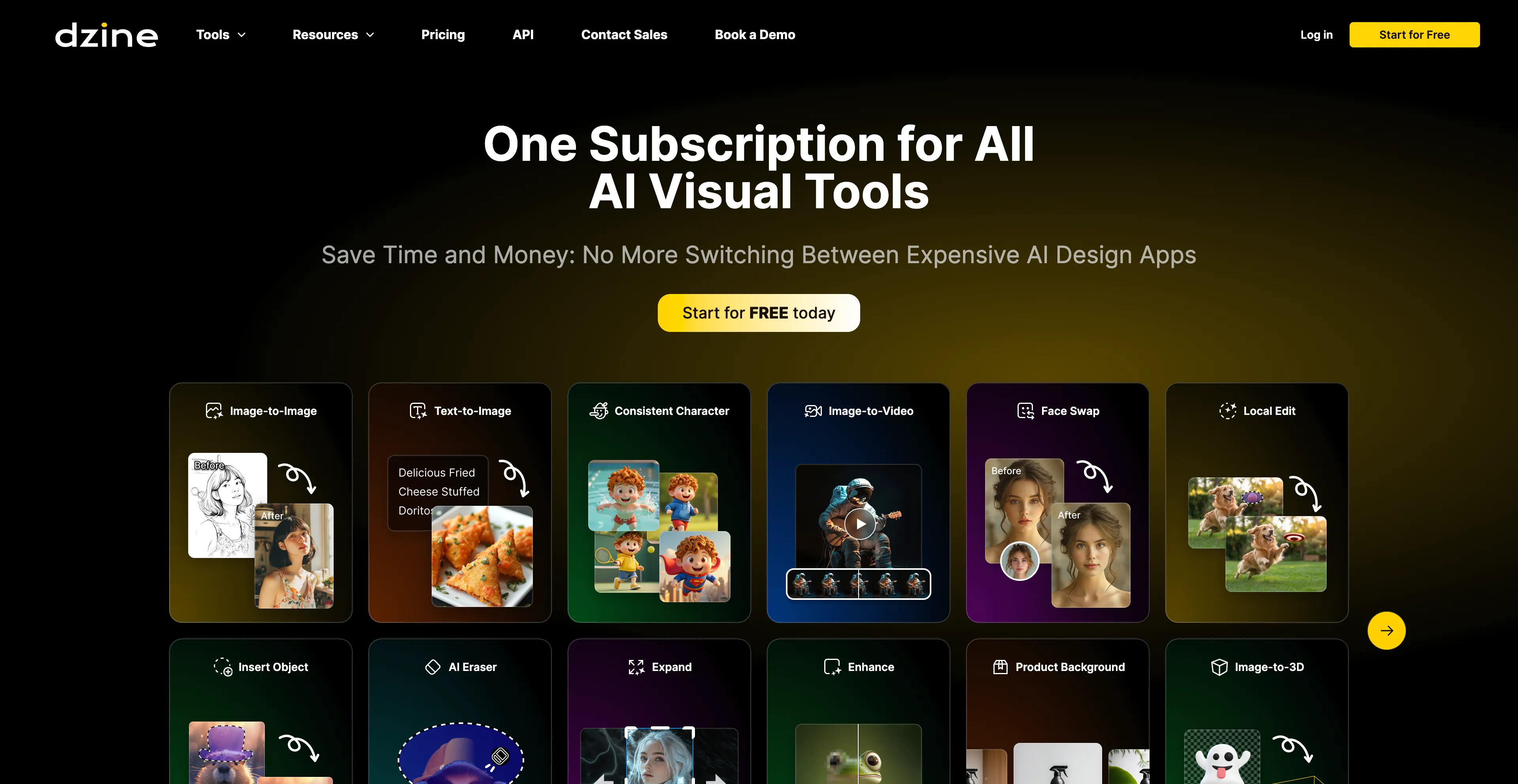
- Dzine AI - An AI-powered design platform that helps users create images.
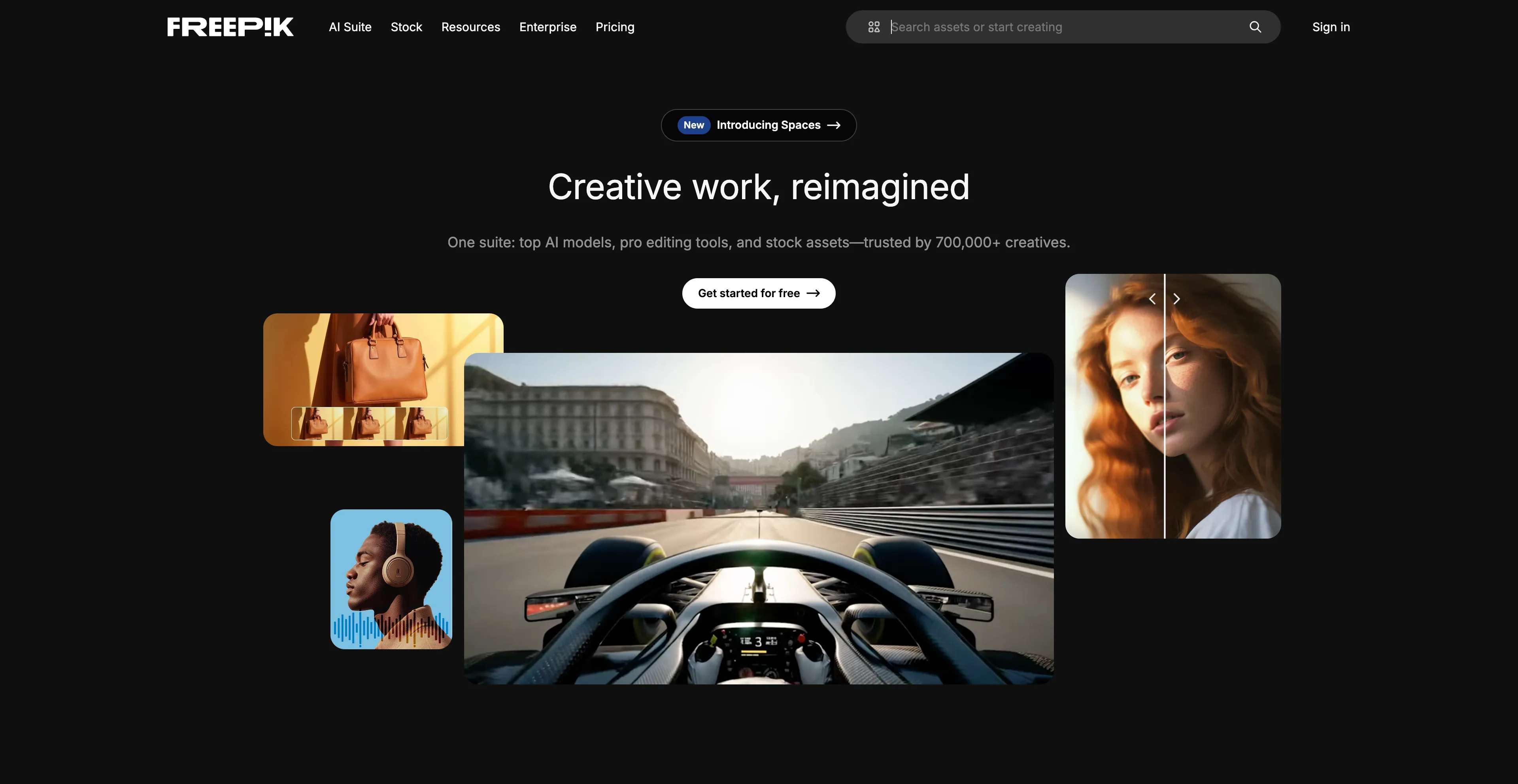
- Freepik - An online marketplace and design resource that offers a vast.
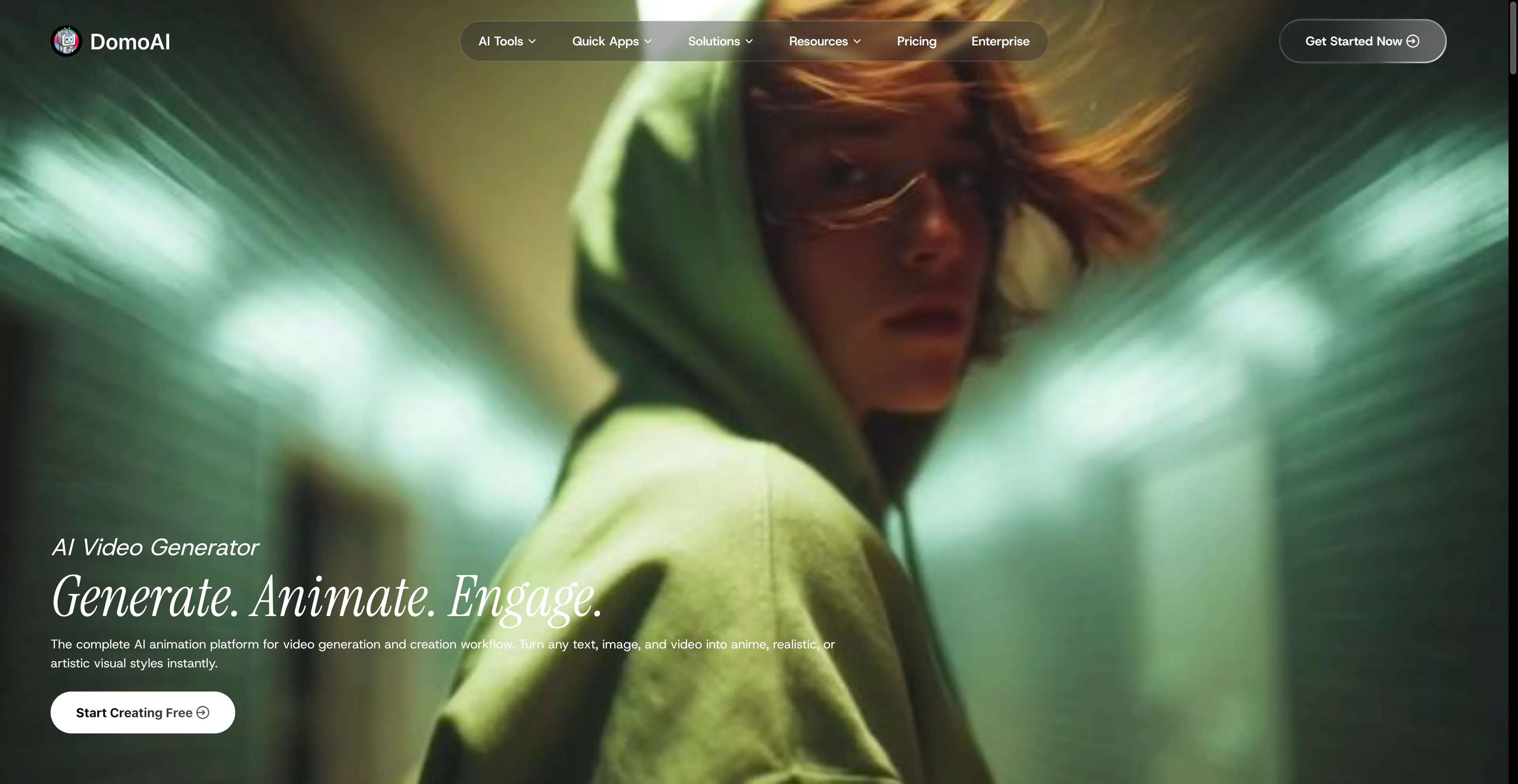
- DomoAI - A complete AI animation platform that simplifies video.
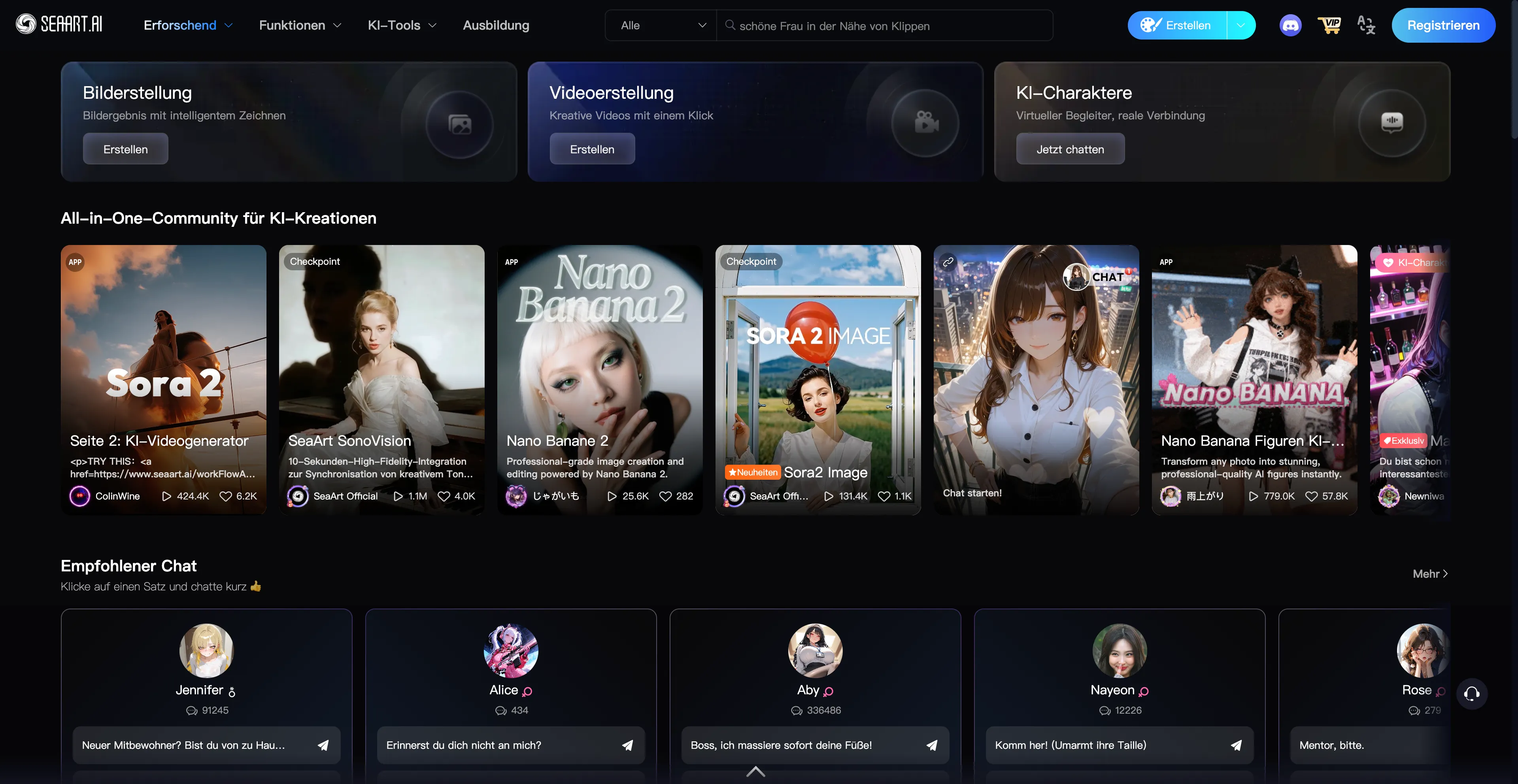
- SeaArt AI - A free AI art generator that makes art.
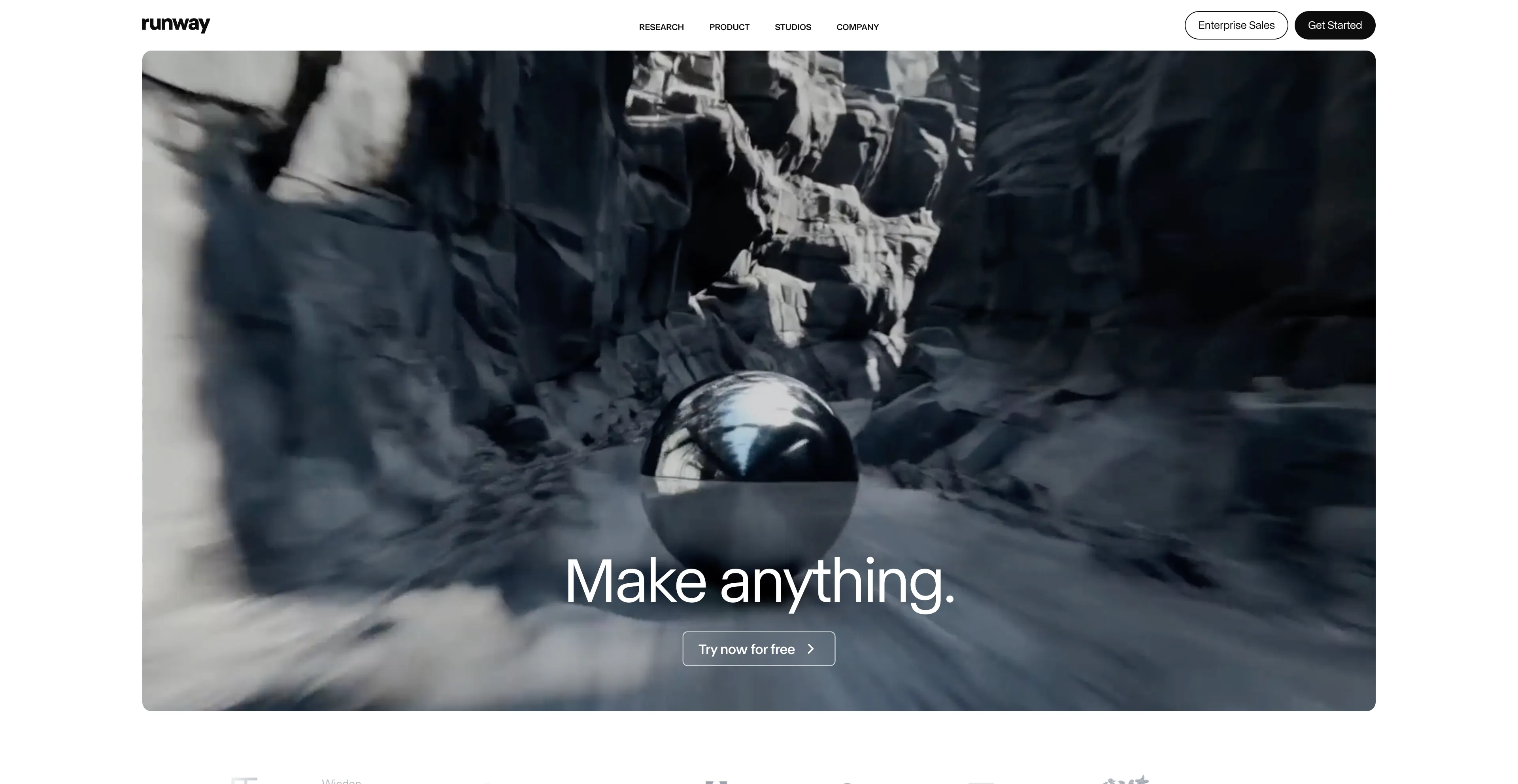
- Runway AI - It offers a range of features for both beginners.
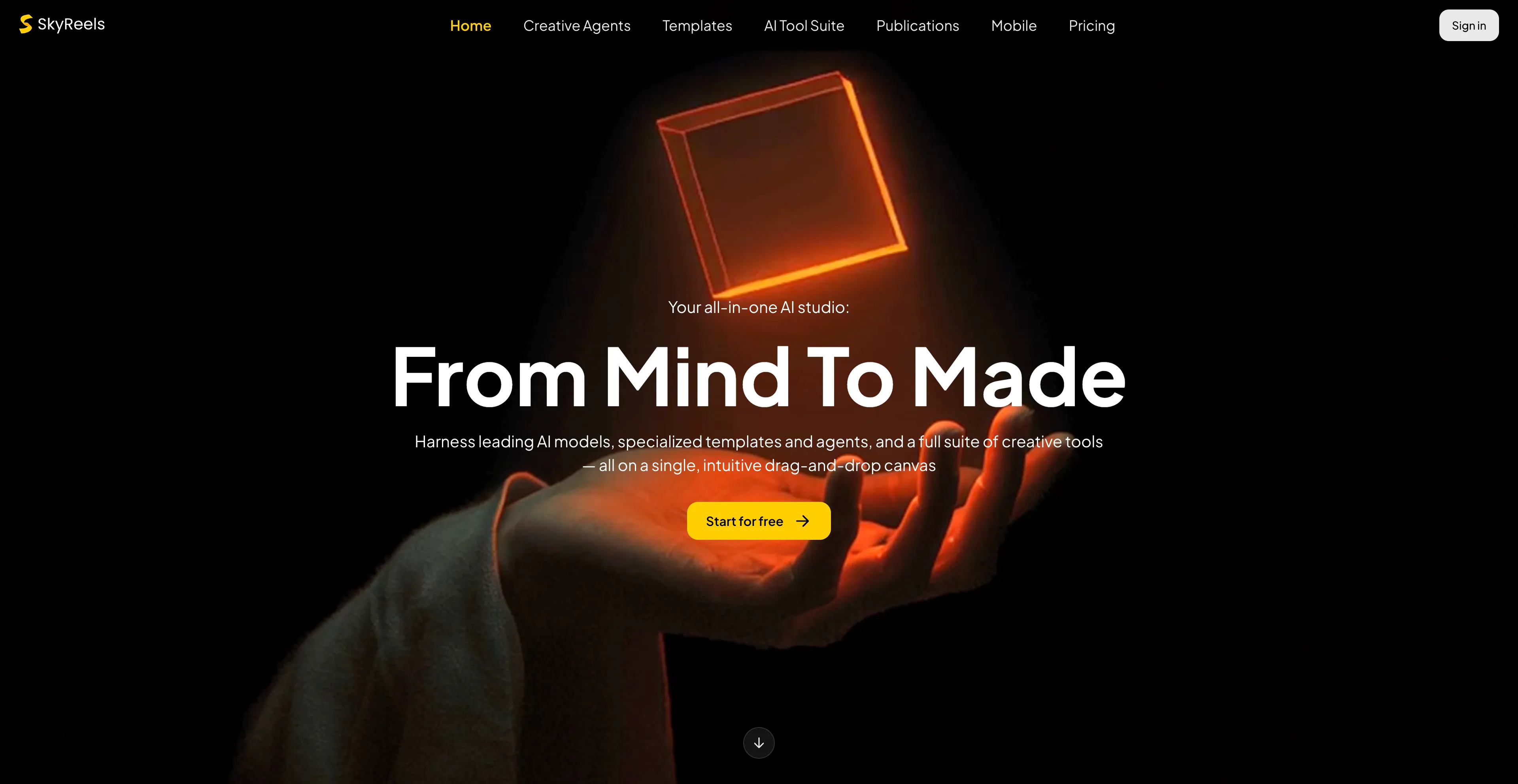
- SkyReels - To provide creators with a comprehensive suite of tools.
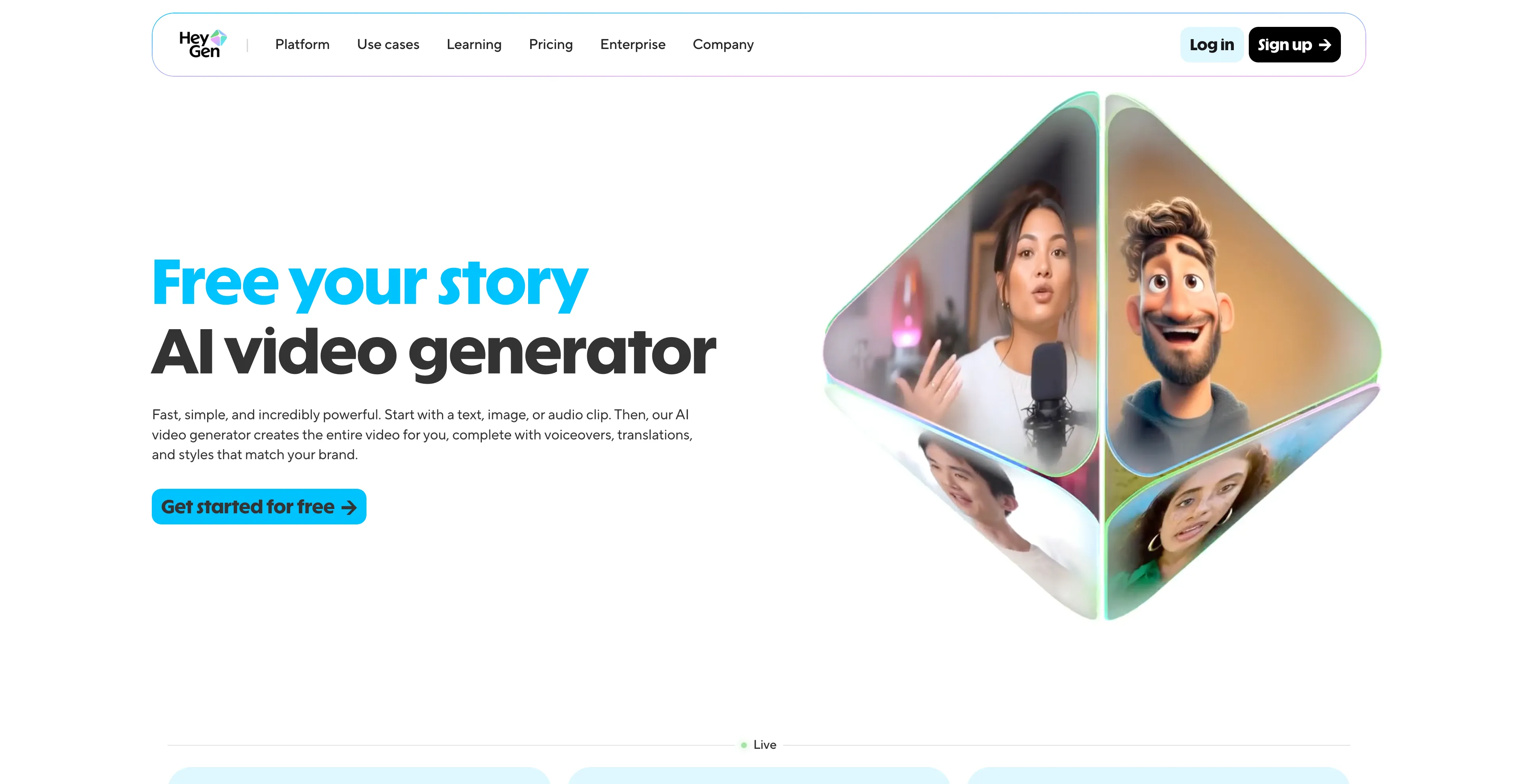
- HeyGen - An AI-powered video creation platform that allows users.
1. Cuty AI
Cuty AI stands out as a comprehensive one-stop platform for both image and video creation, making it an excellent alternative to Artlist for creators who need versatile AI tools. What makes Cuty AI particularly appealing is its unified approach to creative generation—you can access world-class AI models all in one place without jumping between different services. The platform excels at transforming ideas into stunning visuals through its text-to-image feature, which can produce everything from photorealistic images to artistic styles in just seconds. The image-to-image transformation capabilities are equally impressive, allowing you to remix and enhance photos while maintaining consistent details and unlocking endless creative possibilities. When it comes to video creation, Cuty AI truly shines. Its text-to-video feature converts written prompts into engaging video content that's perfect for marketing campaigns and social media posts. The image-to-video animation tool is particularly useful for bringing static images to life, whether you're working with portraits, avatars, or artwork. The platform offers a free plan that lets you explore its features and create images or videos at no cost, which is great for testing before committing. For users who need more generation credits and advanced capabilities, there are upgrade options available. The seamless integration of multiple AI models means you can handle your entire creative workflow without switching platforms, which significantly streamlines the content creation process.
2. WaveSpeed AI
WaveSpeed AI is a platform designed for developers and creators that offers fast, unified access to a wide range of multimodal AI models for generating images and videos. The platform provides a unified inference runtime, API access, and optimization tools to help users build AI-native products quickly. It's designed as an all-in-one solution that brings together leading generative AI models so users don't have to jump between different services. WaveSpeed AI enables the creation of images and videos from text, image, or audio prompts by providing access to models that handle text-to-image, image-to-image, and text-to-video generation. The platform features a simple HTTP API that allows developers to integrate WaveSpeed AI into their applications, with usage examples provided in various programming languages. The dynamic optimization tools and unified inference runtime ensure high-speed performance, and the platform supports a diverse collection of cutting-edge AI models from different providers, allowing users to work with a variety of tools within a single platform. However, the quality can be inconsistent and may require refinement or post-editing. The UI leans technical and is less beginner-friendly than some rivals, which might be a barrier for users without technical backgrounds. Despite these considerations, WaveSpeed AI is an excellent choice for developers and technical creators who need unified access to multiple AI models.
3. BasedLabs AI
BasedLabs AI is a platform for creating and editing AI-powered images and videos, offering tools for features like text-to-image generation, face swapping, and video creation from images or text. It is designed to be user-friendly for both beginners and professionals, providing a centralized and accessible way to use advanced AI models for content creation. The platform allows users to generate images from text, transform images, create videos from text or other images, and perform tasks like face swapping and voice cloning. BasedLabs aims to simplify complex AI technology with a platform that is easy to use for users with varying skill levels. It provides cloud-based infrastructure, making the tools accessible without requiring users to handle the complex technology themselves. The platform includes professional tools for team collaboration, allowing users to brainstorm, generate content, and work together in real-time. However, some users feel constrained by the limited customization options, which might be a concern for those who need more control over their creations. While generally reliable, some users have encountered glitches or lags, especially with more complex projects. Despite these limitations, BasedLabs AI remains a solid choice for teams and individuals who need accessible AI content creation tools.
4. Dzine AI
Dzine AI is an AI-powered design platform that helps users create images, graphics, and websites from text prompts or existing images. Previously known as Stylar AI, it offers a suite of tools for tasks like image generation, photo enhancement, and video creation, making it accessible to both beginners and professionals. Key features include AI-powered editing like background removal, image expansion, and specific tools like an AI anime filter and an AI logo designer. Users can create images from text prompts and explore various styles, such as Pixar, anime, or painted looks. The platform includes tools like Generative Fill to expand images, remove backgrounds, and edit specific objects within a photo. It offers one-click enhancements to improve the quality of photos, fixing issues like blur and low resolution. Dzine AI can convert images into short video clips using different AI models, and it allows users to train the AI to create consistent characters from a set of images or text prompts. The platform can generate new logos or refine existing ones using text and image-to-image functions. However, the advanced features and AI integrations require significant time and effort to master, potentially overwhelming for new users. While AI automates many tasks, professionals might find the lack of detailed manual controls restrictive.
5. Freepik
Freepik is an online marketplace and design resource that offers a vast library of visual assets like photos, vector graphics, and templates, along with AI-powered creative tools. It operates on a freemium model, providing a large selection of free resources while offering premium content and advanced AI features through a paid subscription. Users can find assets for a wide range of projects, from social media posts to full-scale website designs. The platform offers a large collection of free and premium photos, vectors, illustrations, icons, and templates, along with a suite of AI tools for tasks such as generating images from text, editing and retouching photos, creating videos, and expanding images. Freepik provides an online platform with an integrated design editor and mockup generator, allowing users to edit templates and create professional visuals without needing extensive software. The platform includes a search engine that helps users find high-quality graphic resources by searching across many websites and ranking results based on quality and relevance. For free users, many assets and some tools are available for free, and users can find free content by applying a "Free" filter after a search. Free assets may require attribution. For premium users, a paid subscription unlocks the full library of premium assets, removes limitations on downloads, and provides access to all advanced AI tools. However, users find the premium pricing quite costly, especially with limitations on daily downloads, which can be a significant drawback for heavy users.
6. DomoAI
DomoAI has quickly become one of my go-to platforms for AI animation, especially since it launched in 2023 and has already grown to over 3 million users. This complete AI animation platform simplifies video generation in ways that make it accessible to both beginners and professionals. What I love about DomoAI is its versatility—you can convert text, images, and videos into anime, realistic, or artistic visuals using over 30 unique styles. This variety means you're not limited to one aesthetic, and you can experiment with different looks until you find what works best for your project. The platform's recognition from industry leaders speaks to its quality and innovation. The workflow is intuitive, and the results are consistently impressive. However, there are a couple of things to keep in mind. Some users may need time to familiarize themselves with all the features, as there's an initial learning curve. While DomoAI supports many features, its integration with other third-party platforms is currently somewhat limited, which might be a consideration if you rely heavily on external tools. Despite these minor drawbacks, DomoAI remains a powerful and reliable choice for anyone looking to create animated content efficiently.
7. SeaArt AI
SeaArt AI is a free AI art generator that makes art accessible to everyone, requiring no professional skills to create and edit high-quality images and videos effortlessly using powerful AI technology. This platform is particularly appealing for users who want to experiment with AI-generated art without financial barriers. The free access model means you can explore various creative possibilities without worrying about subscription costs, which is a significant advantage over many competitors that require paid plans for meaningful functionality. The platform's user-friendly approach makes it suitable for beginners who might be intimidated by more complex AI art tools. However, there are some considerations to keep in mind. Image outputs may need to be refined manually, which means you might spend additional time post-processing to achieve your desired results. Some features may require a paid subscription, so while the basic functionality is free, advanced capabilities come at a cost. The platform may require some trial and error to achieve desired outcomes, which can be time-consuming. If you're using SeaArt AI for business purposes, it will likely require commercial licensing, which adds another layer of consideration. Despite these limitations, SeaArt AI remains a solid choice for hobbyists and those exploring AI art generation.
8. Runway AI
Runway AI is a creative suite of AI-powered tools for generating and editing images and videos in a web browser. It offers a range of features for both beginners and professionals, including text-to-video, image-to-video, text-to-image, and various AI-powered video editing tools like background removal and object removal. The platform uses a credit-based system with a free plan available, and different subscription tiers to remove limitations and access premium features. The free plan includes a limited number of monthly credits, basic access to tools, and 720p video exports. Paid plans offer more credits, no watermarks, higher resolution exports like 4K, and other premium features. Most generation and editing tasks consume credits, with usage varying based on the operation. However, there's no pure-text video generation on the free plan—you must supply a starting image, and text-only workflows aren't supported without credits. The initial 125 free credits are easy to exhaust, so you'll need to plan usage carefully or upgrade. Despite these limitations, Runway AI remains a powerful and versatile tool for creators who need comprehensive AI-powered editing and generation capabilities.
9. SkyReels
SkyReels AI is an all-in-one platform for AI video creation and editing, offering tools to generate video from text, images, or scripts. It includes features like video extension, character lip-syncing, and a built-in video editor, and has also released open-source video models that can generate longer-form, seamless content. Its purpose is to provide creators with a comprehensive suite of tools for producing professional-quality videos, from short clips to full-length films. The platform can generate video content directly from a text prompt, animate static images into dynamic videos, and create full-length AI movies from a script, text file, or novel. SkyReels includes a built-in, web-based editor that allows for post-generation editing, and it offers a variety of tools like video extension, lip-syncing, text-to-speech, and sound effect generation. The platform allows users to train their own custom video effects, styles, and characters by uploading consistent video examples. SkyReels has open-sourced foundational models such as SkyReels-V1, V2, and V3 that can generate unlimited-length, high-quality video. However, the effectiveness of SkyReels' AI recommendations depends heavily on the accuracy and completeness of user data, which means you need to provide good input to get good output. This data dependency can be a limitation if you're working with incomplete or inconsistent information.
10. HeyGen
HeyGen is an AI-powered video creation platform that allows users to create professional videos from text or images without filming. It uses realistic AI avatars and voice cloning to generate videos, and offers features like text-to-video, video translation, and the ability to create personalized ads. This makes it possible to produce content quickly, efficiently, and without needing a camera, crew, or editing skills. Users can generate videos by inputting text, which the platform converts into a video with an AI avatar speaking the words. The platform offers a variety of pre-built avatars, or users can create their own digital clones and customize their appearance. You can use your own voice to create a clone, which can then be used to generate new content, or use the platform's text-to-speech feature to create natural-sounding voiceovers. HeyGen can translate videos into over 175 languages and dialects, using voice cloning and realistic lip-syncing to match the audio and visuals. The platform can generate on-brand video ads quickly, making it easier to test and optimize campaigns by creating multiple versions of a video. By automating many aspects of video production, HeyGen helps users save time and money compared to traditional video production methods. However, users find the pricing too high, especially for additional features, making it less accessible for newcomers. The cost issues are a significant concern, and there are avatar limitations that might restrict creative possibilities.