10 Best AI Image Extender Tools in 2026
Ever cropped a photo too tightly and wished you could magically add more space around it? That's exactly what AI image extenders do, and the technology has gotten impressively good. I put a bunch of these outpainting tools to the test, expanding the same images in different directions to see which ones generated the most convincing new content. These 10 are the ones that consistently filled in the extra space without it looking fake or out of place.
- Cuty AI — Image Extender
- Kapwing — AI Image Extender
- Getimg.ai — AI Image Extender (Uncrop)
- Adobe Firefly — Generative Expand
- Fotor — AI Image Extender (Outpainting)
- PicWish — AI Image Extender
- Picsart — AI Expand
- Zawa AI — Image Outpainting
- MyEdit — AI Image Extender
- ZeroEdit — AI Image Extender & Outpainting
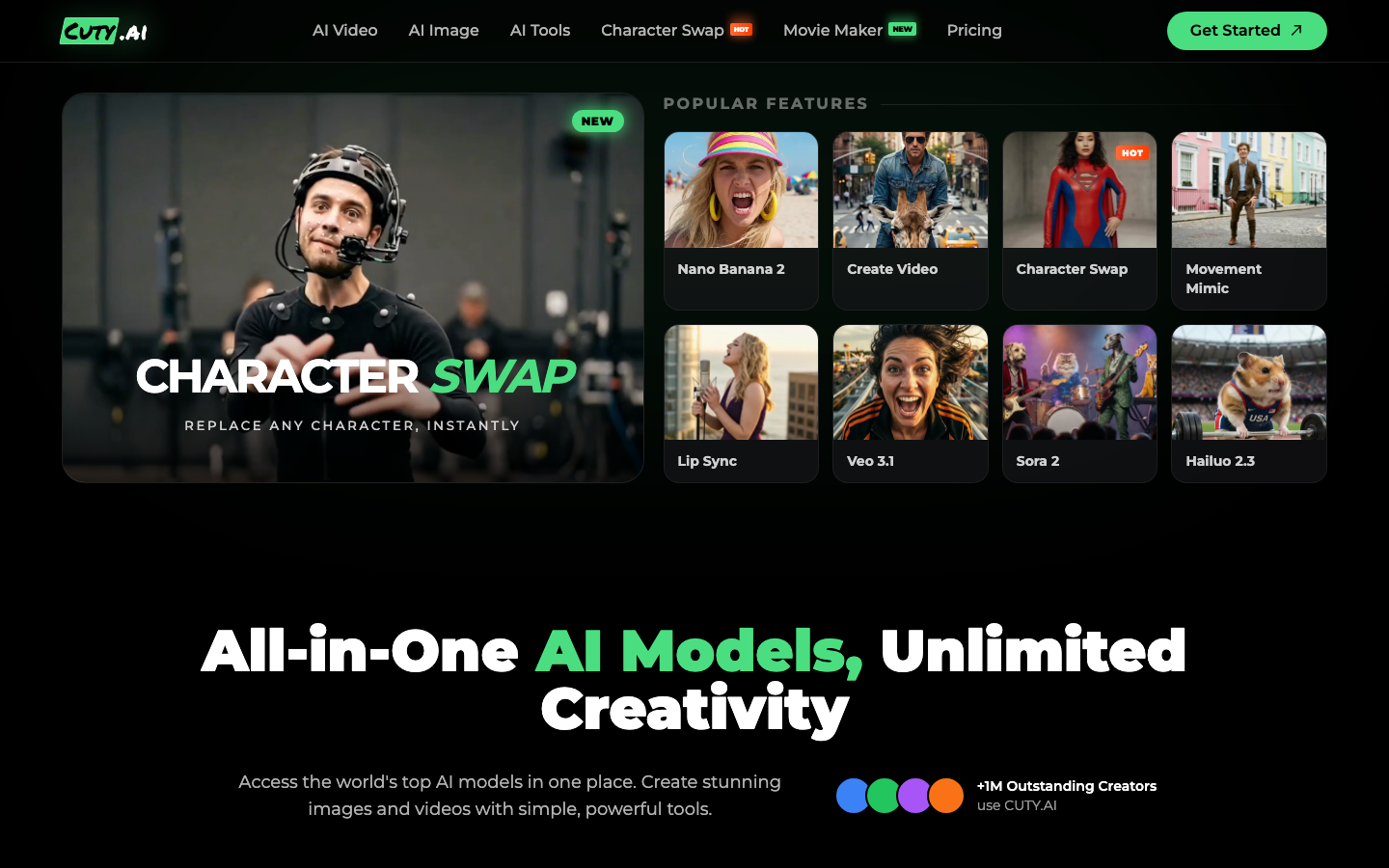
1. Cuty AI — Image Extender
Cuty AI's image extender uses advanced outpainting technology to expand photos beyond their original borders. It analyzes the style, colors, lighting, and patterns of your image to generate natural-looking additions that blend seamlessly with the original. I found it especially useful for fixing cropped images, improving composition, and creating wide-format visuals for banners and ads. It works right in your browser with no installation needed, and you get free credits to try it out before committing.
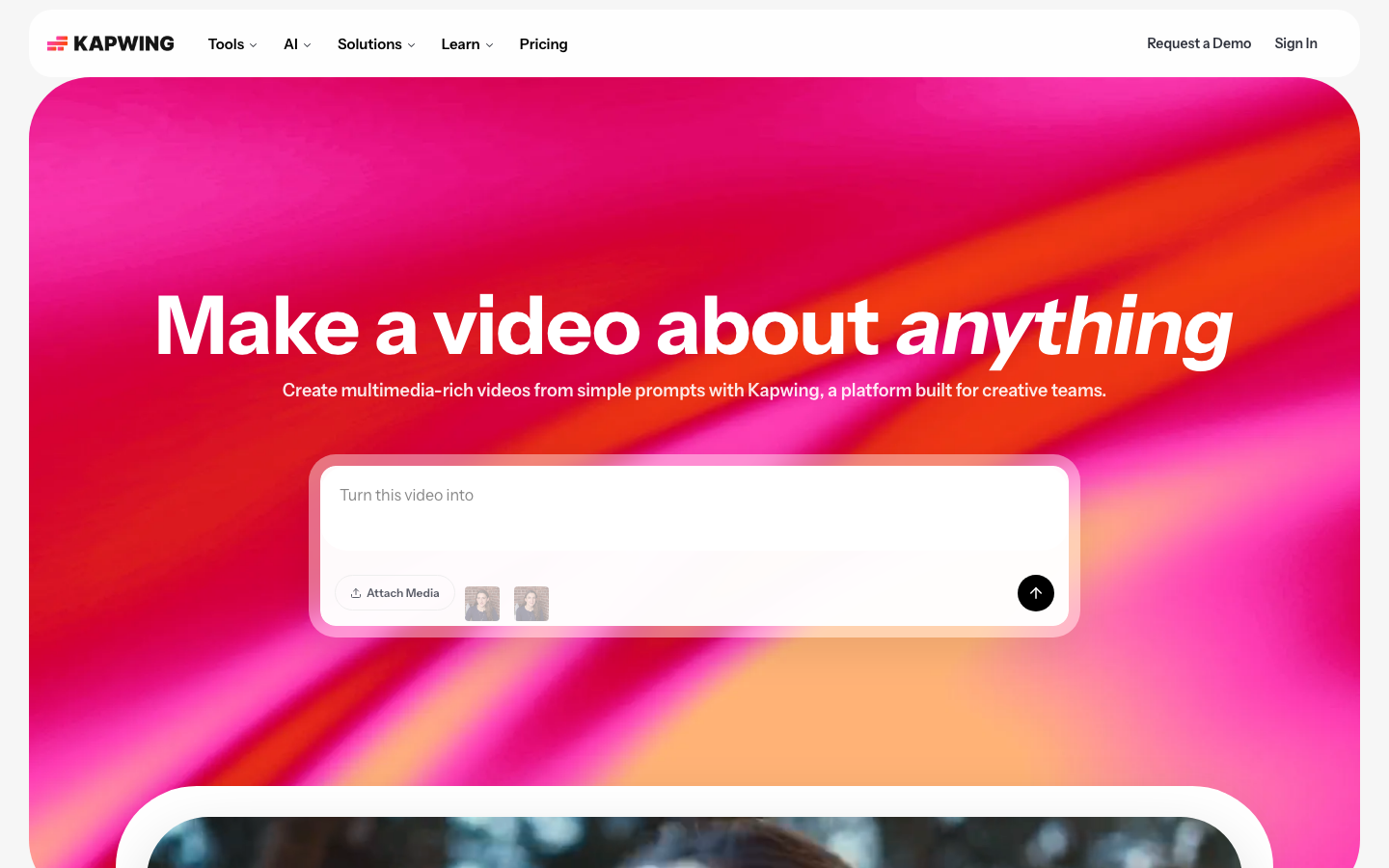
2. Kapwing — AI Image Extender
Kapwing's AI Image Extender adapts images to any aspect ratio without stretching or distortion, which is something a lot of other tools struggle with. You can use simple prompts like "bigger" or "wider," or specify exact aspect ratios like "9:16" or "1:1," and it handles the rest. It saves automatic version history so you can always go back to a previous result. The fact that it's integrated into Kapwing's full online editing suite means you can do everything from expanding to final editing without switching tools.
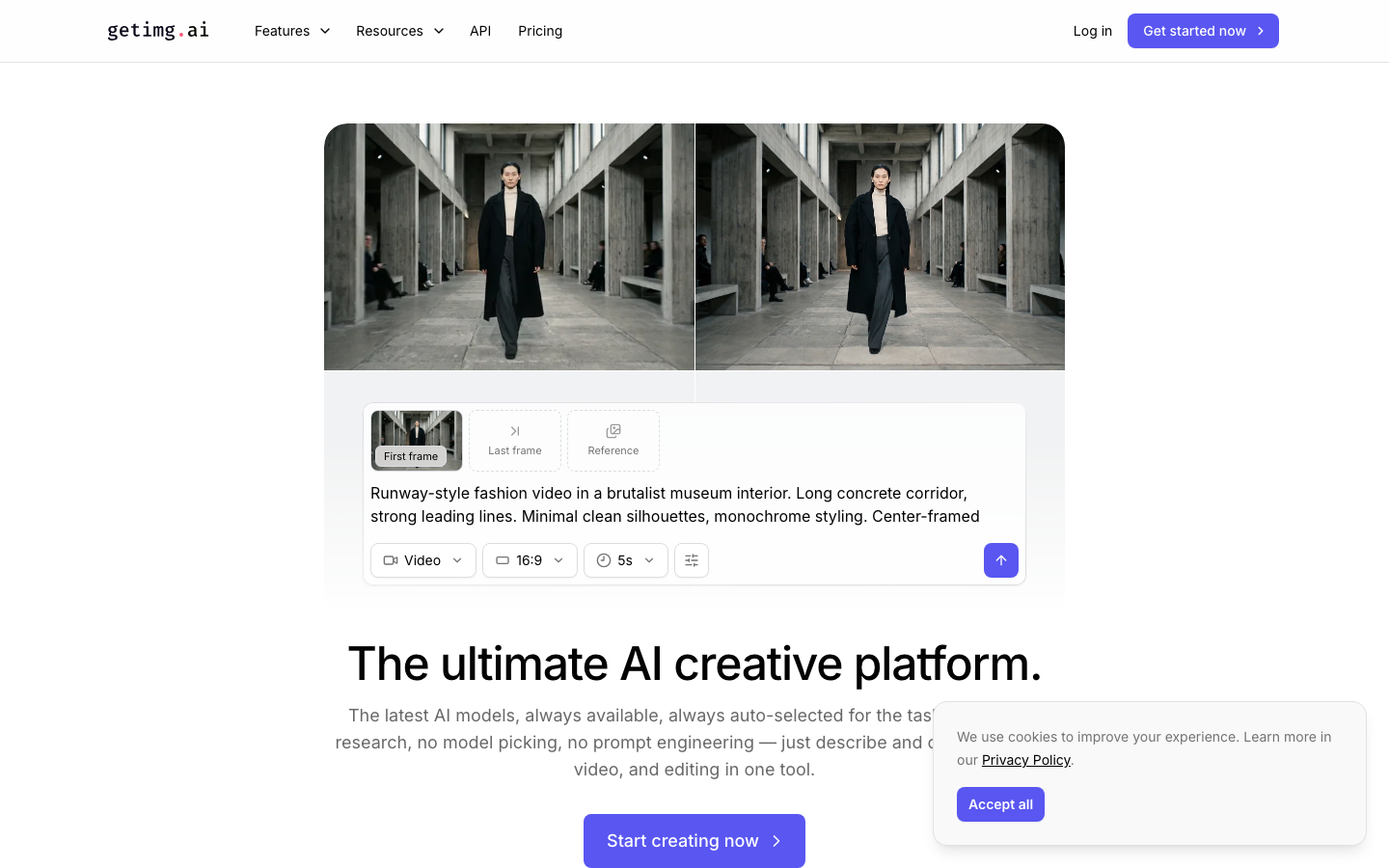
3. Getimg.ai — AI Image Extender (Uncrop)
Getimg.ai offers an image extender tool called Uncrop that has over 10 million users, which speaks to its reliability. It expands images in all directions while maintaining the original style, color palette, and mood. What I really liked is the ability to uncrop an already-uncropped image multiple times to get even greater expansion. It works well across different image types, from portraits and digital art to landscape photography, and it handles bulk processing of up to 10 images at a time.
4. Adobe Firefly — Generative Expand
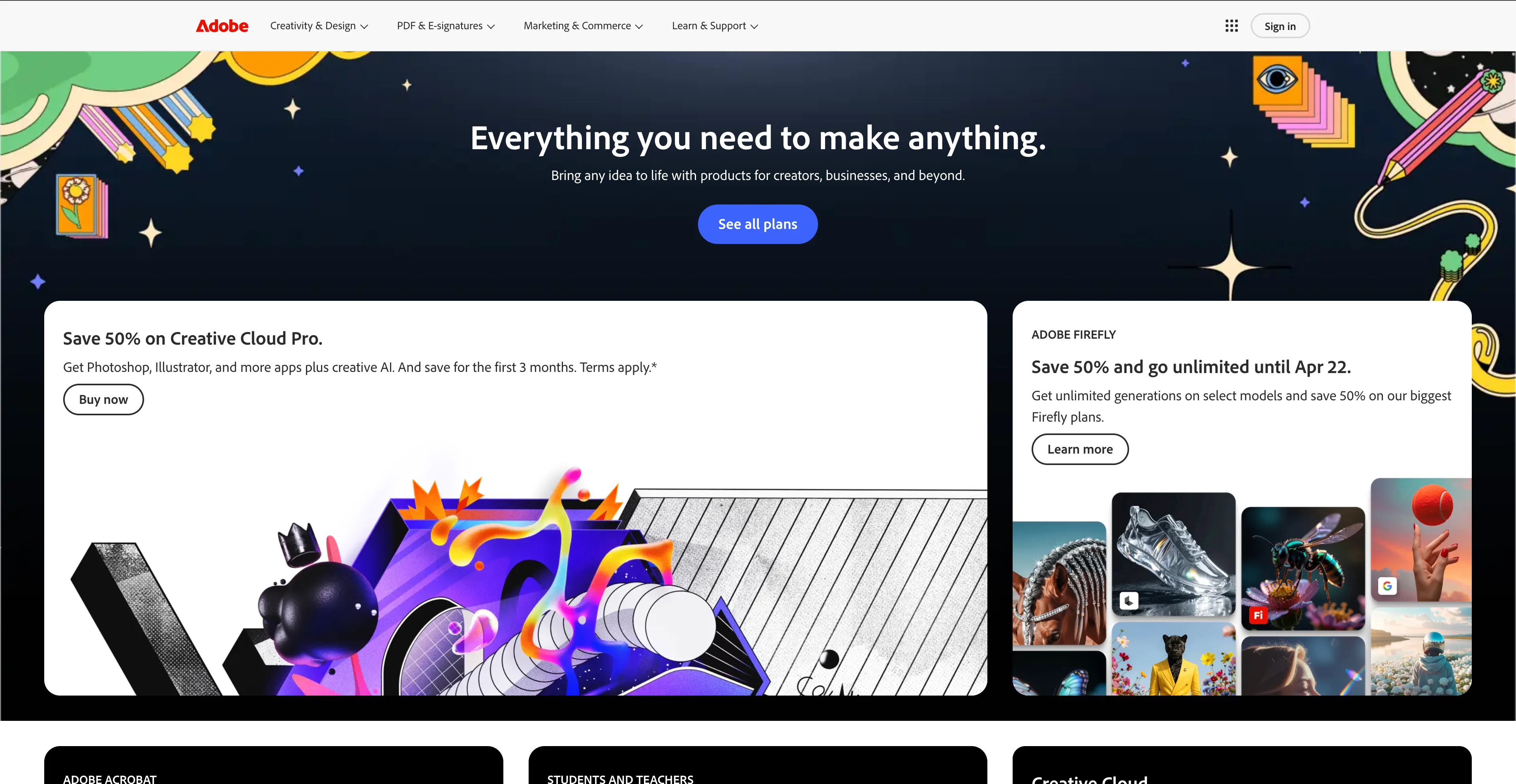
Adobe Firefly's Generative Expand feature is available both as a standalone web tool and integrated directly into Photoshop. You simply click and drag beyond the image borders to create a larger canvas, then hit Generate to fill the expanded area. What sets it apart is the ability to use text prompts to specify exactly what should fill the new space, like "sunny tropical beach" or "more sky above." Adobe also recently expanded Firefly to include access to over 25 industry-leading AI models, making it one of the most powerful options available.
5. Fotor — AI Image Extender (Outpainting)
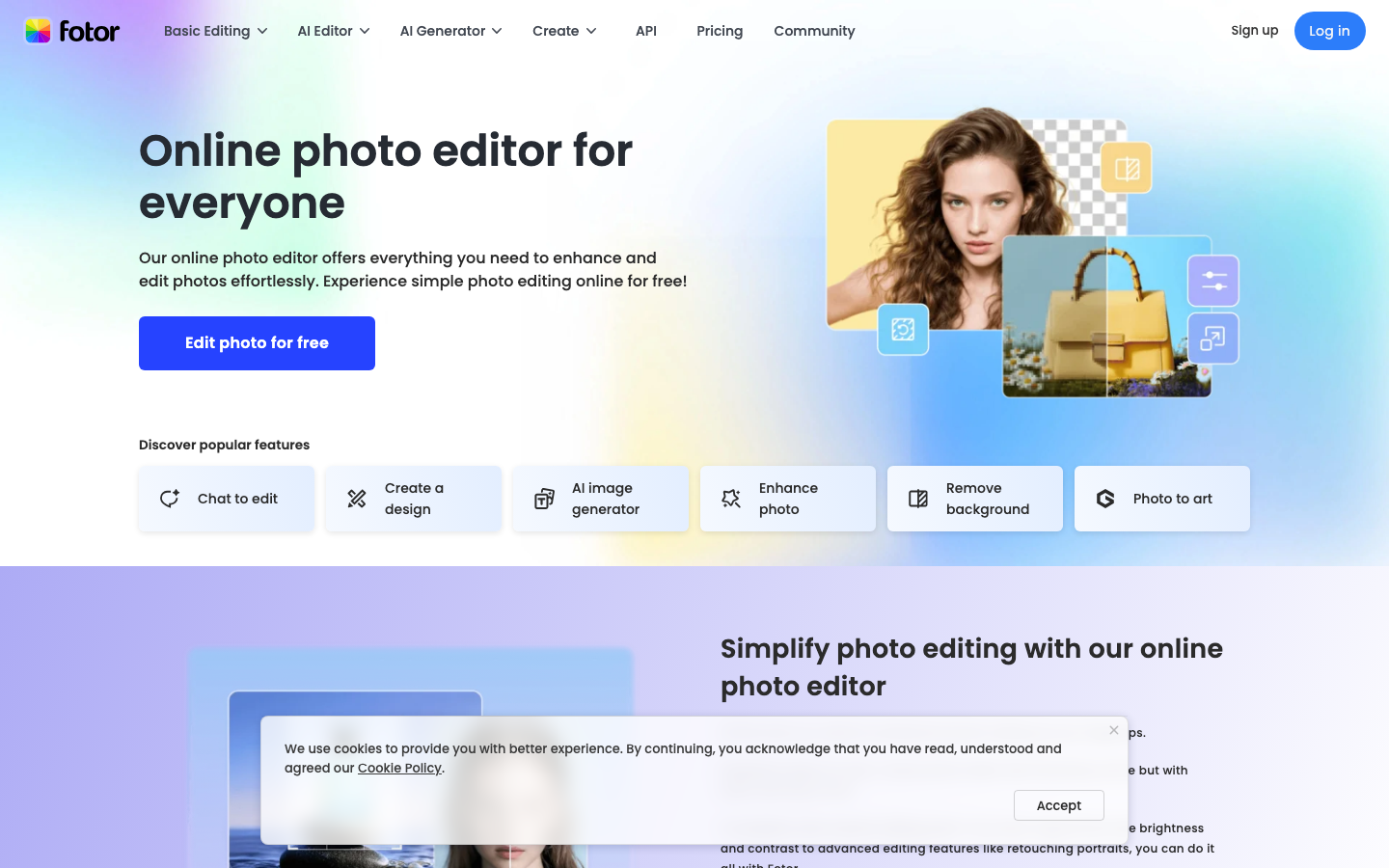
Fotor provides a free AI image extender that doesn't even require you to sign up, which I appreciated when I just wanted to test it out quickly. Its proprietary diffusion model does an impressive job replicating complex lighting, shadows, and textures for seamless transitions. It supports instant conversion to industry-standard formats like 1:1, 16:9, 9:16, and 4:3 while maintaining 4K-level clarity. It's particularly handy for adapting images across different social media platforms without having to manually crop or resize.
6. PicWish — AI Image Extender
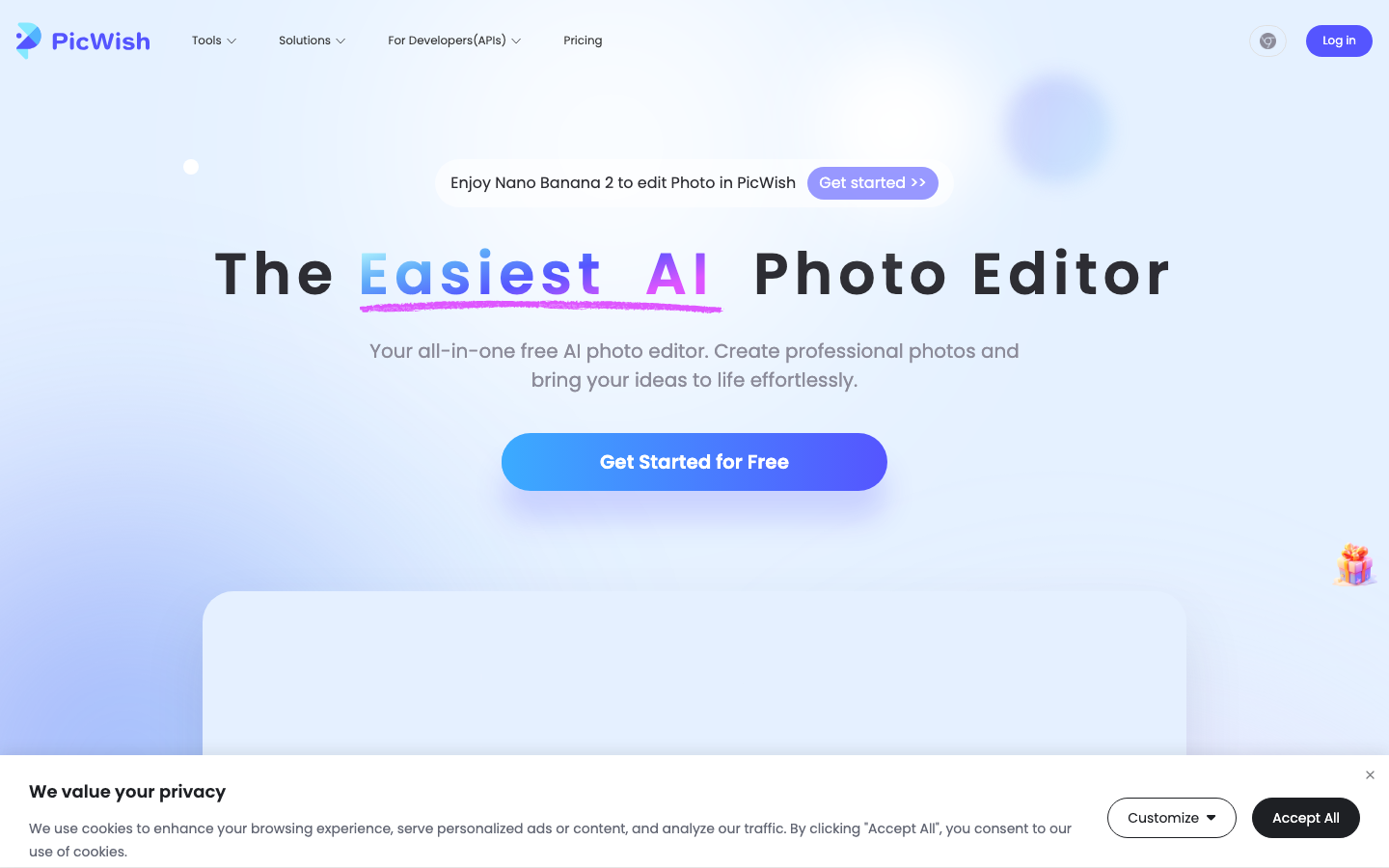
PicWish offers a solid AI image extender that expands image boundaries without manual cropping or stretching. It uses high-resolution outpainting technology that analyzes your content and intelligently adds new elements to complete the scene. I noticed it does a good job preserving full image details without quality loss and maintaining consistent color balance after expansion. Beyond image extension, PicWish also offers background removal, watermark removal, and other photo editing tools in the same suite.
7. Picsart — AI Expand
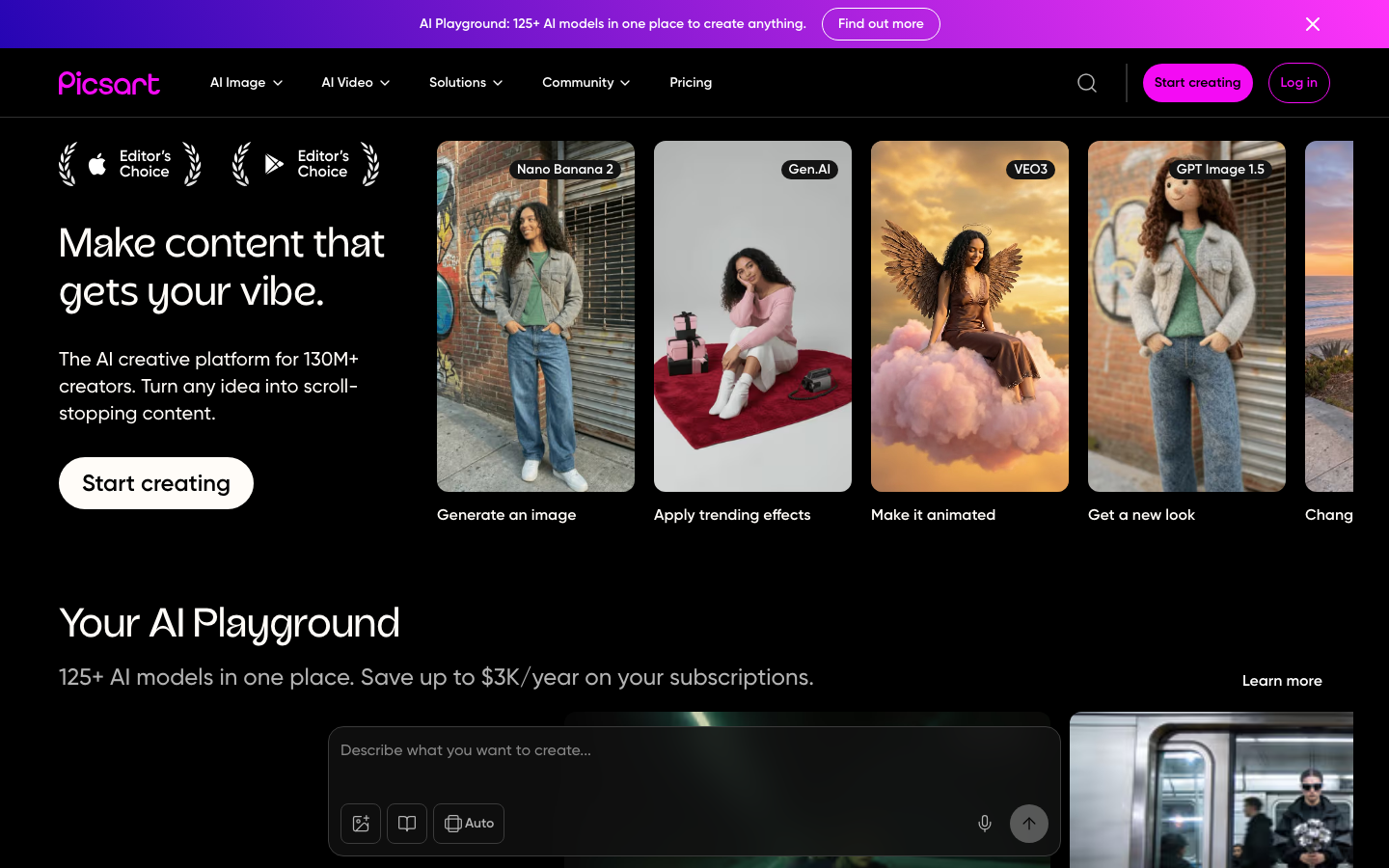
Picsart's AI Expand tool is accessible through both their web platform and mobile app, which makes it convenient for on-the-go editing. You can select from preset aspect ratios like 16:9, 9:16, 1:1, and 4:5, or use custom expansion by dragging edges to your exact desired dimensions. The tool analyzes your photo's style, colors, textures, lighting, and perspective to create natural-looking additions. For best results, I found that starting with simpler backgrounds like skies or water and keeping expansions moderate gives the most convincing output.
8. Zawa AI — Image Outpainting
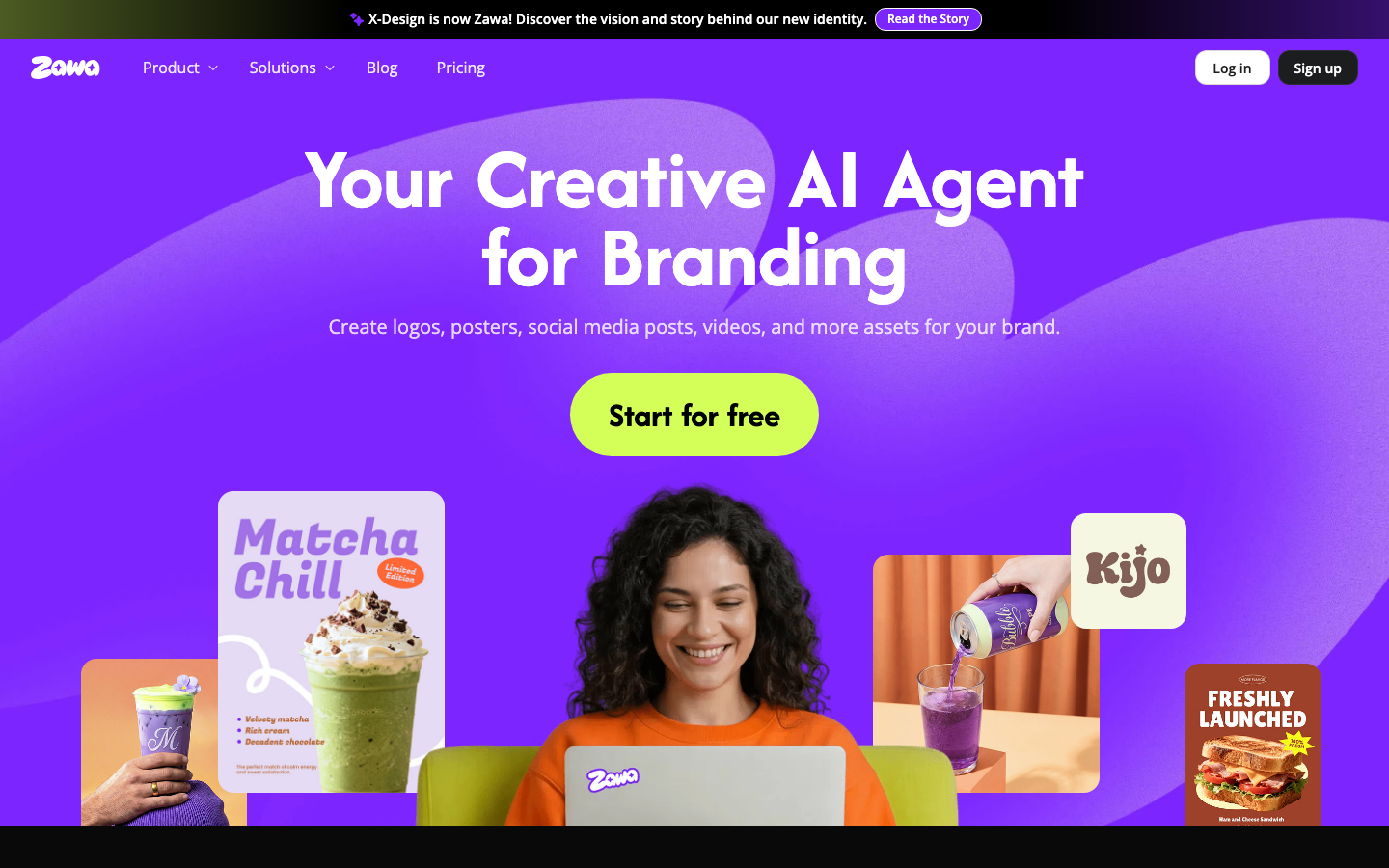
Zawa AI is a free online tool that focuses on making image outpainting simple and accessible. After processing, it generates four different outpainting options for you to choose from, which gives you some creative flexibility. It's particularly useful for e-commerce sellers who need different product image sizes and for anyone adjusting images to meet specific platform requirements. The canvas positioning feature lets you place your image anywhere within the expanded canvas, which is a nice touch for controlling composition.
9. MyEdit — AI Image Extender
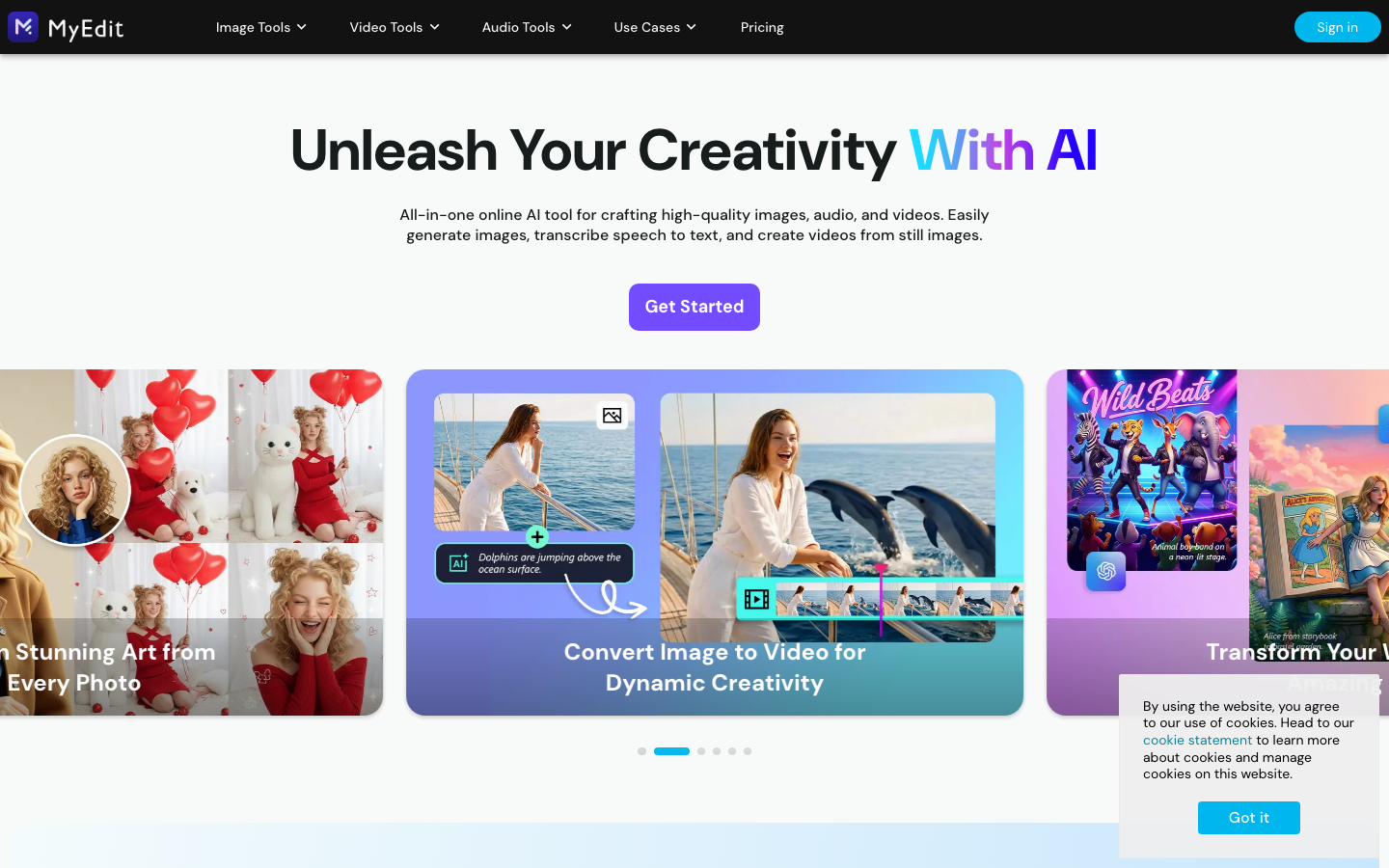
MyEdit stands out for its broad format support, accepting JPG, PNG, GIF, WebP, and BMP files with a generous 50 MB file size limit. The three-step process of upload, edit, and generate is straightforward, and it delivers instant results. It's great for converting vertical photos to horizontal, optimizing images for specific social media platforms, and extending product images for advertisements. The preview function lets you check the results before downloading, which saves time when you're working through multiple images.
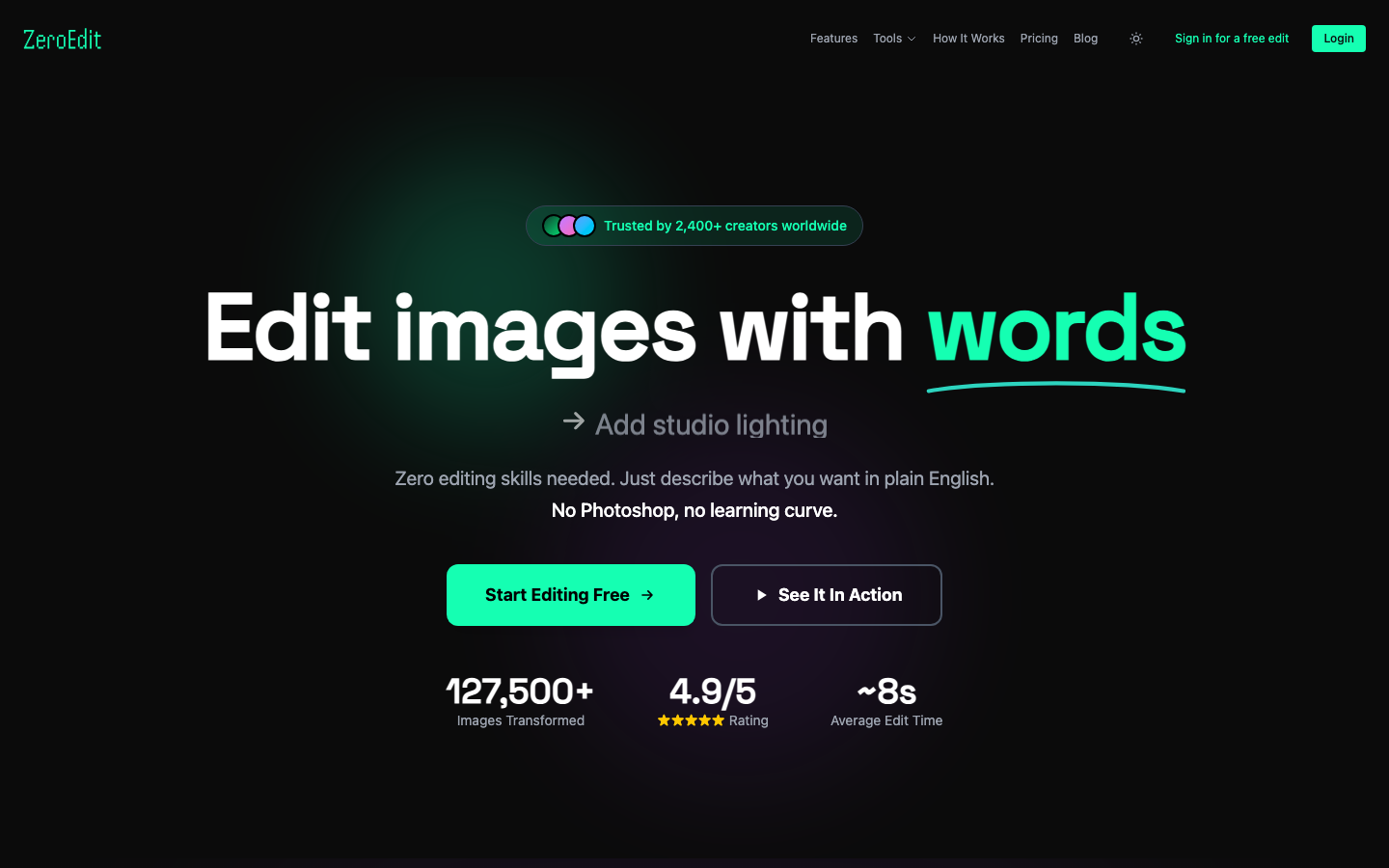
10. ZeroEdit — AI Image Extender & Outpainting
ZeroEdit processes images in roughly 10 seconds and supports six or more aspect ratios including 16:9, 9:16, 1:1, 4:3, 21:9, and custom dimensions. What I found useful is the ability to provide text prompts to guide what appears in the extended areas, like "extend to 16:9 with more sky above." It outputs up to 4K resolution and includes batch resizing for handling multiple images while maintaining visual consistency. The platform has processed over 127,000 images and serves thousands of creators, so it's been well tested in the real world.